What's New
Learn more about Morflax studio new features, updates and bug fixes.
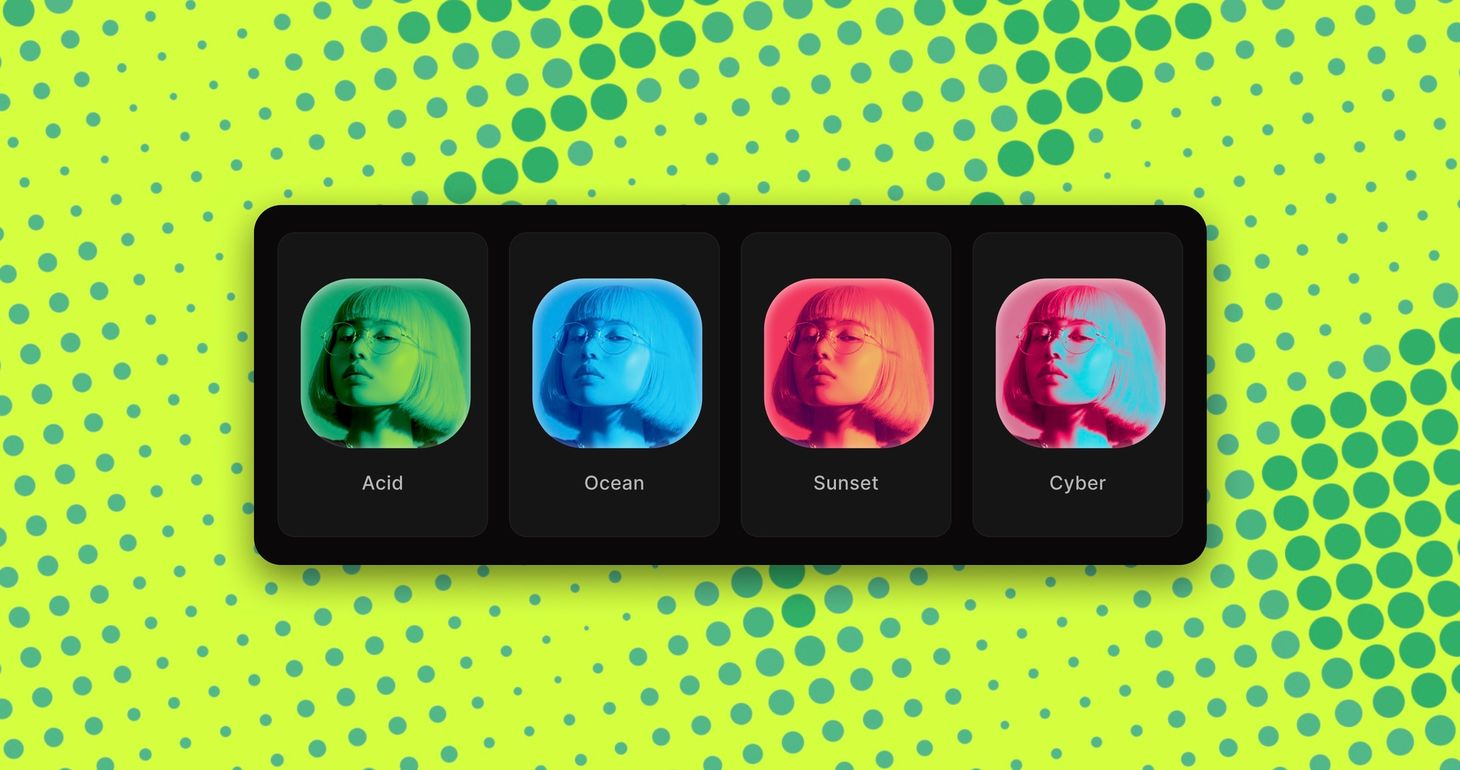
Gradient Map & multi-color palettes
Color palettes now go beyond two colors. Use them in ten effects, from Dither and Halftone to ASCII and Pixelate, or recolor your whole scene with the new Gradient Map effect.
What's new
- Multi-color palettes for print and pattern effects
- New Gradient Map effect
- RGB mode for Dither
- Smooth slider for ASCII
- Rebuilt Bloom with a smoother, rounder glow
Multi-color palettes and Gradient Map
Palettes used to have two colors, an ink and a paper. Now they take up to five, from a preset or your own, and the colors run from the darkest areas to the lightest for a multi-color print look.
Palettes work in every Print & Pattern effect (Dither, Halftone, Risograph, CMYK, ASCII, Dot Matrix, Pointillism and Bricks), and in Pixelate and Mosaic.
The new Gradient Map uses the same palettes on your whole scene, so a 3D render, mockup or photo takes on your brand colors in one step. Duotone stays the simple two-color option.
Dither also gets an RGB mode that rebuilds the image's colors from red, green and blue pixels, like a screen up close.
Improvements
- Dot Matrix Invert draws dark dots on a light background that grow in the shadows, like a print
- ASCII Smooth is a new slider that softens the characters: blend palette colors into each other, or let your image show through behind them.
- Bloom is rebuilt for a softer, rounder glow that flickers less and matches your exports more closely.
- Halftone Shadow fills the darkest areas with solid ink in the Print style
- Match BG sets the paper of Dither and Halftone to your background color, so the background stays clean
- More presets, and changing one effect for another keeps your colors
Effects stack & six new effects
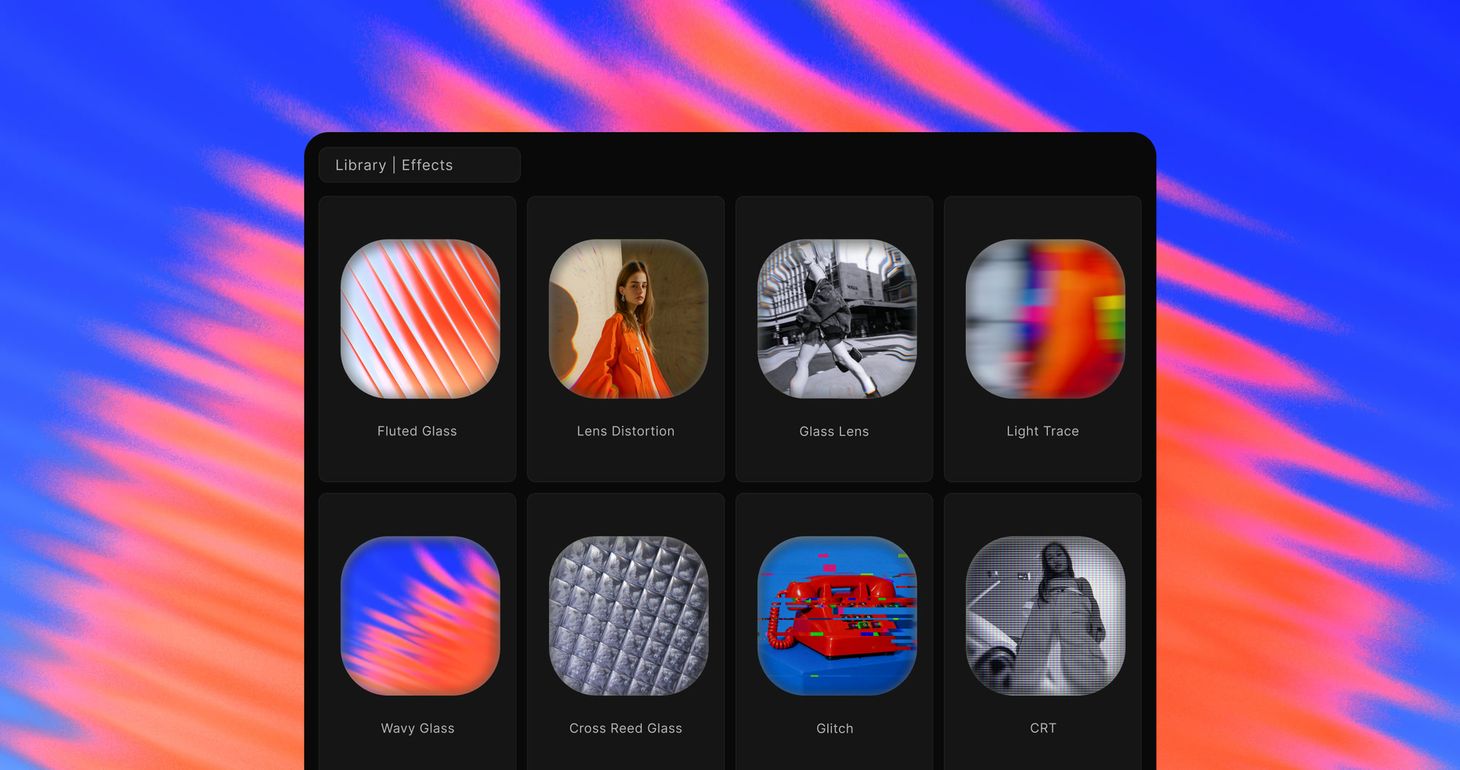
Effects now work like layers. Every effect lives in one stack you can combine and reorder, and six new ones join it: Glitch, CRT, Lens Distortion, Glass Lens, Light Trails, and Fractal Glass, which comes in five patterns.
What's new
- Six new effects for glass, lens, and retro looks
- One effects stack: combine any effects and drag to reorder them
- New effect picker with previews, grouped by style
- Reworked controls for Blur, Bloom, Dither, ASCII, and Gradient Overlay
New effects
- Glitch - digital and analog glitches, in bursts or constant
- CRT - a curved tube with scanlines and a phosphor mask
- Lens Distortion - barrel and pincushion warp with color fringing
- Glass Lens - clear in the middle, bent toward the rim
- Light Trails - a long-exposure smear that pulls highlights into bright lines
- Fractal Glass - patterned glass: Fluted, Wavy, Frosted, Cross Reed, and Ripple
One effects stack
Effects and post-processing are now one list. Press + to open the effect picker, where every effect has a preview and sits in a group.
Stack a Dither with Bloom and Film Grain, or put Fractal Glass over a Halftone, then drag the cards to change the order. The stack works like layers: an effect higher in the list is applied on top of the ones below it, and Adjustments always apply last. Click an effect's icon to swap it for another one in place, and your colors carry over.
Effects keep their size when you change the canvas aspect ratio, and animated effects like Glitch follow the timeline playhead, so the editor, your previews and your exports match. Existing projects open with their look intact.
If anything feels off, let us know - we're actively improving.

New templates and collections
We added lots of new templates and collections, plus a new Explore page with a curated view of the library and animated previews.
What's new
- Lots of new templates, from cinematic mockups and effects to abstract scenes and 3D visuals
- New Explore page with a curated mix of templates in one grid
- New Effects collection with ASCII, Halftone, Dither, Risograph, Bricks, and more
- More collections on the templates page
- Animated previews on hover
Explore curated templates
The new Explore page brings a curated mix of templates into one grid, from cinematic device mockups and stylized effects to 3D vectors, glass objects, icons, and abstract scenes.
Hover over a template to preview its animation, then open it to customize the materials, lighting, camera, and motion.
New Effects collection
The new Effects collection includes ready-made scenes using ASCII, Halftone, Dither, Mosaic, Risograph, Bricks, Duotone, and Chromatic effects. Replace the image, vector, or object with your own and adjust the look from there.

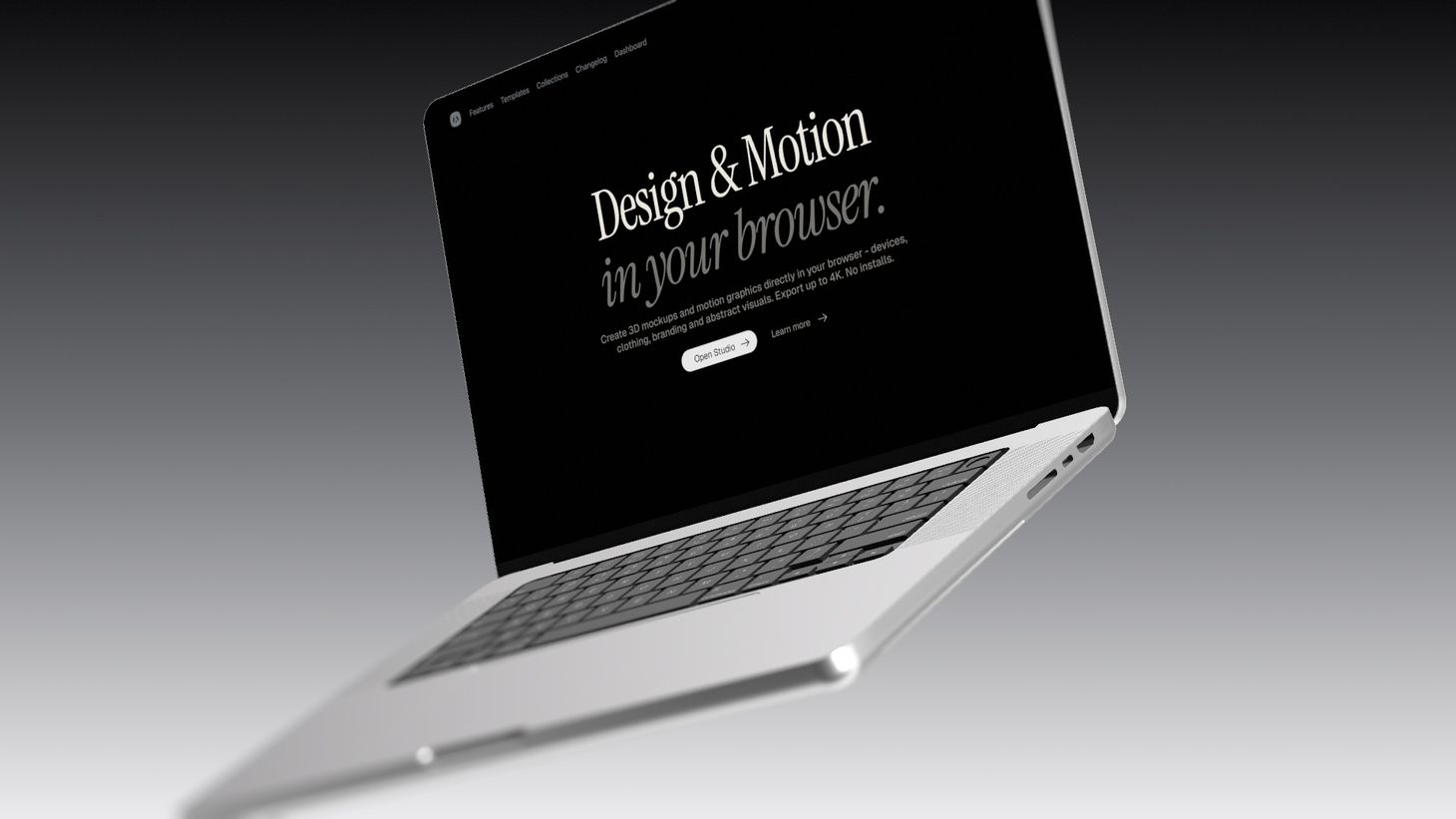
Cinematic device mockups
Turn a screenshot or screen recording into a cinematic device shot. This new collection combines animated scenes and the new Screen glass control with blur, film grain, bloom, and other post-processing controls in ways we haven't used in templates before.
What's new
- New Cinematic Device Mockups collection with iPhone, MacBook, and screen scenes
- New Screen glass control on device mockups: None, Matte, and Glossy
- New templates designed around blur, film grain, bloom, and nice animations
New cinematic templates
The collection includes iPhone, MacBook, and screen scenes that combine object animation, lighting, screen materials, and post-processing for a cinematic look.
Every template is fully editable. Add your own screenshot or video, then adjust the device, environment, camera, animation, and effects before exporting an image or video up to 4K.
Screen glass and post-processing
The new Screen glass control lets you choose how the display surface looks:
- None keeps the screen clean and clear, making it ideal for UI presentations
- Matte adds a soft, anti-glare layer over the display
- Glossy adds a glass-like surface that picks up the environment and surrounding light
Glossy works especially well with an HDRI environment. Pair it with post-processing controls like Blur, Film Grain, Bloom, and Vignette for a more realistic, cinematic look.

New effects & UI improvements
Five new stylized effects join the Studio, alongside a cleaner post-processing panel and a set of editor improvements that make everything a little faster to reach.
What's new
- Five new effects: CMYK, Dot Matrix, Risograph, Outline, and Posterize
- Redesigned post-processing panel with clearer, easier-to-scan controls
- Improved aspect ratio selection for framing your exports
New effects
Apply a style across the whole scene and turn images, vectors or 3D models into stylized artworks.
Create looks inspired by print, retro screens, line art, and bold posters. Dot Matrix, CMYK Halftone, Risograph, Outline, and Posterize.


Bricks effect
A new Bricks effect that turns your scenes, objects, and vectors into blocky, brick-built visuals. Apply it across the whole scene for a playful, constructed look — right inside the browser.
What's new
- New Bricks effect for scenes, objects, and vectors
- Adjustable brick size and density for finer or chunkier builds
- Works with images, videos, and 3D models
- Exports to image or video like any other effect

Effects and post-processing
Effects and post-processing are now available in Morflax Studio. Create more expressive visuals, refine the final look of your scene, and export polished images or videos directly from the browser.
What's new
- Effects: Halftone, Dither, ASCII, Pixelate, and more
- Post-processing: Blur, Bloom, Film Grain, Vignette, and more
- Adjustments: Exposure, Contrast, Saturation, Hue, and more
- Redesigned settings sidebar for cleaner controls
Effects
Effects let you create more expressive visuals from your scenes, objects and vectors. Apply a style across the whole scene and turn clean 3D renders into something more graphic, textured, or experimental.
Create looks inspired by print, retro screens, posters, digital art, and abstract graphics with Halftone, Dither, ASCII, Pixelate, Mosaic, Pointillism, Duotone, Threshold, and Heatmap.

Post-processing
Post-processing helps you refine the final image before export. Add depth, glow, grain, softness, and subtle lens-style details directly inside Morflax Studio.
It works especially well for device mockups, product showcases, icons, or uploaded 3D models. A simple iPhone mockup with blur, bloom and film grain can feel much closer to a finished campaign visual than a raw viewport render.
Available controls include Blur, Bloom, Film Grain, Vignette, Chromatic Shift, and Gradient Overlay.

Adjustments
Adjustments give you more control over color, light, and the overall balance of the render.
Fine-tune tone mapping, exposure, brightness, contrast, saturation, hue, temperature, and tint before exporting your image or video.
Use effects to shape the style. Use post-processing and adjustments to finish the render.
If anything feels off, let us know - we're actively improving.

New materials and improved settings
The materials library just got a major upgrade - 20+ new presets, improved settings, and new emissive controls. Pick a material, apply it in one click, and achieve great results without touching a single setting.
What's new
New material presets The library now includes 20+ solid and plastic presets across a wide range of colors and finishes - from matte clay to high-gloss plastic. Each preset is designed to look great out of the box without any manual tweaking.
Emissive material settings Materials can now emit light, giving objects a glowing, neon, or backlit appearance. Useful for product renders, abstract scenes, and motion graphics.
Improved material settings The material settings panel has been reorganized for faster access to the most common controls - roughness, metalness, and color are now front and center.
How it works
Open any scene in Morflax Studio, select an object, and open the Materials panel. Switch to the Library tab to browse all presets - click any material to apply it instantly.

Upload your own 3D objects
You can now upload your own 3D models (GLB format) directly into Morflax Studio and use them just like any built-in element — with full control over materials, lighting, camera, animation, and export.
How it works?
Navigate to the object upload page or drag & drop a GLB file anywhere in the editor.
Object materials
When uploading a 3D model that already has materials, you can keep the original materials or replace them with materials from your current scene. Duplicate materials are automatically merged to keep things clean.
Once loaded, every material appears in the Materials section — swap textures, adjust colors, or apply library materials just like any other element.
What you can do with uploaded objects
- Adjust position, rotation, and scale
- Customize individual materials and textures
- Change lighting, background, and environment
- Animate with keyframes on the timeline
- Export as image, video, or 3D file
- Save to your projects and reload later with all materials preserved
Uploaded objects are stored in your account and accessible from the editor sidebar for reuse across projects.

Meet Morflax Studio 2.0
After a long beta, Morflax Studio 2.0 is finally here. A browser-based studio for mockups, icons, visuals, and motion graphics. Remix templates, animate scenes, export in minutes.
We rebuilt it from scratch - faster, cleaner, and designed to make 3D creation feel effortless.
What you can make with it:
- High-quality mockups
- 3D icons, shapes and logos
- Custom lighting & materials
- Abstract 3D artworks
- Animated scenes
- 4K video exports
Excited to see what you make with it ✨
If anything feels off, let us know - we're actively improving.

Dashboard Redesign
We've separated the creative workspace from account management. The main page at studio.morflax.com is now your hub for projects, templates, collections, and tools. The dashboard has been simplified to focus purely on your account.
What's Changed
- studio.morflax.com is your creative home — projects, templates, collections, and tools
- /dashboard is now account-level only — profile, settings, and billing
- /projects page removed from the dashboard and available directly in the platform
- Cleaner separation between creating and managing your account

New video export modal
Video export now opens in a dedicated modal the moment you start rendering. You get a live progress indicator, a scene preview, and a Cancel button at any time.
When encoding finishes, the modal switches to a completed state with all the details. MP4 and WebM exports also play back right in the modal, so you can review the result before downloading.

Faster video export + 4K available on Pro
Video export is now up to 2–4× faster with new Fast presets (MP4 + WebM) and a Quality control that lets you pick speed vs fidelity (go Ultra when detail matters most). Export progress is now more reliable, especially on longer renders. The Export panel has also been redesigned with clearer Image / Video / 3D sections.
4K exports are now included in Pro - no need to jump to Pro Max for high-resolution output.


New Templates Collection
A growing collection of ready-to-use scenes, objects, and mockups designed to help you start faster and explore ideas without friction.
Each template is fully editable: Change materials, lighting, camera, background, and animation.
More templates, collections, and styles are coming soon.


Dynamic Screen Mockup & Experimental Feature
This update introduces the Dynamic Screen Mockup, letting you display images or videos directly in 3D space. We’re also opening early access to an experimental Camera Animation feature, bringing cinematic camera movements right inside Morflax Studio.
Dynamic Screen Mockup
Display your designs, videos, or product demos directly inside 3D space. It automatically fits to your composition, keeps the right proportions, and adapts to both images and videos for clean, realistic visuals.
Camera Animation (Beta Access)
Cinematic motion, natively in Morflax Studio. Add camera keyframes, pan, tilt, and zoom to make cinematic shots. This is an experimental feature rolling out to a small test group while we refine performance and controls.

Multi-Color Gradients & Presets
Linear and radial gradients now support multiple colors, noise overlay, giving you more control and flexibility when styling your background. We’ve also added a set of ready-to-use gradient presets to help you quickly explore different looks and color combinations.
What's New
- Multi-color gradient feature
- Gradient presets library
- Subtle noise overlay toggle
- Gradient positioning improvements

User Experience Improvements
This update focuses on smoother workflows and a more refined editing experience across the Studio. From improved sliders and inputs to new layout touches and smarter file handling — everything should now feel a little faster, clearer, and more cohesive.
What's New
- New sliders and inputs for smoother control
- Unified style and button behavior
- Layout and spacing adjustments
- Improved file upload handling
- Duplicate project option
- Refined scene settings
- Floor and wall scene options
- Mockup placeholders
- Better notifications and error handling
- Changelog page and modal

Skybox Feature & New Environments
Remix your scene with new environment presets, HDRI skies, and the all-new Skybox feature. Upload your own panoramic images or choose from curated presets. Control reflection and instantly transform your 3D scenes in just a few clicks.
New Environment Presets
Environment presets are the fastest way to light your scene, add reflection, and create atmosphere. Choose from a growing library of HDRI environment presets or upload your own file for a custom look.
Skybox Feature
Place your scene in a panoramic HDRI background that defines the tone and depth of your artwork. Adjust the field of view and rotation to find the perfect framing and perspective. Clean controls, instantly cinematic results.

Field of View & Camera Controls
Refine your compositions with new camera controls The new camera section lets you adjust the field of view, position, and angles to frame your 3D scenes exactly how you want.
We’ve also improved catalog navigation and refreshed the sign-in and sign-up flow for a cleaner, faster experience throughout the Studio.

Abstract Collection Update
The library now includes a wider range of objects — from abstract shapes and basic geometries to a Lego-inspired brick set. They’re simple to use and fun to combine, giving you more freedom to create unique 3D scenes and animations.


Meet the New Morflax Studio
Introducing the new Morflax Studio. New interface, a fresh look, dark mode, and a smoother creative workflow. Faster, cleaner, and packed with new features built to make your process more intuitive.
Redesigned project and catalog pages now include built-in search, making it easier to find projects or browse items. New camera gizmo, mockups, infinity scroll and more...
Highlights
- Dark mode
- Project and item search
- Camera control gizmo
- MOV export option
- Reset project feature
- New iPad Pro mockup
Improvements
- Unified object scale
- New homepage and layout design
- Updated catalog and project pages with infinite scroll
- Clearer “Save” button and refined UI
- Better mobile experience
Fixes
- Improved background color space
- iPhone 16 Clay fix
- T-shirt mockup fix

Introducing Abstract Design Tool
The new Abstract Tool introduces a collection of expressive 3D objects, clean and distorted shapes. From minimal geometry to playful structures, the collection makes it easy to build unique compositions and animations directly in the Studio.
Use it to create abstract wallpapers, UI elements, design and motion graphics. Remix and animate it in just a few clicks. Easy to start, works right in your browser.

Animated Templates
Introducing our new collection of animated templates. From devices, clothing and branding mockups, to shapes and icons. Bring your designs to life with smooth, professional animations that capture attention. All 3d templates are animated and easy to remix.
What's new:
- iPhone & Macbook mockups
- Clothing & fashion mockups
- Animated branding mockups
- Icon, shapes and more

New Environment & Lighting Controls
This update brings new lighting and environment controls, aspect ratio presets, and render quality settings. It also adds new easing functions, performance improvements, and the option to copy materials across all elements in your scene.
What's new:
- New lighting & environment controls
- Aspect ratio & dimension presets
- Copy material to all elements
- New easing functions
- Performance improvements
- Render quality settings
Lighting & Environment Controls
Lighting and environment settings are now simpler and more intuitive. A new draggable area lets you easily adjust light direction, giving you faster control over highlights and reflections. You can switch between environment presets, tweak intensity, or adjust the scene’s overall tone.
Aspect Ratio & Performance
Choose from predefined aspect ratio and dimension presets to frame your work for different formats, from square renders to widescreen videos. We’ve also improved rendering performance, added new easing functions for smoother animation, and introduced render quality settings for more control over output results.

New High Quality Device Mockups
Device mockups got some major updates with enhanced details and the latest devices. Fresh iPhone 16 model and refined MacBook Pro 16" with improved buttons and overall quality.

Introducing Shapes Design Tool
Explore, remix, and animate hundreds of 3D shapes or bring your own vector to life. All in your browser. Our most versatile design tool yet makes 3D modeling accessible to everyone with parametric controls, SVG conversion, and animation-ready geometry.
How does it work?
- Explore and select shape
- Remix materials and shape settings
- Animate and export the final image or video

Materials & Textures
Customize 3D vectors, geometries, and icons with ease using our new materials system. This release expands our platform to help you craft more creative and stunning artworks with advanced material controls, glass effects, and huge texture library.
What's new:
- Advanced material & texture settings
- Basic & advanced glass materials
- Material & texture library
- New vector bevel options
- Video background option
- New environment options
- SVG upload improvements
- Dashboard project loading improvements
- Bugfixes & improvements
Currently, materials and textures are available only for vectors, icons, abstract objects and geometries.

New T-shirt Mockup
New T-shirt mockups just dropped. Customize it right in your browser, change colors, tweak materials, and adjust lighting to create realistic product visuals with ease.

Public Beta, Improvements & Bugfixes
Try out new Morflax Studio V2 (beta) features! We’re still building, but you can already explore the latest updates - including the new animation timeline, dynamic soft shadows, improved lighting controls, and the new floor and grid options. Create sharper, more cinematic visuals right in your browser.
What’s new:
- Custom animations & timeline
- Animation presets
- Copy & paste keyframes
- Dynamic soft shadows
- Object loading improvements
- Better SVG loading
- SVG object optimization for the export
- Geometry improvements
- Simplified lighting control
- UI & UX improvements
- Design editing improvements
- Video background option
- Grid & floor view
Link: morflax.studio/v2
We’re excited to hear your feedback and see what you will build with it. Enjoy ✌️

Private Access to Morflax Studio 2.0 Beta
Private Beta is now available for all Morflax customers. We’ve been super busy working on the new features and animations, so you can test it in our closed beta testing.
All you need is to have a Pro Morflax studio account.
Instructions:
- Login into the Morflax Studio platform
- Open the account dropdown
- Press on the “Private Beta” button and enjoy
Hope you’ll enjoy new features 🙏

New Hoodie & Sweatshirt Mockups
New high-quality hoodie and sweatshirt mockups are now available in Morflax Studio. Fully customizable directly in your browser. Adjust colors, materials, and lighting to create clean apparel visuals in seconds.
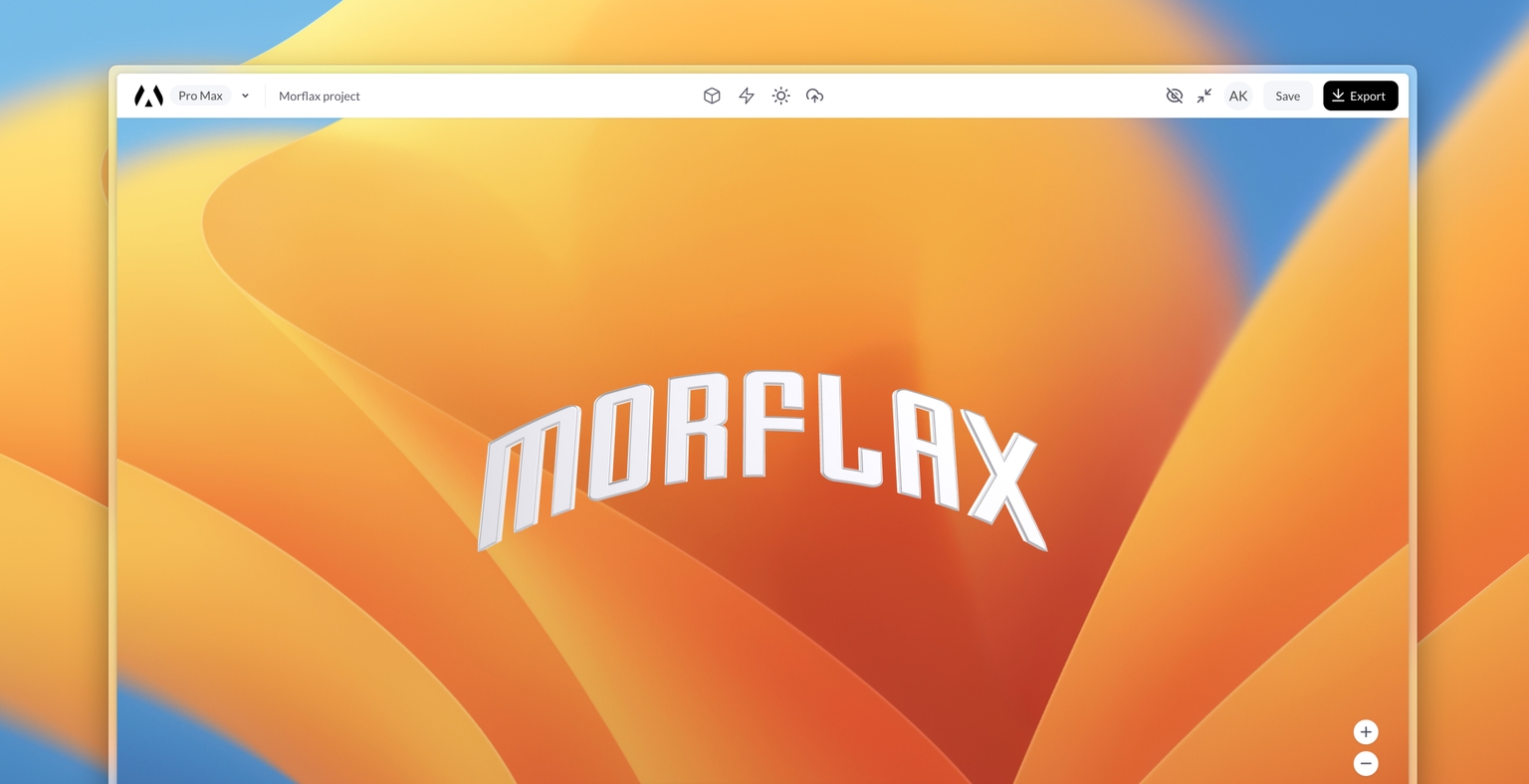
Radial & Custom Backgrounds
This month, we're introducing fresh background options. You can now add your personal touch by uploading custom backgrounds or experimenting with radial gradient backgrounds.
- Radial Gradient Background
- Custom Background Upload
- Animation performance fix
- Vector to 3D performance fix
Custom Background Upload:
We're introducing a handy new feature that lets you upload custom backgrounds directly to our platform. Enhance your designs by adding your own personalized touch.
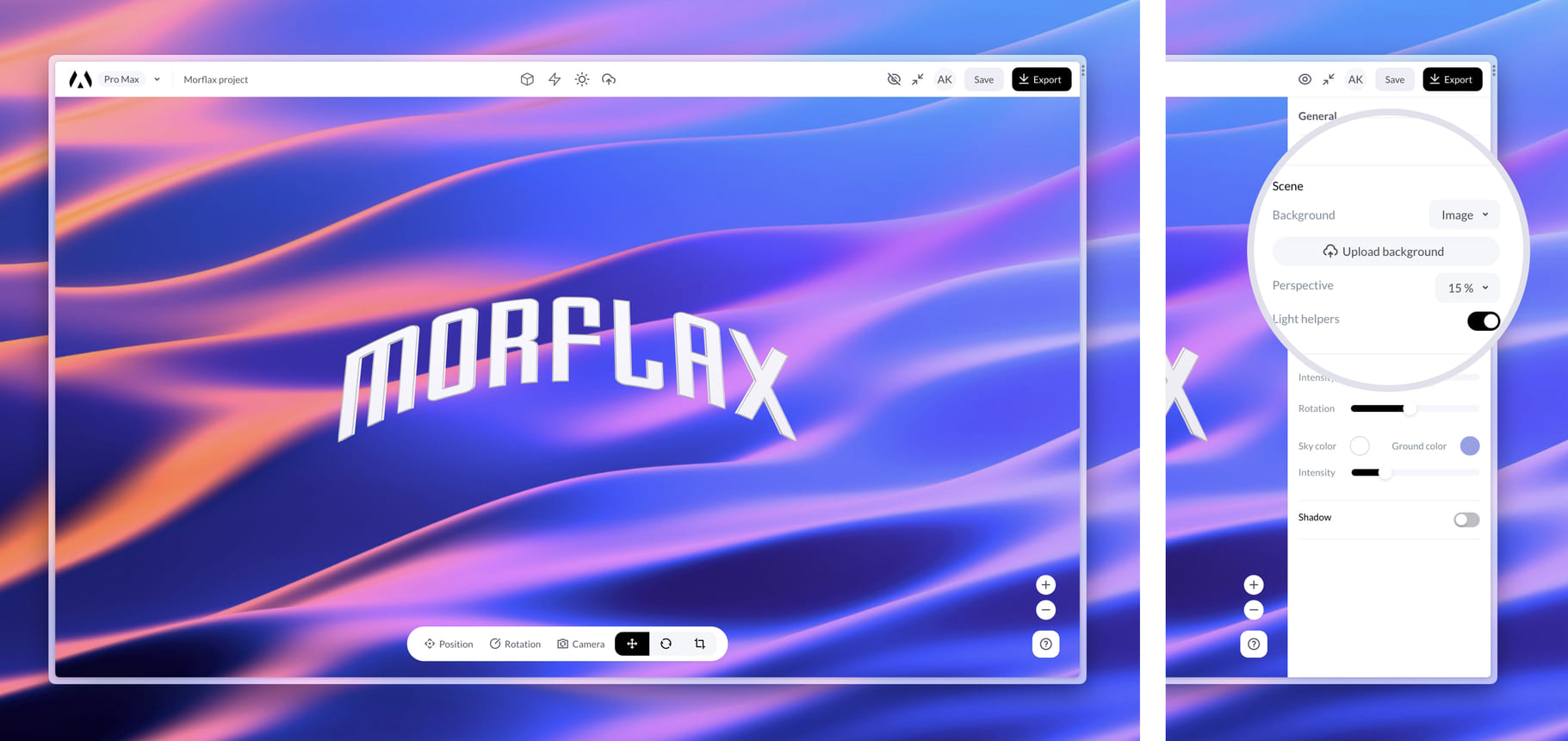
Available on Morflax Mix and Morflax Customize apps.
Radial Gradient Background:
Elevate your visuals with our new radial gradient background feature. Achieve stunning depth and dimension with captivating gradient effects.
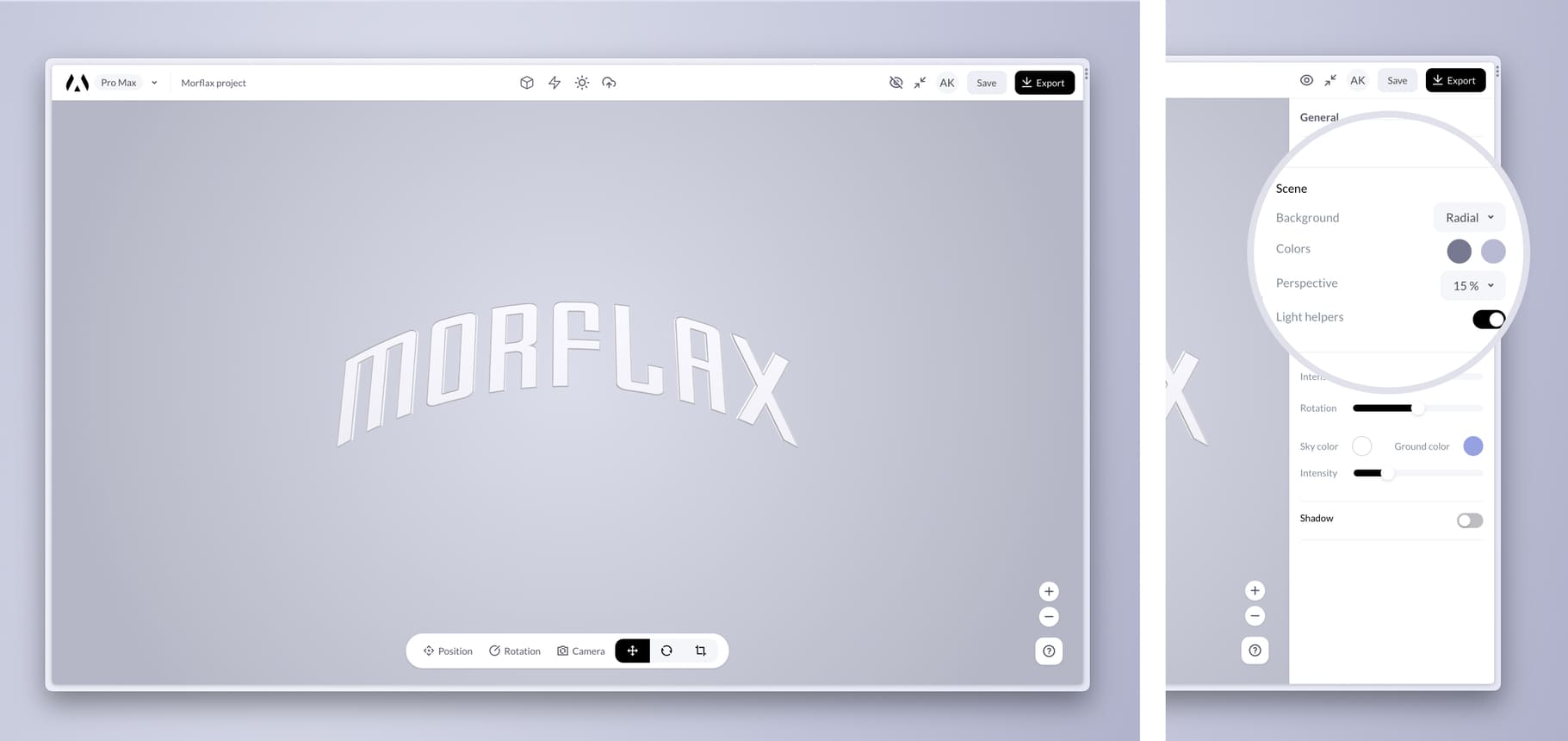
Available on Morflax Mix and Morflax Customize apps.
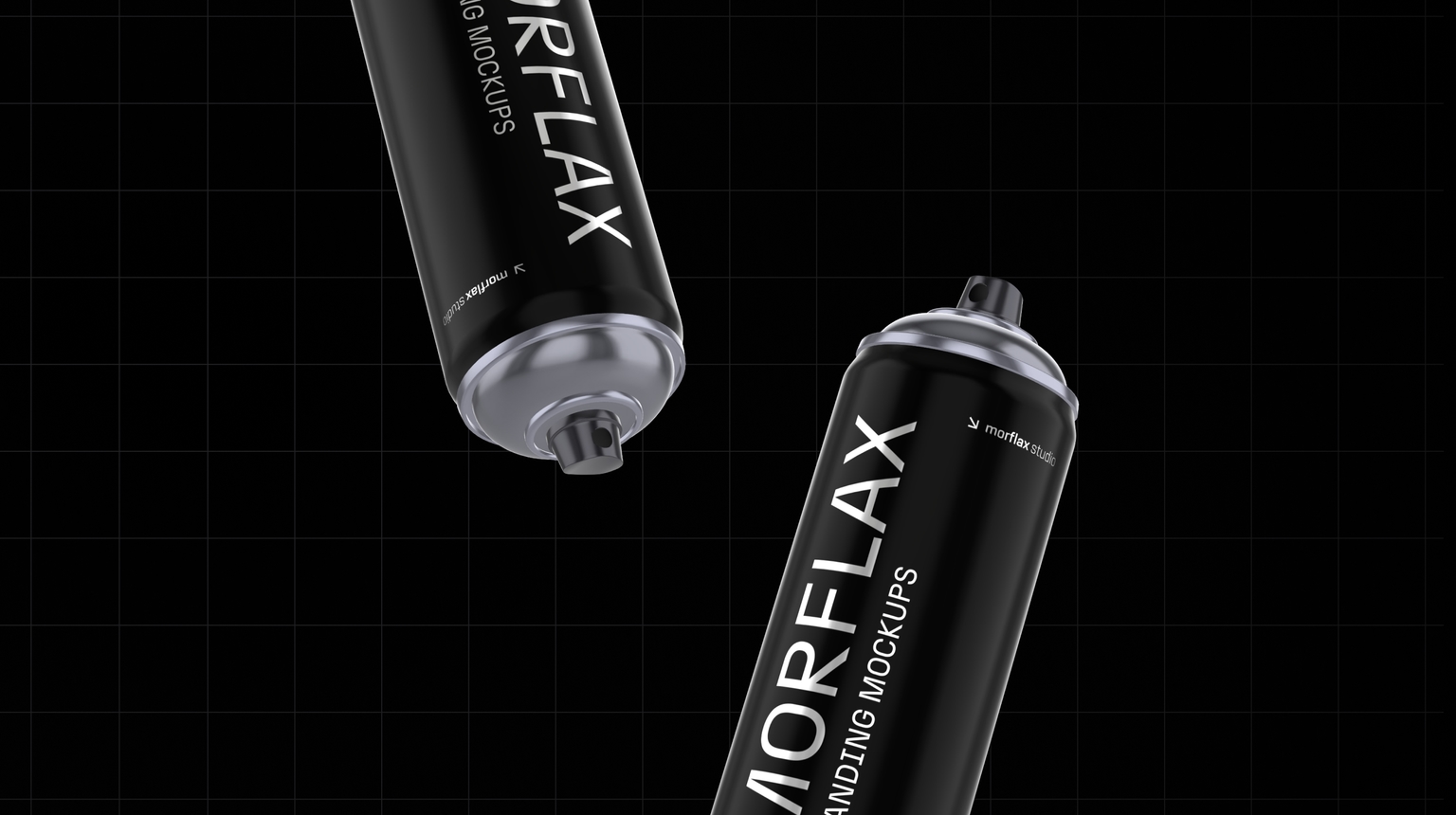
New items & templates
This month we're introducing a bunch of new elements and templates, including branding and device mockups. Get ready for a wave of new creative possibilities!
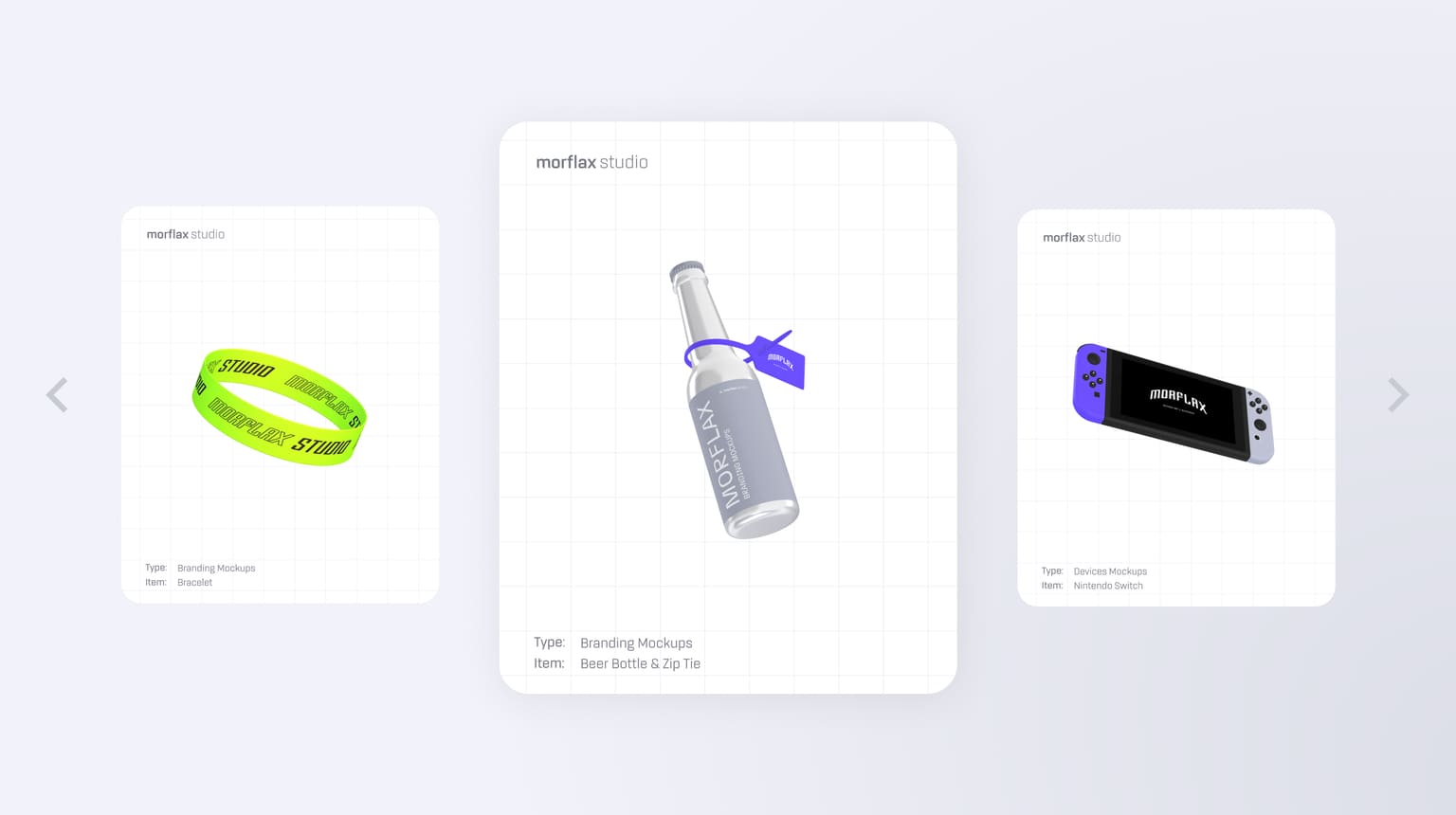
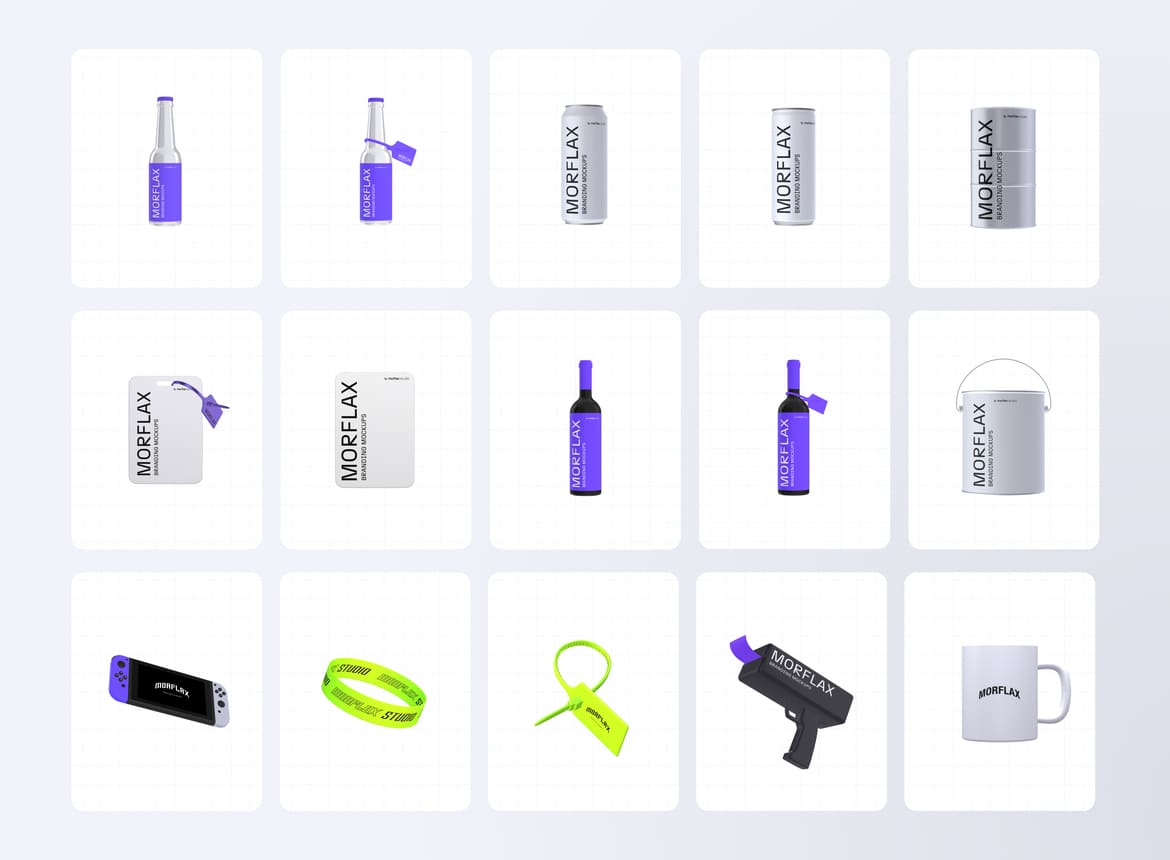
New digital items
Our team have worked hard on these unique 3D items. So now you can customize it in different styles, upload your own design and express your creativity in ways you never thought possible.
Explore and customize right here.
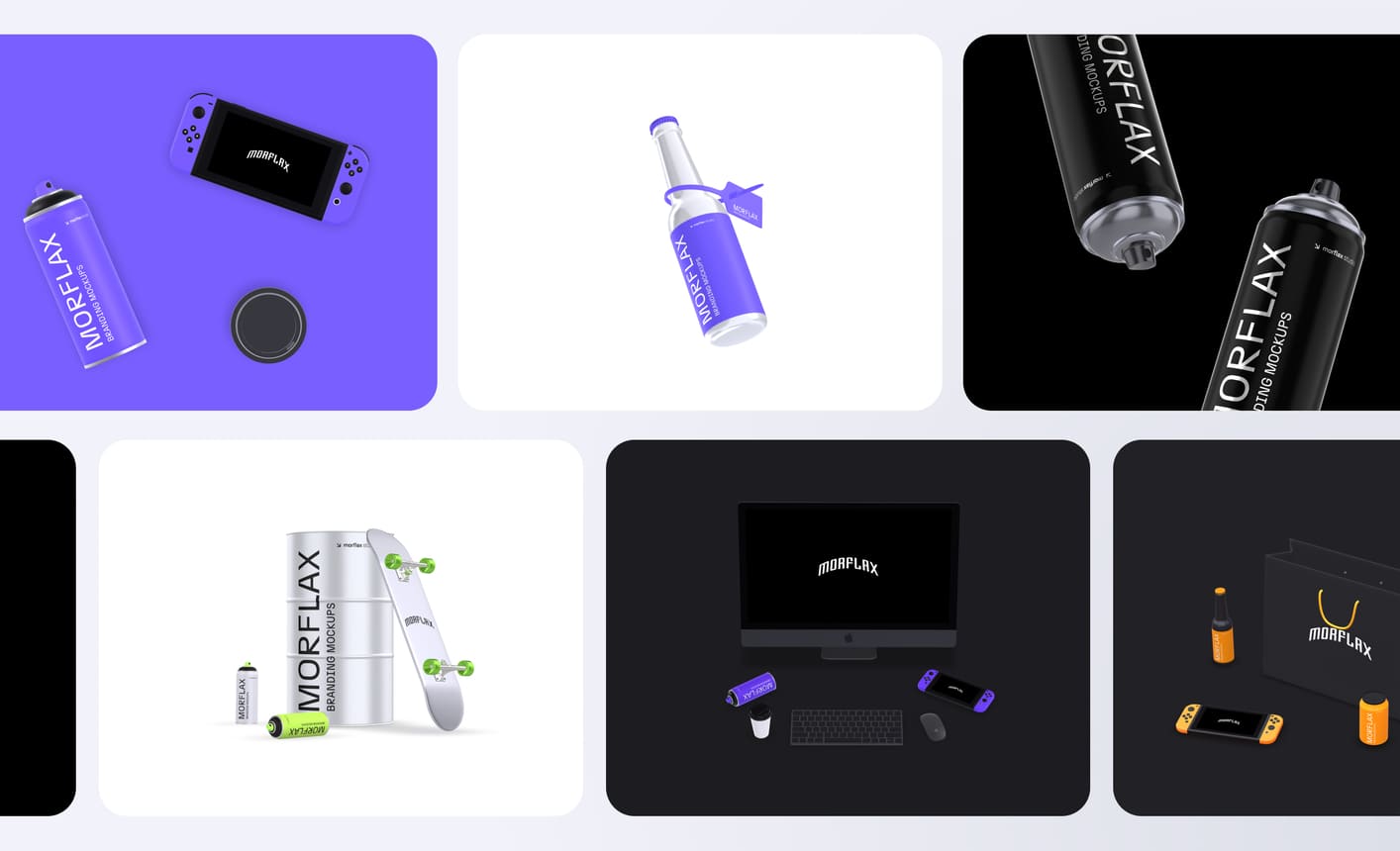
New templates
Explore our new pre-made templates, upload your design and customize it, in just a few clicks.
Check out our latest templates and collections here.
Hope you’ll enjoy this new release.
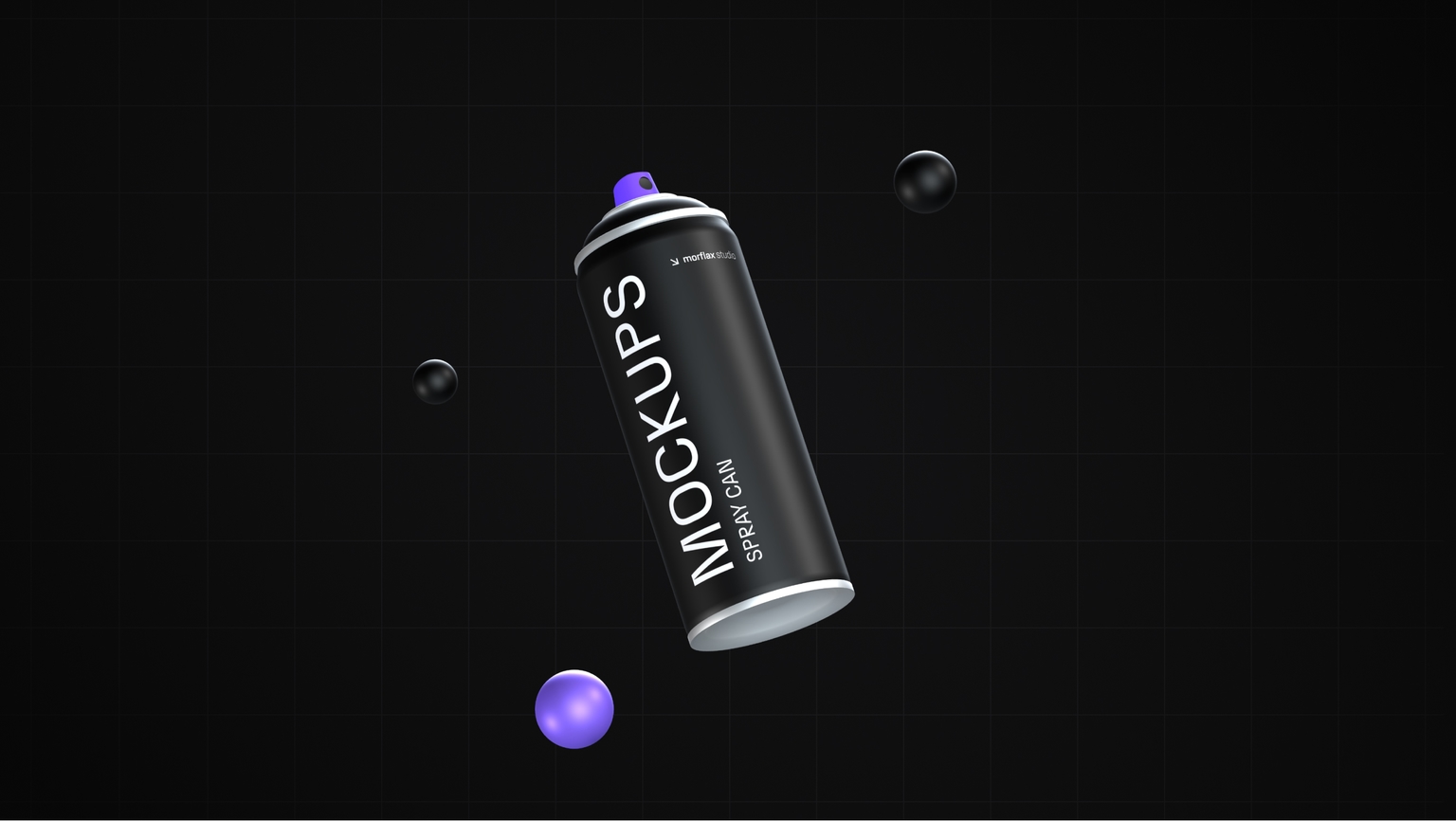
Fresh Templates
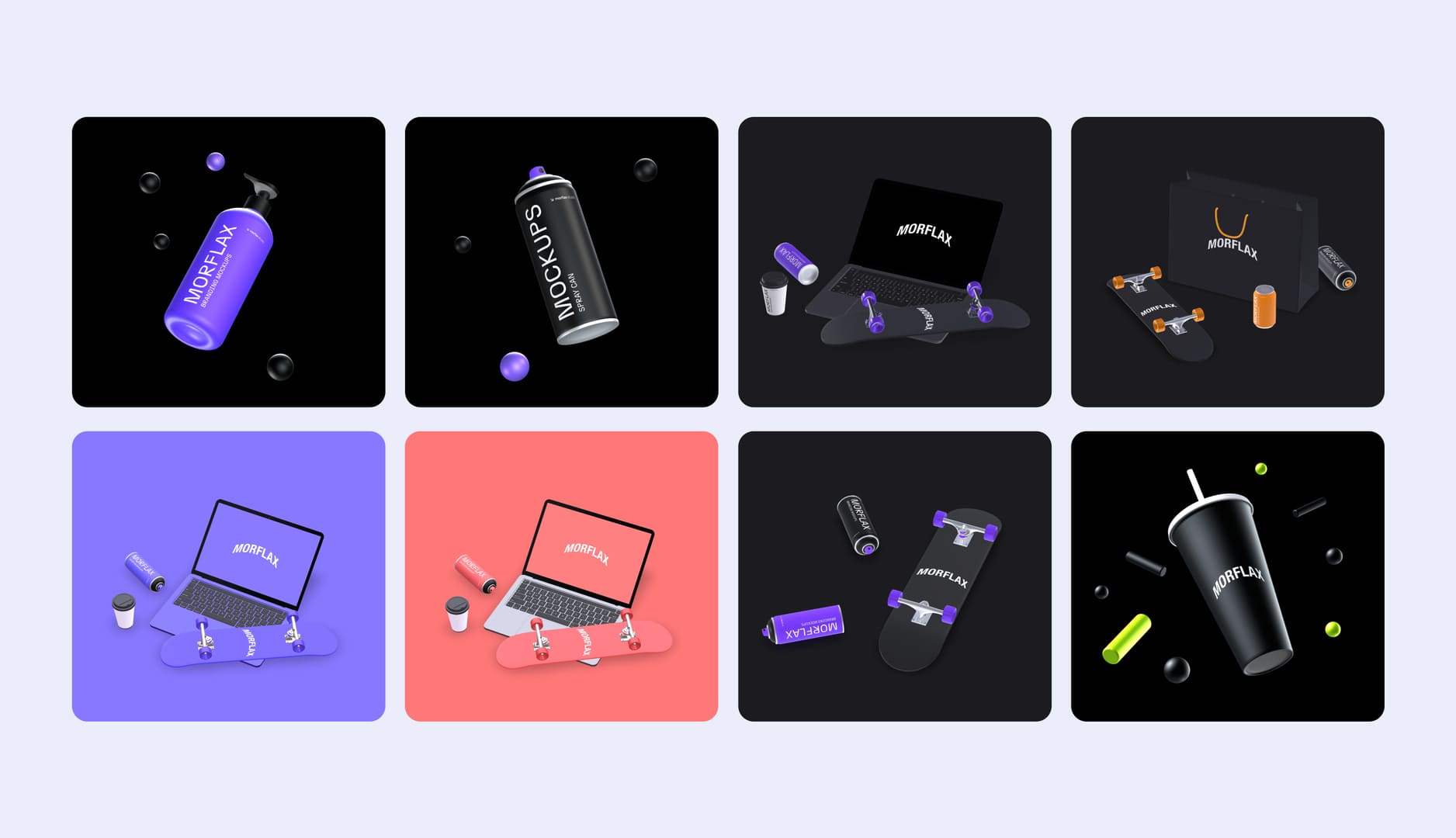
This week, we are introducing fresh new templates. From devices to branding mockups, in various styles.
Introducing our New Templates:
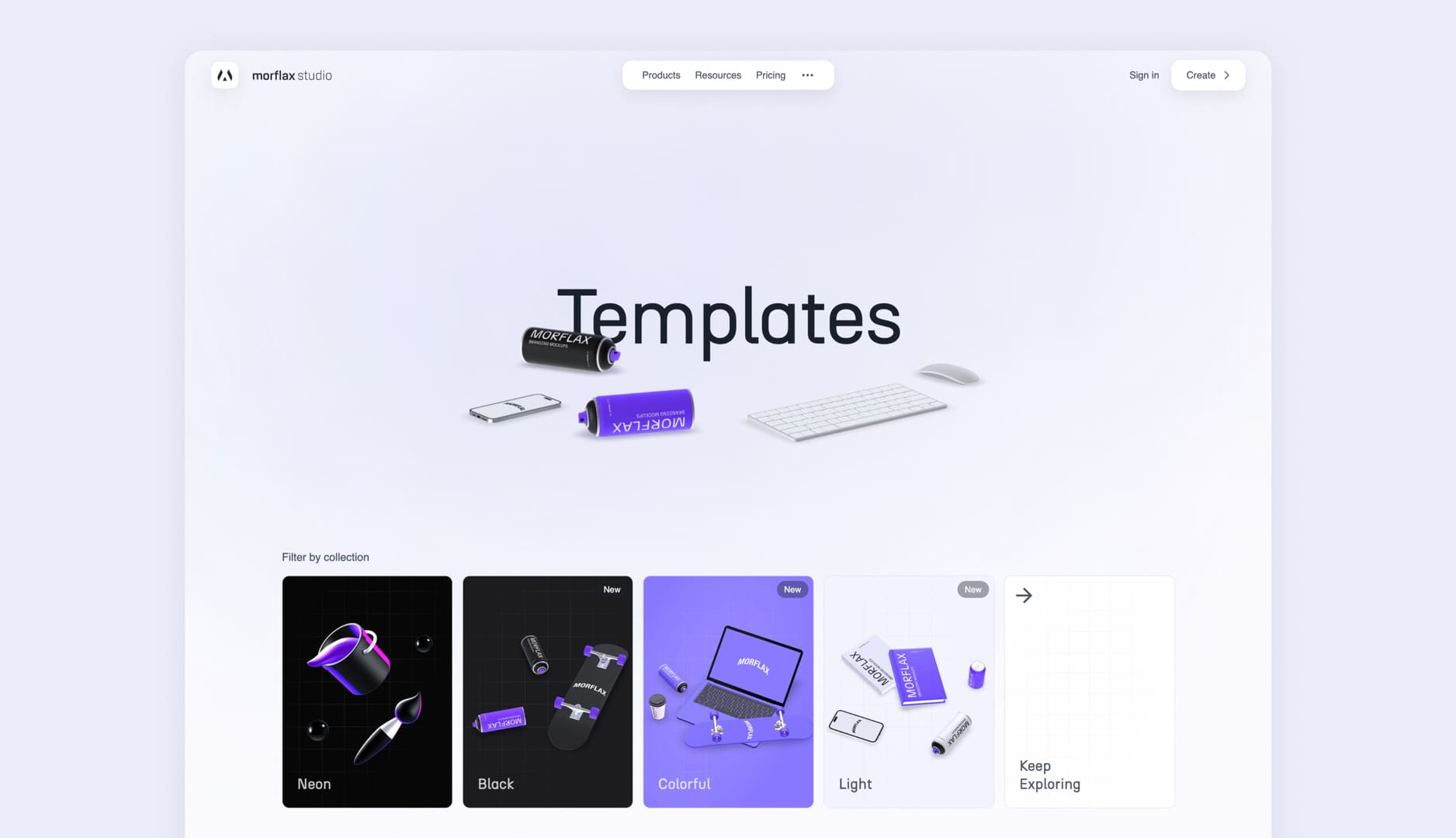
- Added a wide range of new templates with various styles
- New templates include our latest 3D objects
- New templates include 3D device mockups and branding mockups
- Bug fixes and design improvements
Explore our latest templates and collections here.
We hope these new templates will help you create outstanding content with Morflax studio.
Should you have any feedback or suggestions, please don't hesitate to reach out to us. Happy designing!
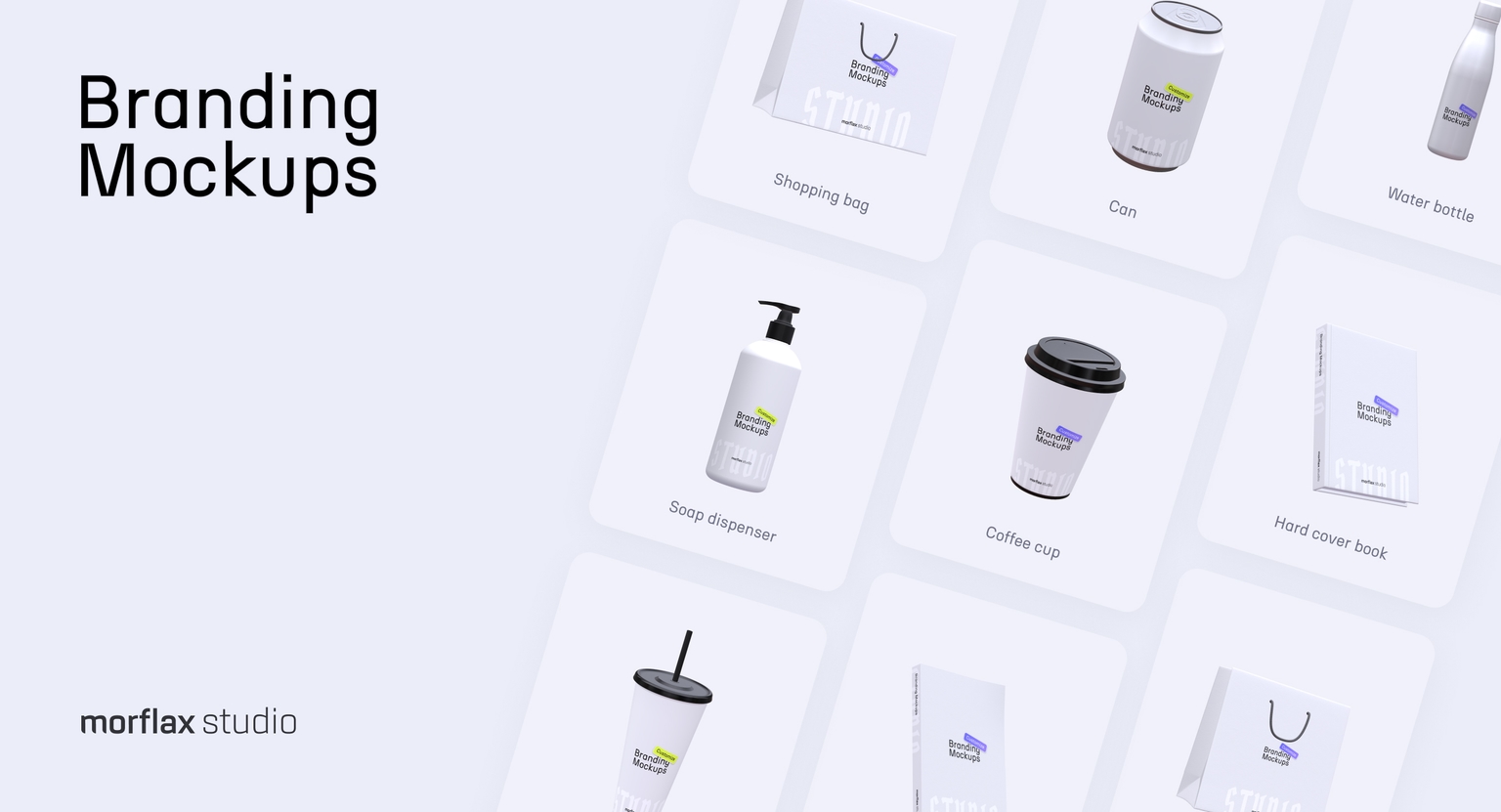
New 3D branding mockups & improvements
New 3D branding mockups, Mix design tool update, image cropping improvements and MOV video export option. Everything in our latest release.
What's new:
- New 3D mockups and elements
- MOV Video Export (with transparent background)
- MIX design tool improvements + new 3D elements
- Image cropping improvements
New 3D branding mockups
We've added some new 3D objects that you can customize by uploading your own design.
Available on Morflax customize and Morflax mix.
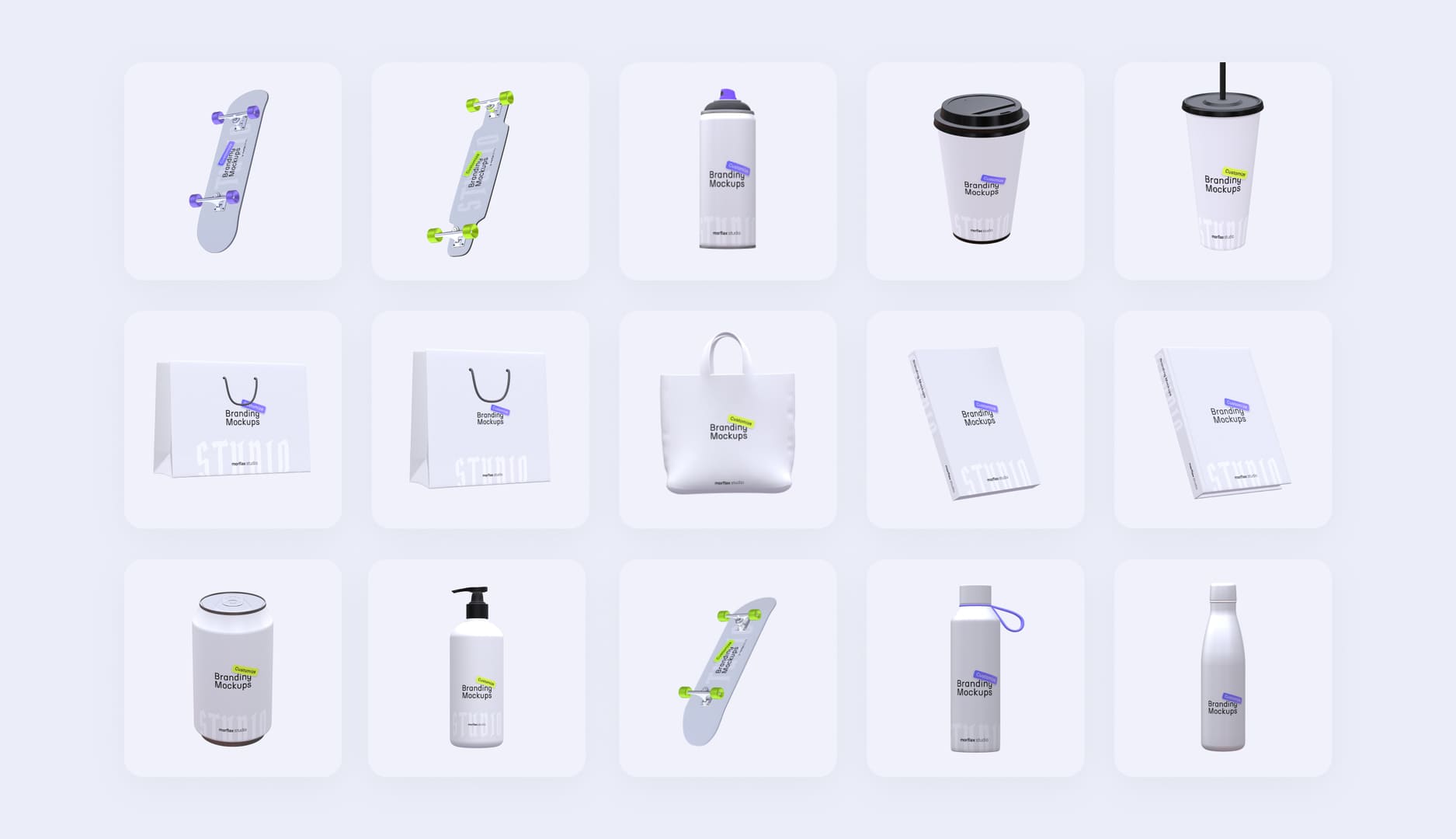
Mix design tool update
We have incorporated our new 3D elements (clothing and branding mockups) into our Mix scene builder, allowing you to easily mix and combine these mockups with other 3D elements to create visually appealing 3D scenes.
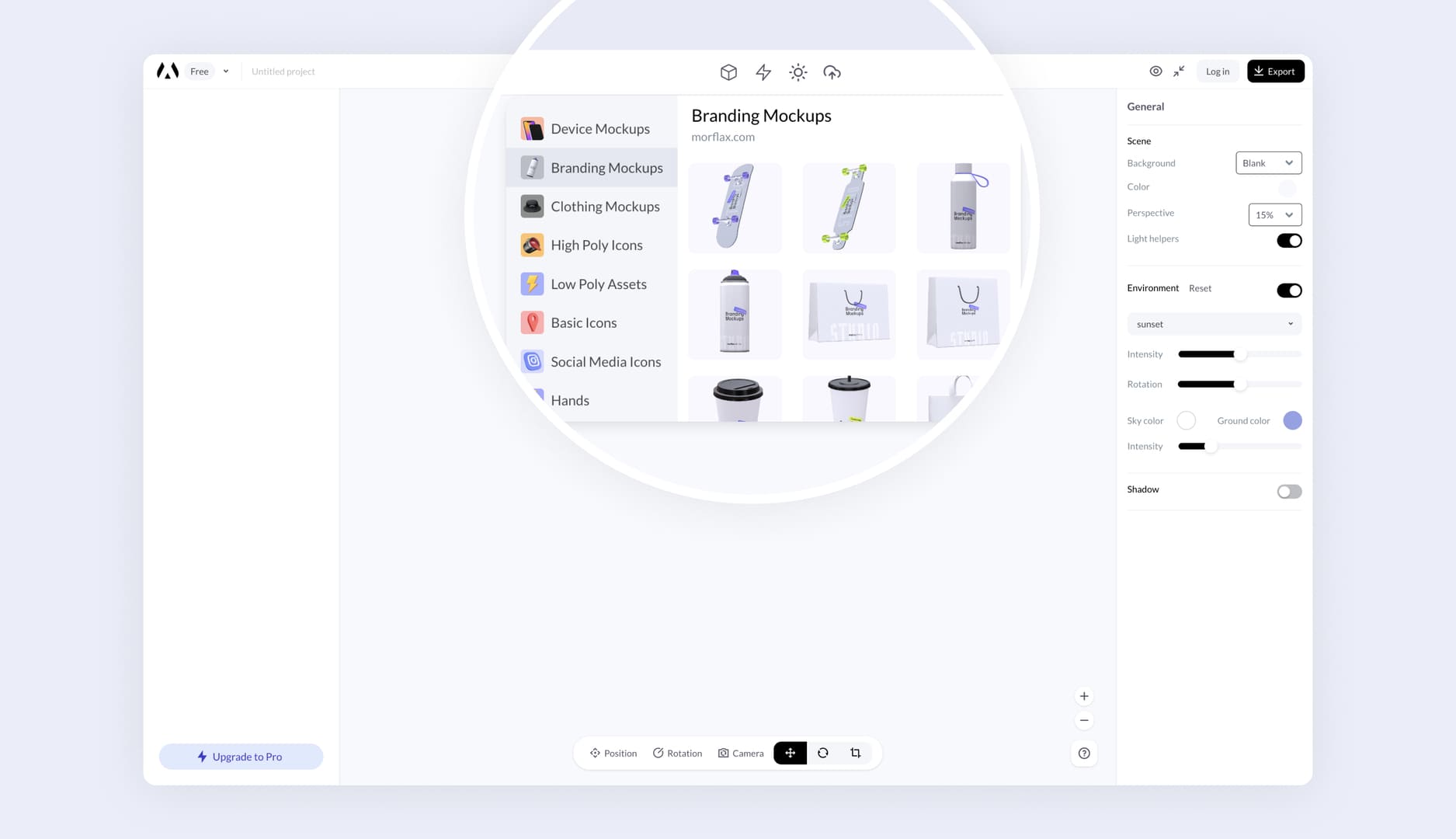
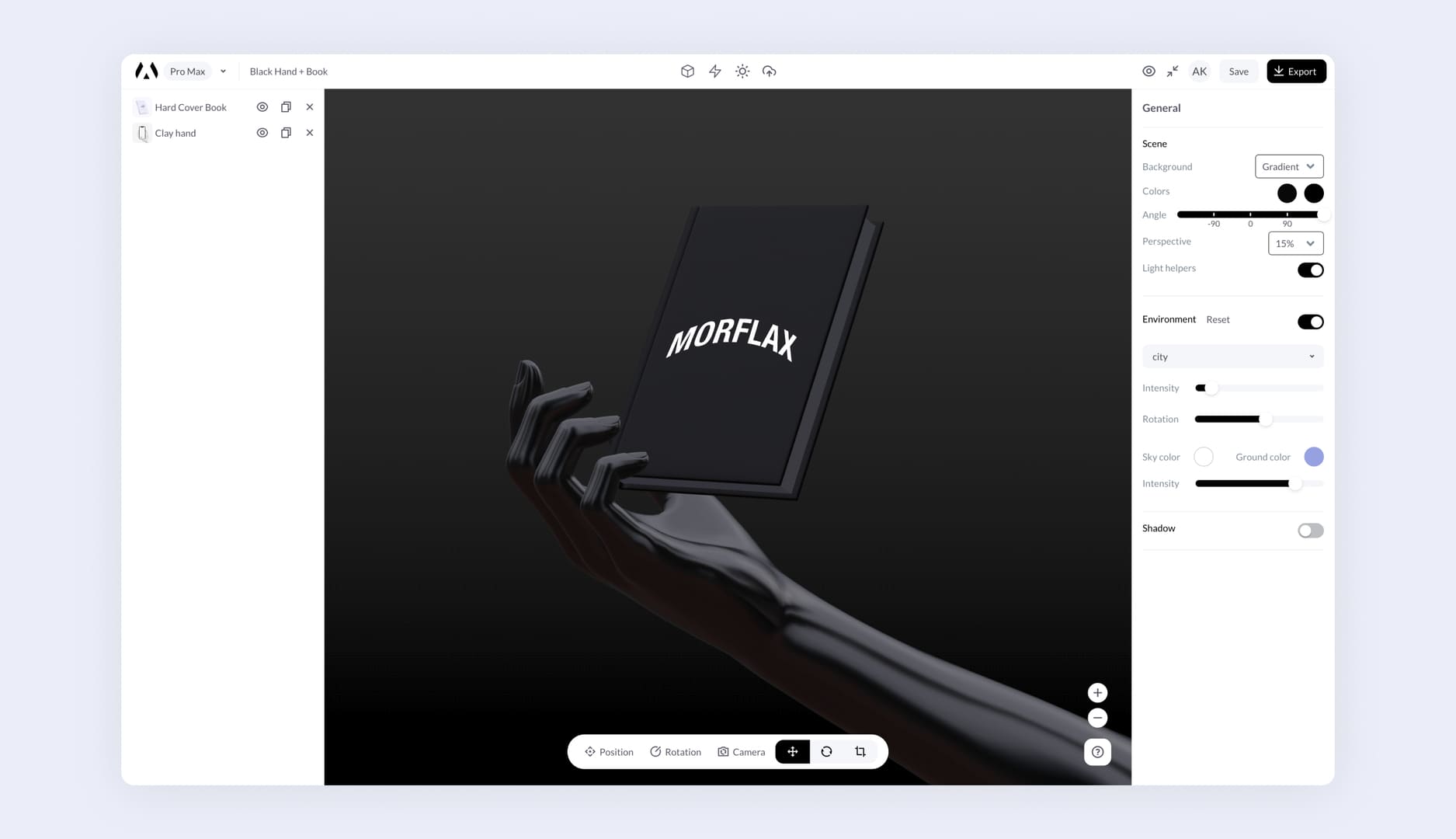
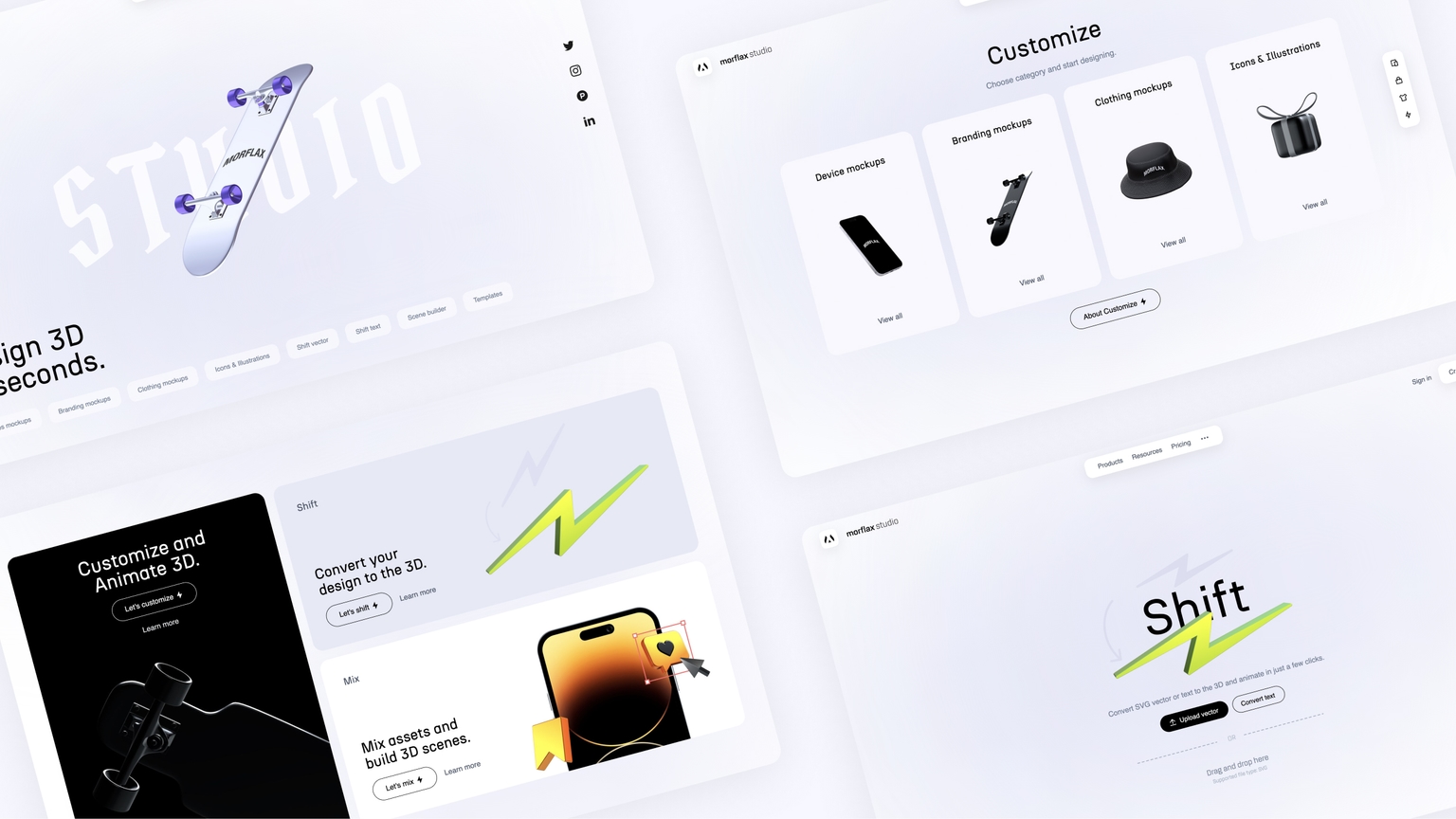
Customize, Shift & Mix
Finally, we’re shipping brand new Morflax studio website along with a new tool. Customize 3D elements easily, from 3D devices, clothing and branding mockups to 3D icons and illustrations.
What's new:
- New Morflax studio website & design
- New 3D design tool - Customize
- Mesh is now Mix
- WebM transparent export (beta)
- Video upload on the device (beta)
- More advanced cropping of uploaded images
- Lots of new 3D elements to customize
- A sidebar that helps you navigate through Studio tools easily
Introducing Customize
We have created a really simple and effective tool for creating mockups, animations and illustrations. Select the category, object and start remixing them. Animate and export video in just a few clicks. Check it right here.
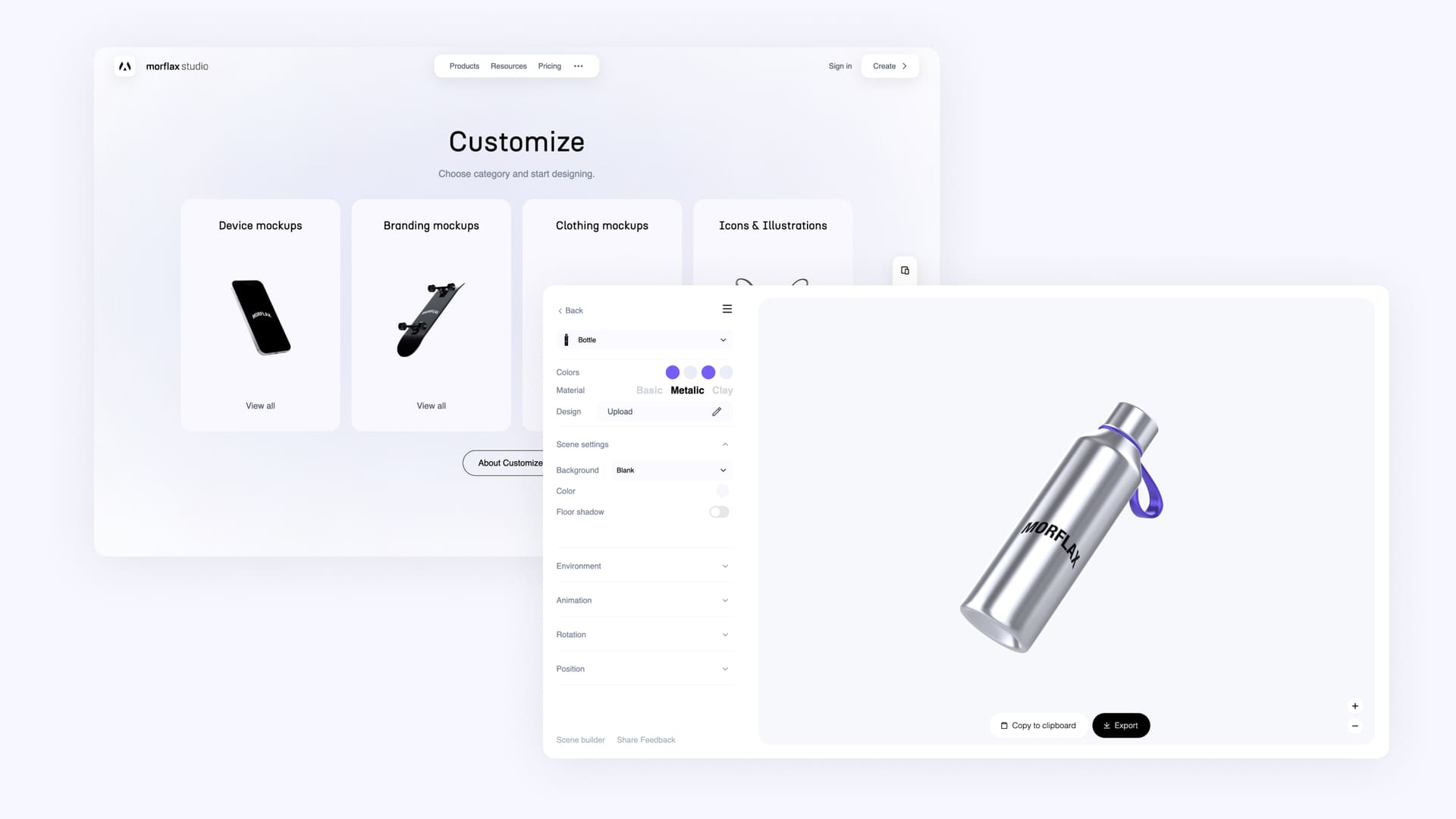
The New Studio
We are completely redesigned Morflax studio to make it as intuitive & efficient as possible. Learn more about Studio here.
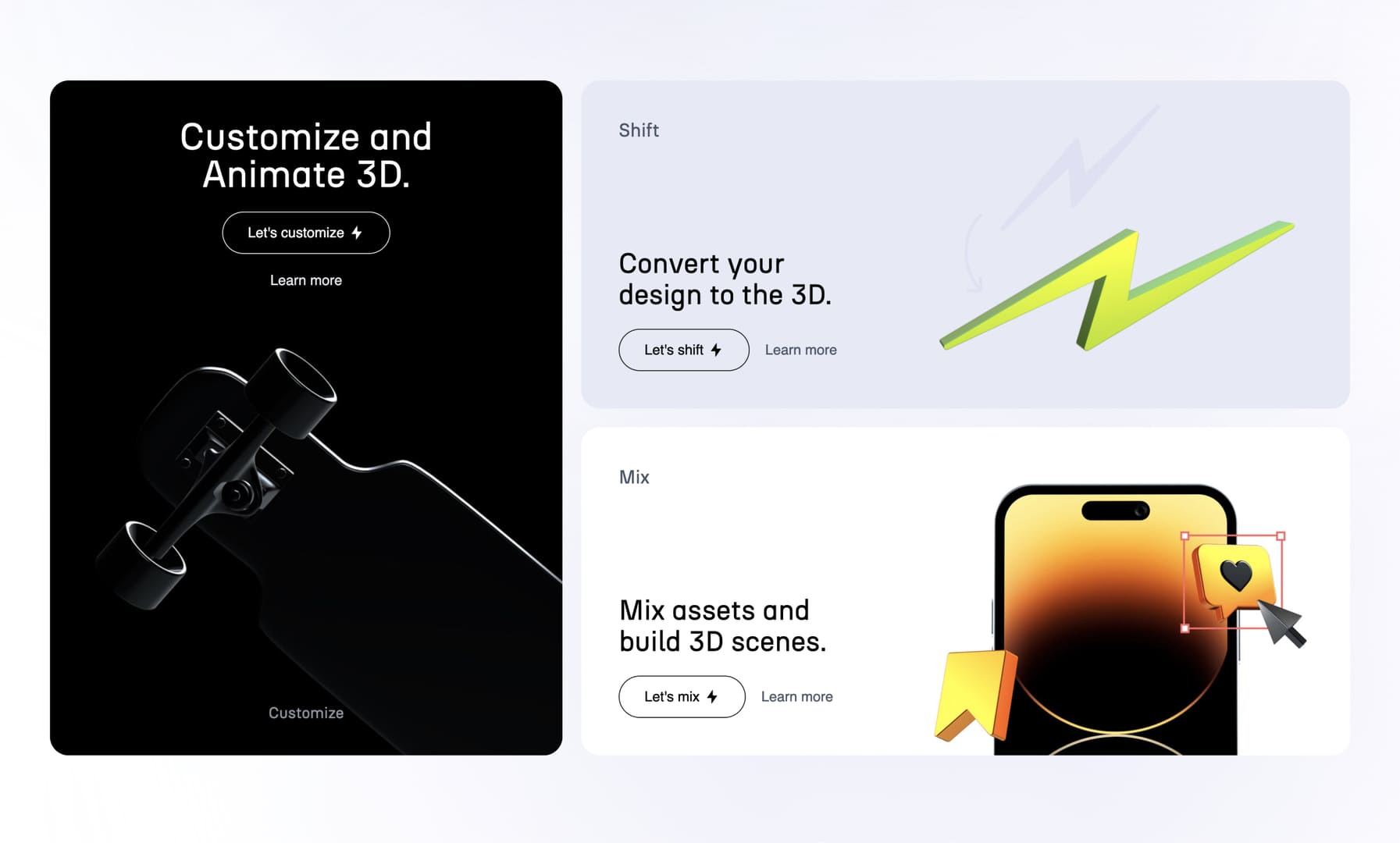
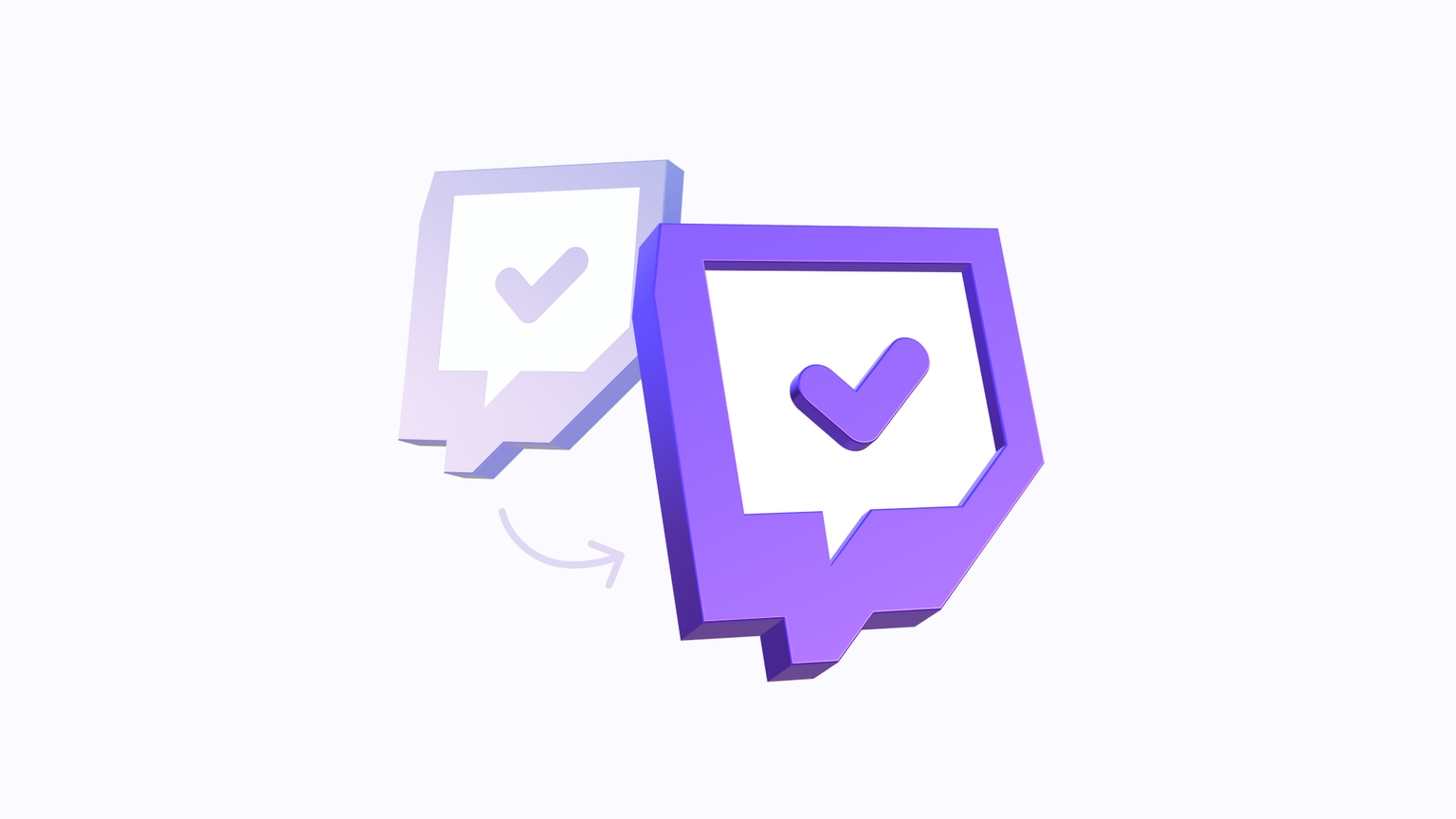
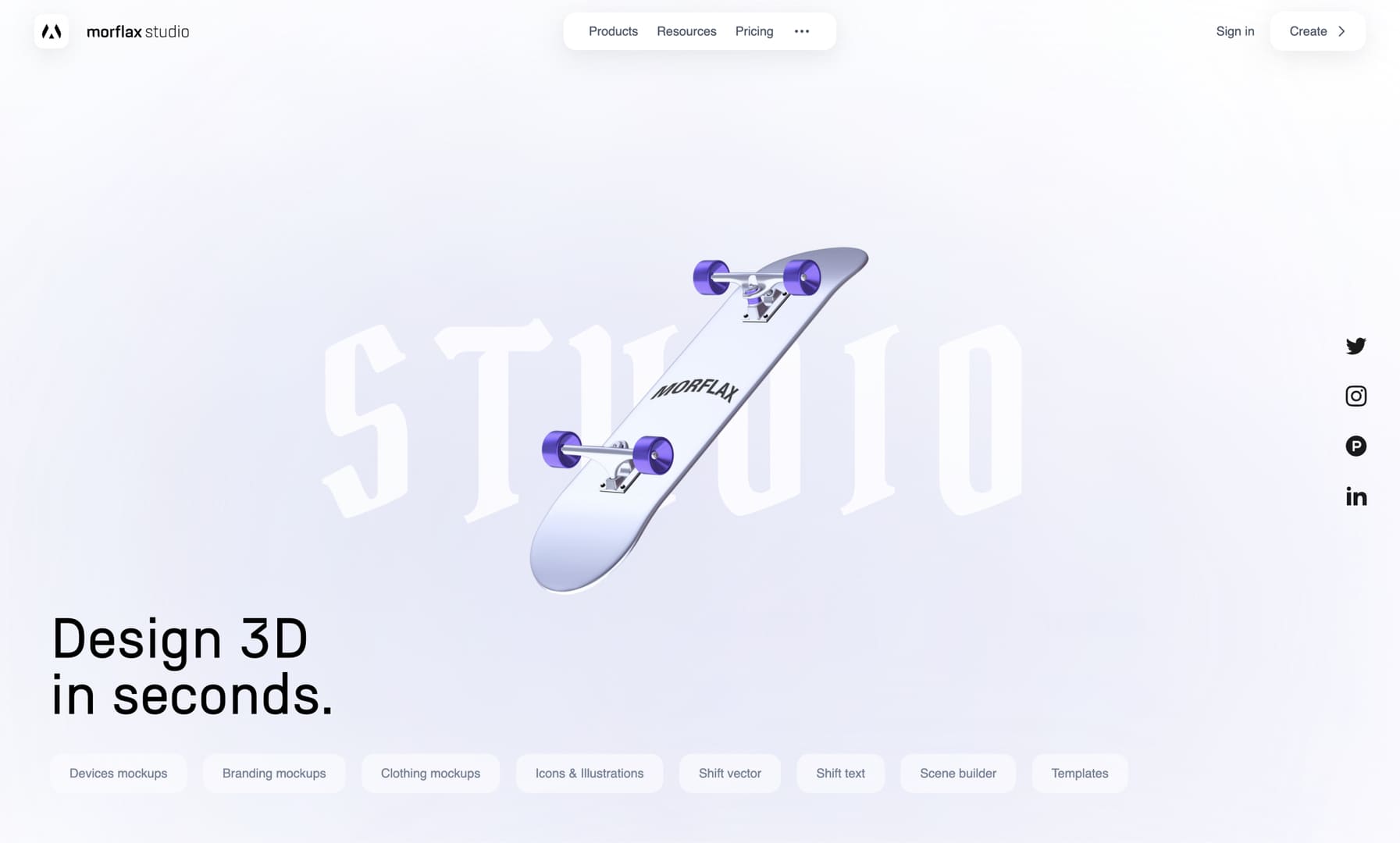 There are now 3 main products on the platform: Customize, Shift and Mix (prev. Mesh).
Please note that we will soon be getting rid of the deprecated Morflax things tool. All the features of this tool are already available in the Mix tool and soon all templates and projects will be moved there.
June Improvements
This week, we're shipping a lot of small improvements to Morflax studio apps. Video duration settings and more SVG customization options.
What's new:
- UI improvements
- Animation/video duration
- Spread SVG vector paths
- Cancel video export
- Try app with base SVG vector
- Element position settings
Make your SVG look even more 3D
You can now spread multiple parts of the SVG vector. Just with one slider.
Available on Morflax shift design tool
Control animation & video duration
You can now control the duration of the animation. Make animation fast or slow, up to 5 seconds.
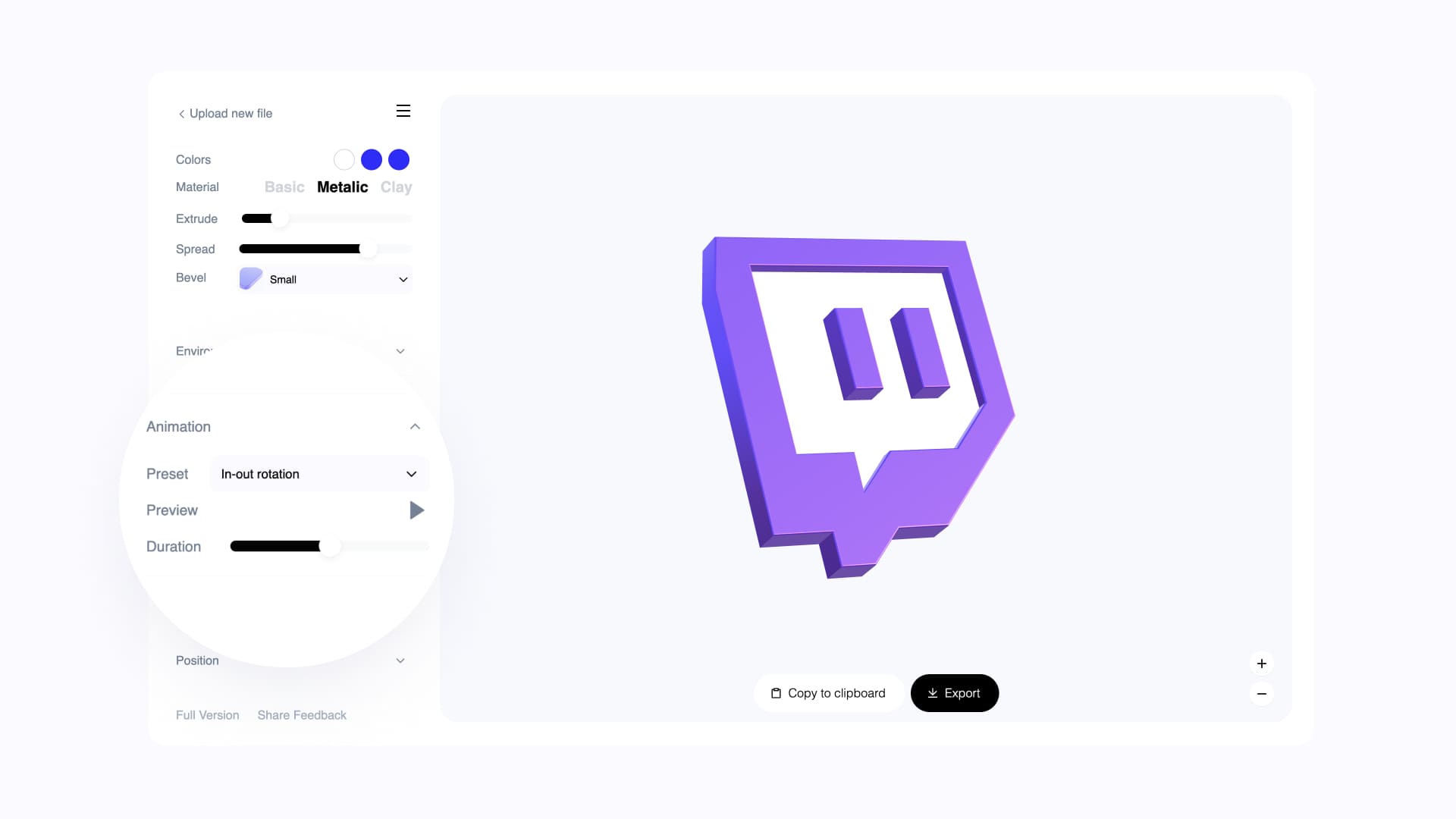
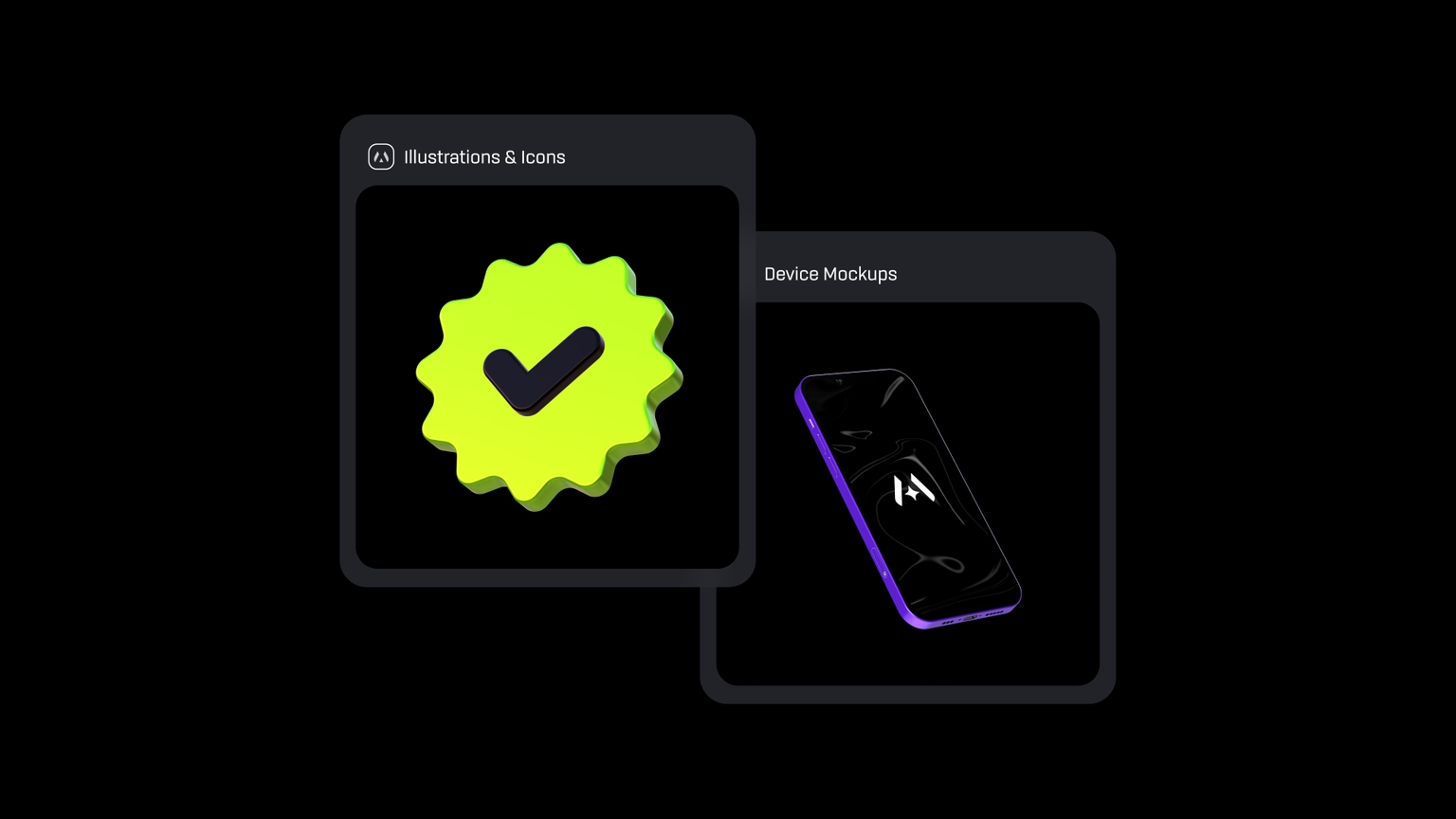
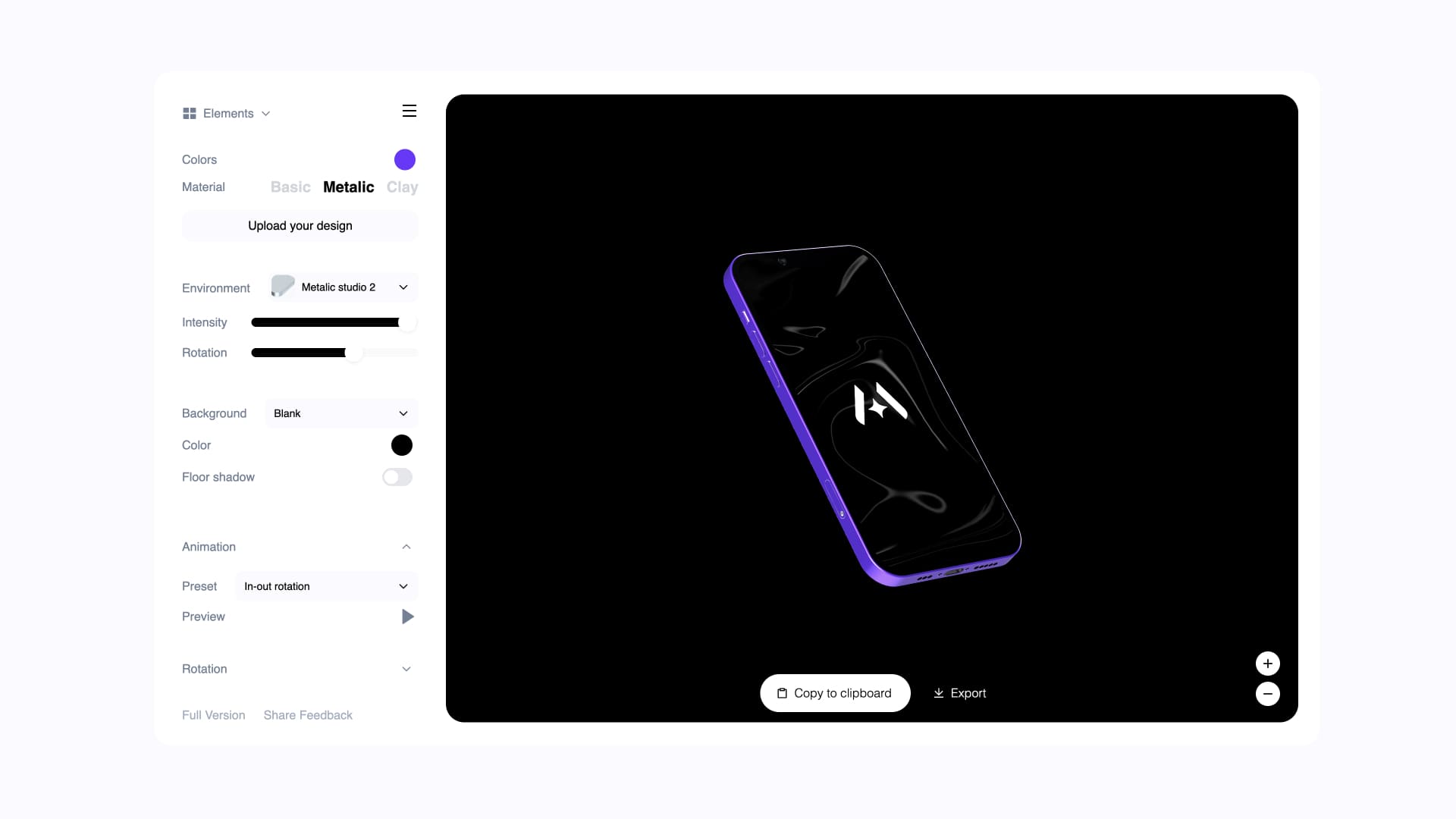
Animate 3D icons & Device mockups
Now you can animate all assets from Morflax studio and other 3D libraries. From 3D device mockups, to 3D illustrations and icons.
What's new:
- New design tool - Morflax mini
- Animate 3D illustrations and icons
- Animate 3D device mockups
- Zoom in, zoom out
- Improvements & Bugfixes
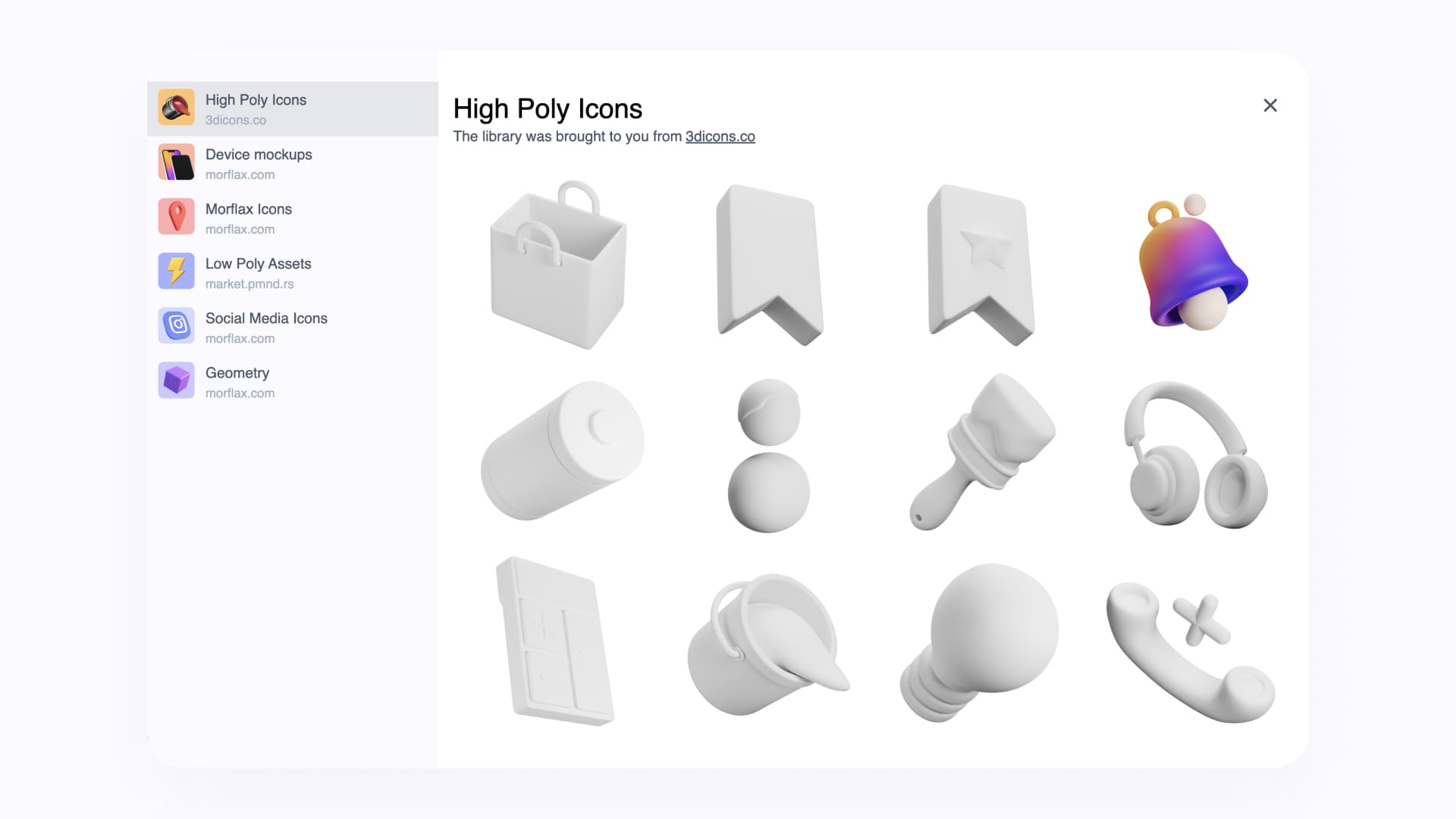
Animate 3D illustrations & icons
Morflax mini is a mini version of our larger tool, the Morflax mesh. It's lighter, faster, and has a video export feature. You can now animate 3D illustrations, icons and many more cool things.
Select element → Customize → Animate → Export.
Available on Morflax mini design tool
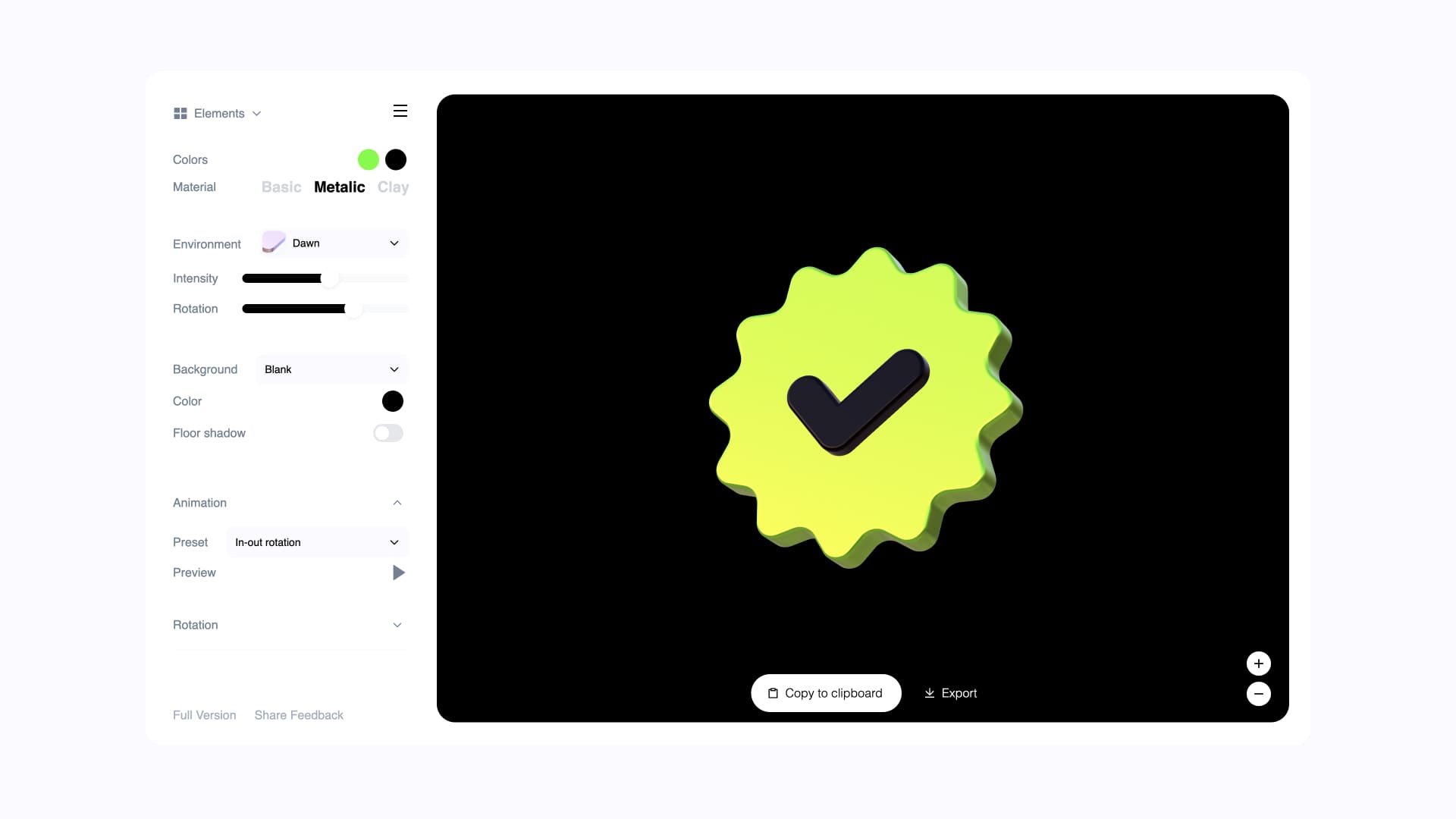
Export videos up to 4k resolution and 3D object in glTF format.
HD is available for Pro users and 4k + glTF is available for Pro Max. Check our pricing for more details.
Animate 3D device mockups
You can also animate 3D device mockups with your own artwork, everything right in Morflax mini design tool.
Select device → Upload your artwork → Customize → Animate → Export.
Simple & Easy Animation
Morflax going motion... So finally... Animation, and video export features are now available in the Morflax Shift toolkit. It's a small step towards our vision.
What's new:
- Morflax Shift Animation
- Video Export up to 4k
- 3D model export (glTF)
- Pro Max Price Plan
- Access Passes for 3-6 Months
- Improvements & Bugfixes
Animate your SVG and TEXT
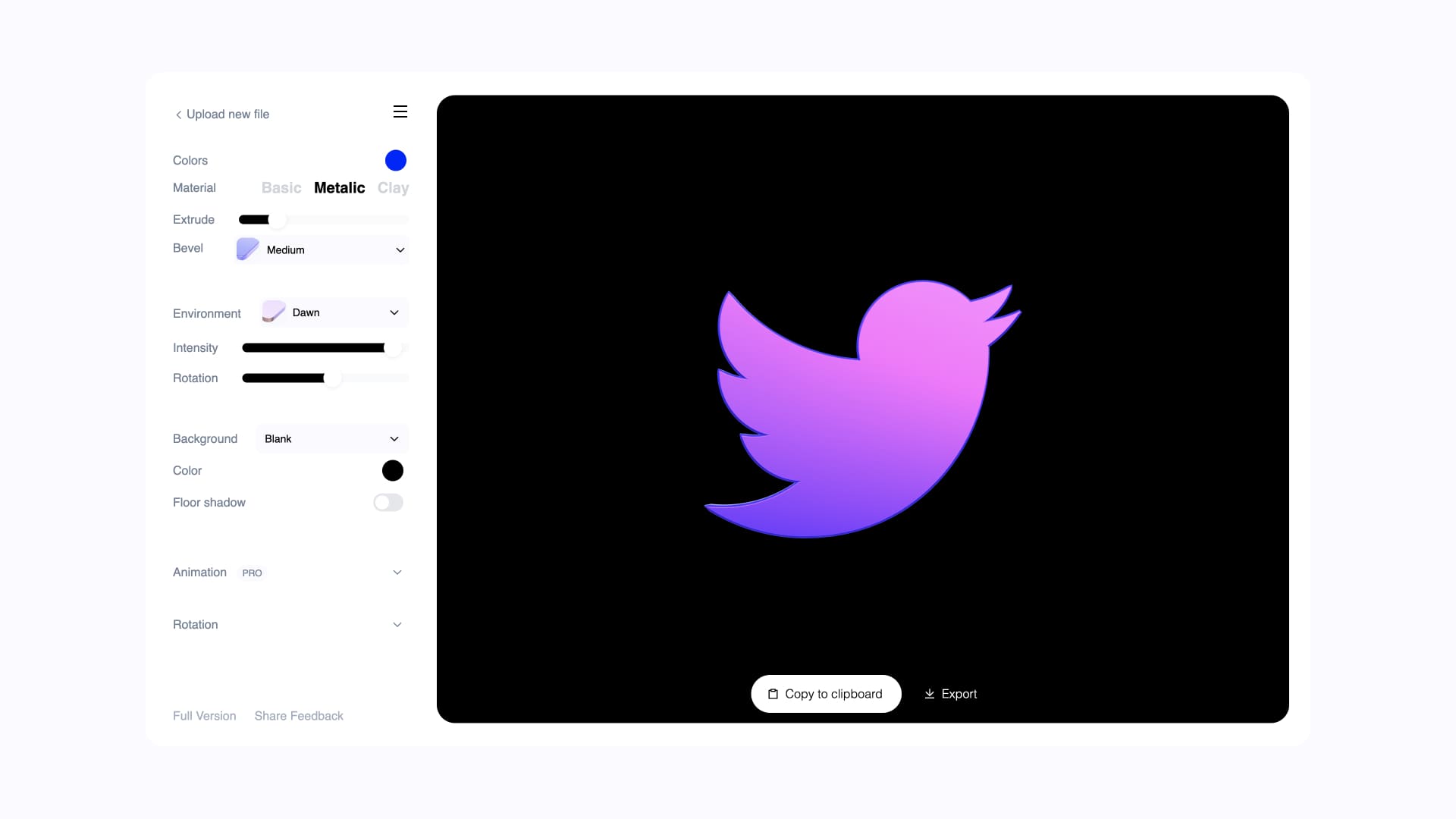
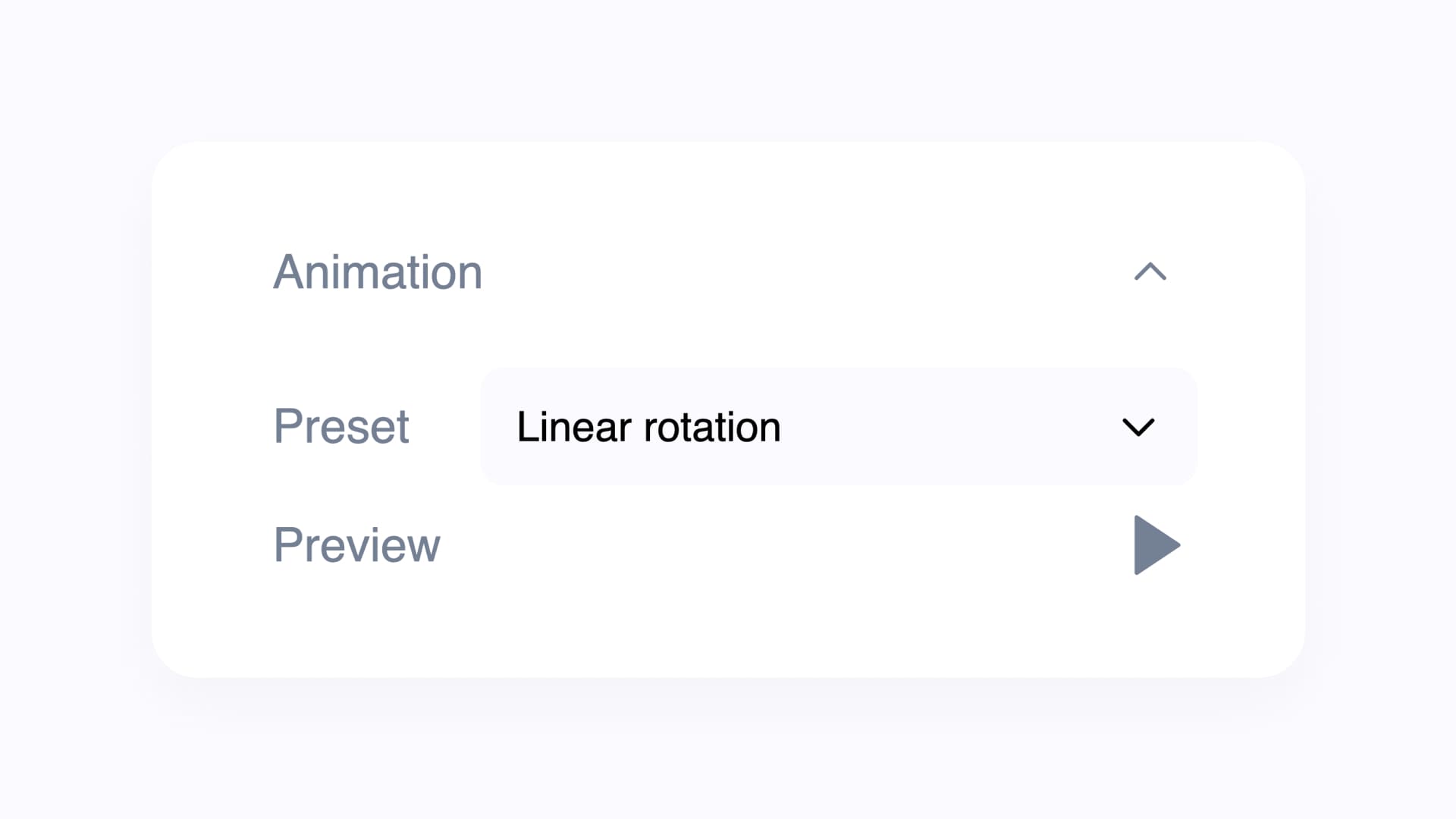
Probably one of the most anticipated features of Morflax studio is animation and video export. This is a very simple and convenient way to animate your logo, icon, or text, directly in 3D.
Upload SVG → Customize → Animate → Export.
Available on Morflax shift design tools
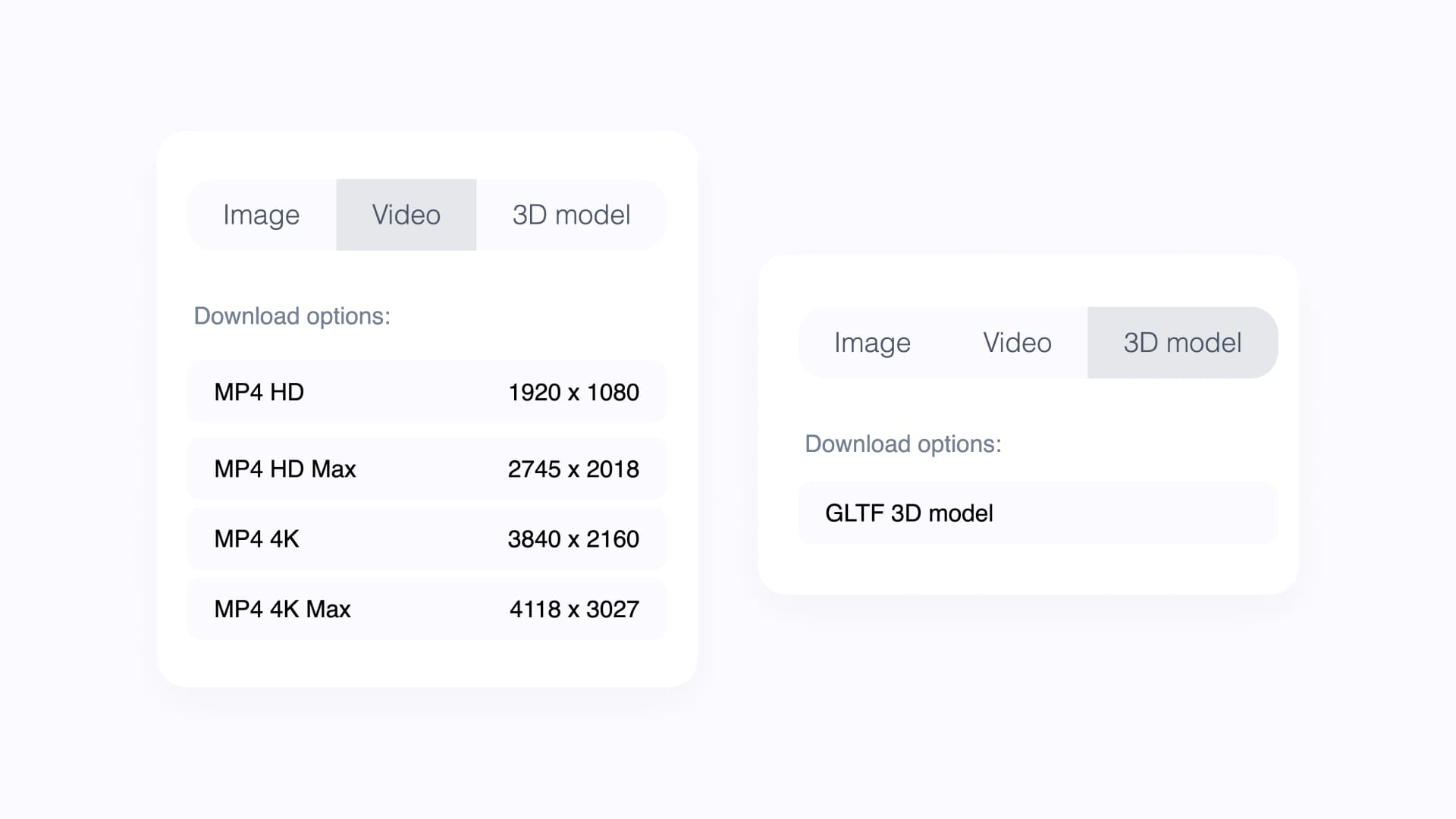
You can now export videos up to 4k resolution and 3D object in glTF format.
HD is available for Pro users and 4k + glTF is available for Pro Max. Check our pricing for more details.
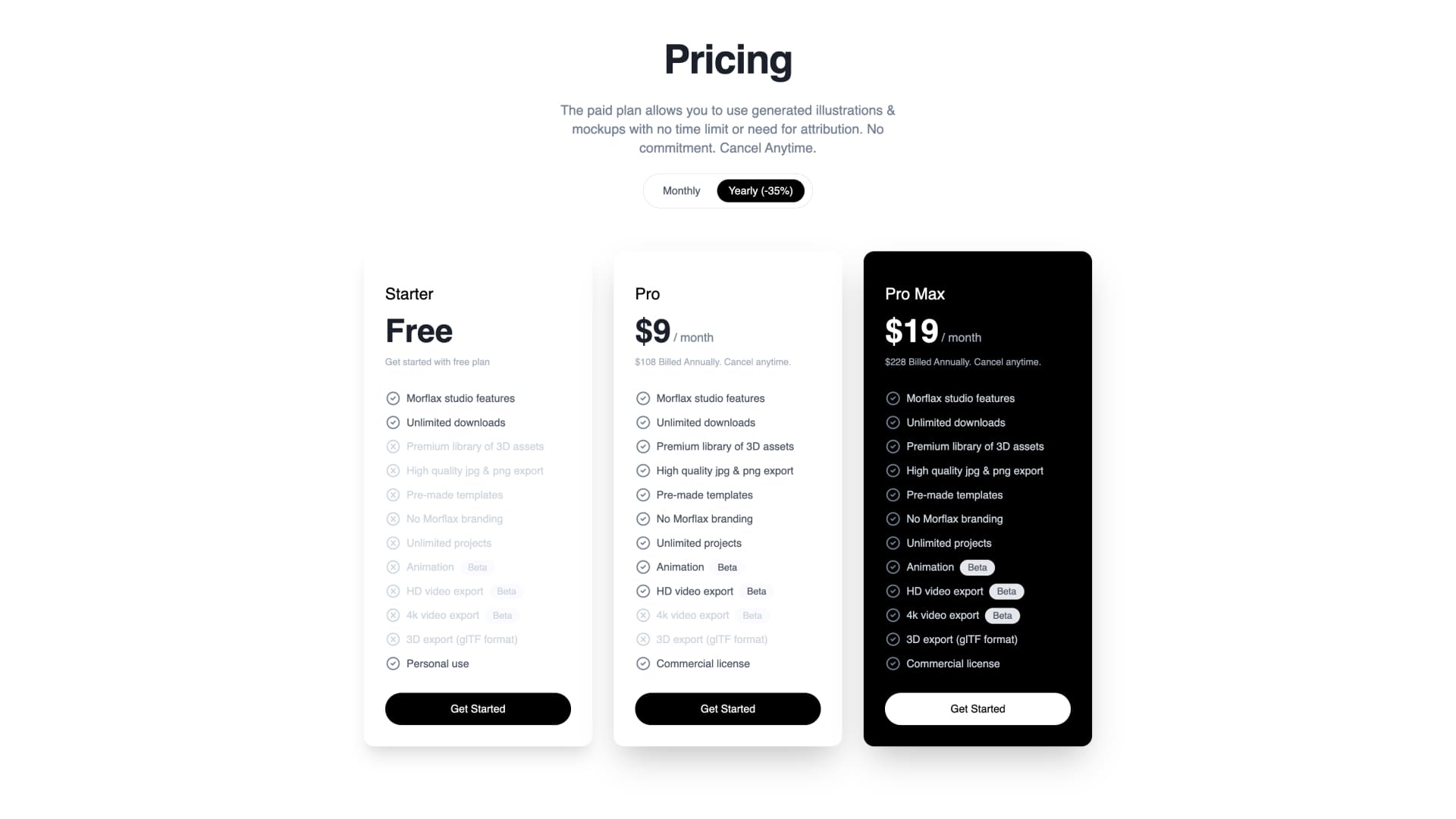
New features, new pricing
We have integrated a new plan that gives our users more freedom as it allows them to export both 3D objects and video in 4k resolution.
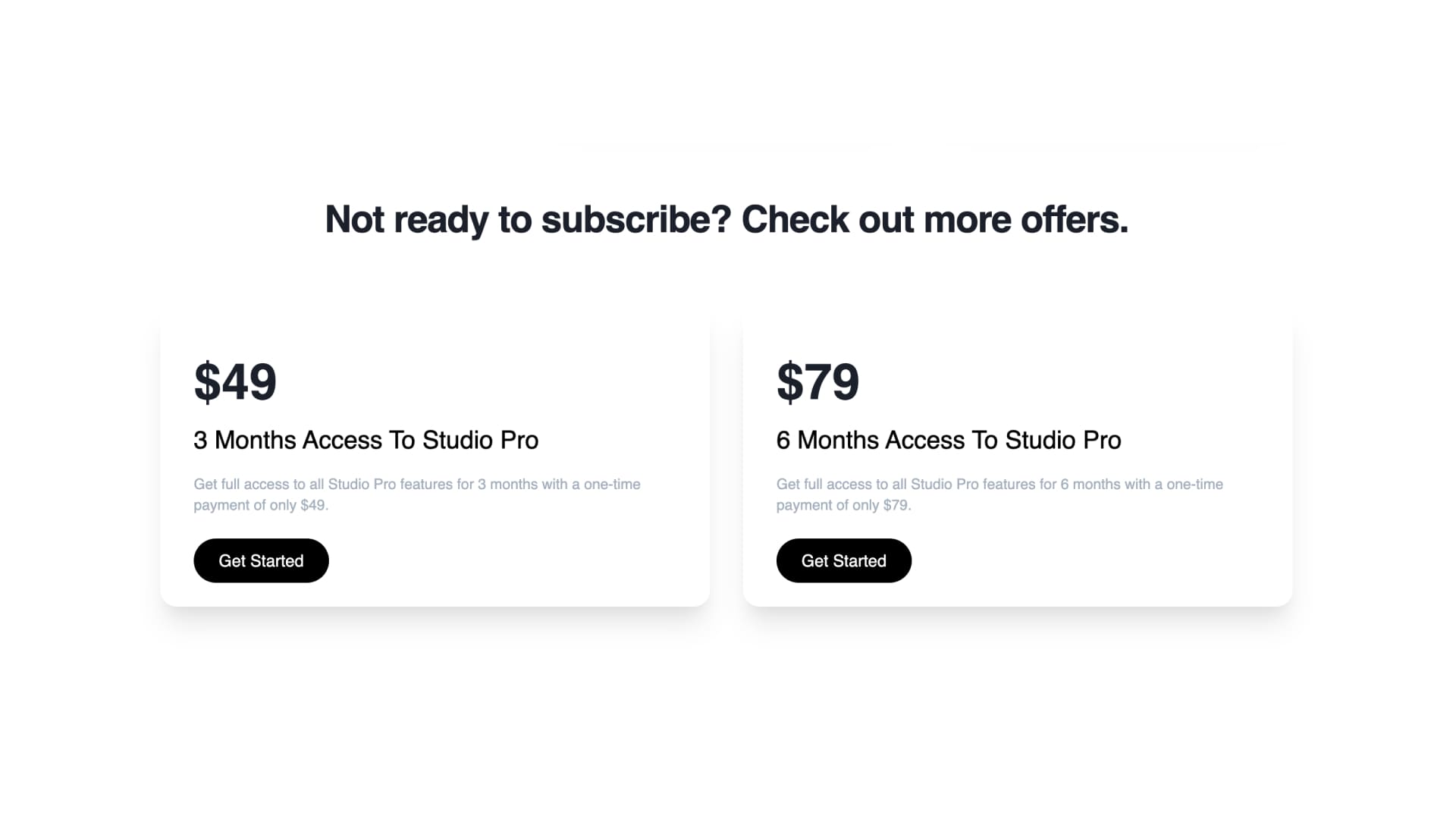
If you are not ready to subscribe to Morflax studio pro plans, you can opt for one-time payments. Available 3-6 months access passes for this case. Enjoy!
Check our pricing for more details.
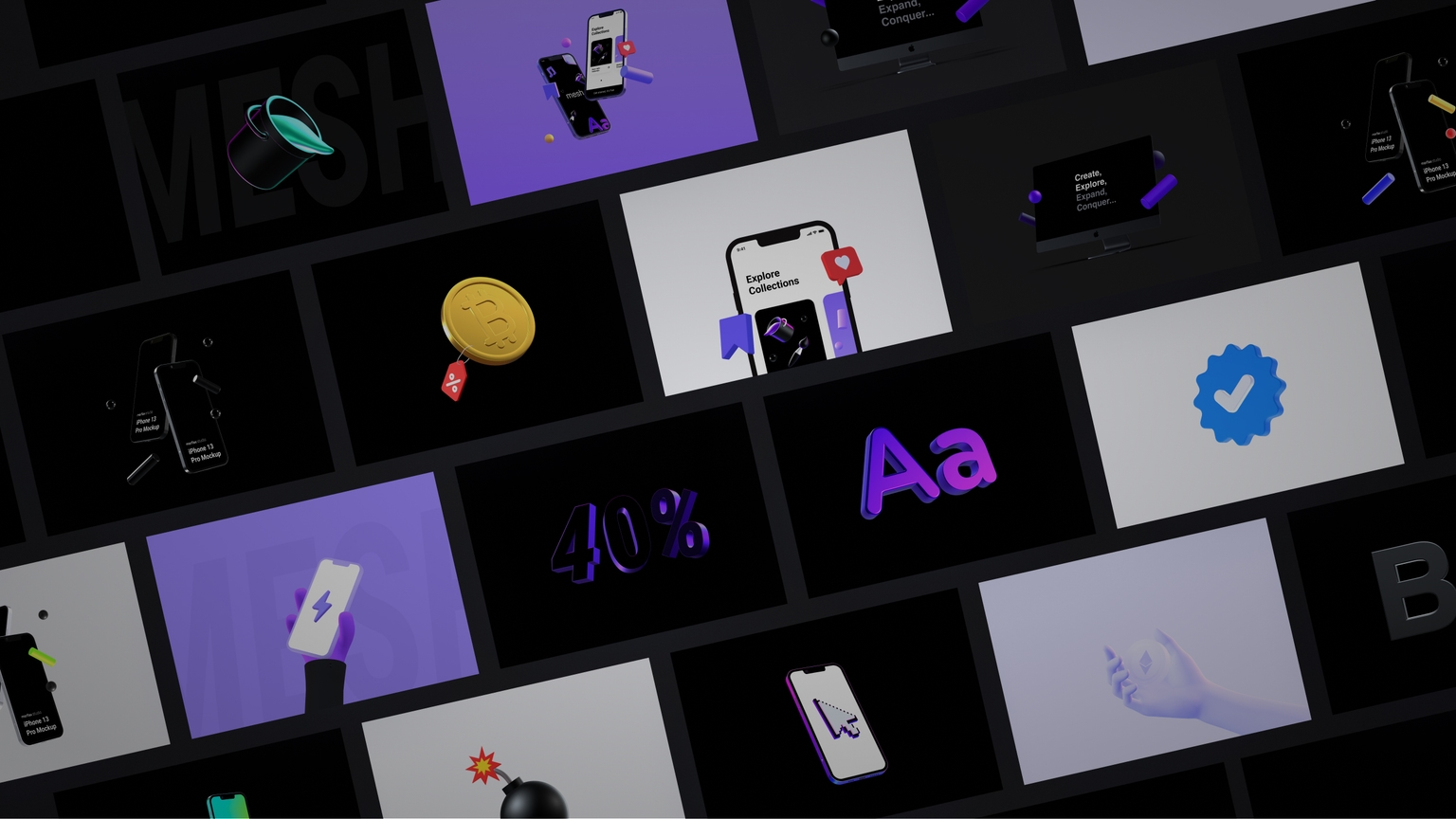
April update - New 3D templates
Explore new pre-made templates, device mockups, illustrations and more. From basic and black templates, to neon and colorful.
What's new:
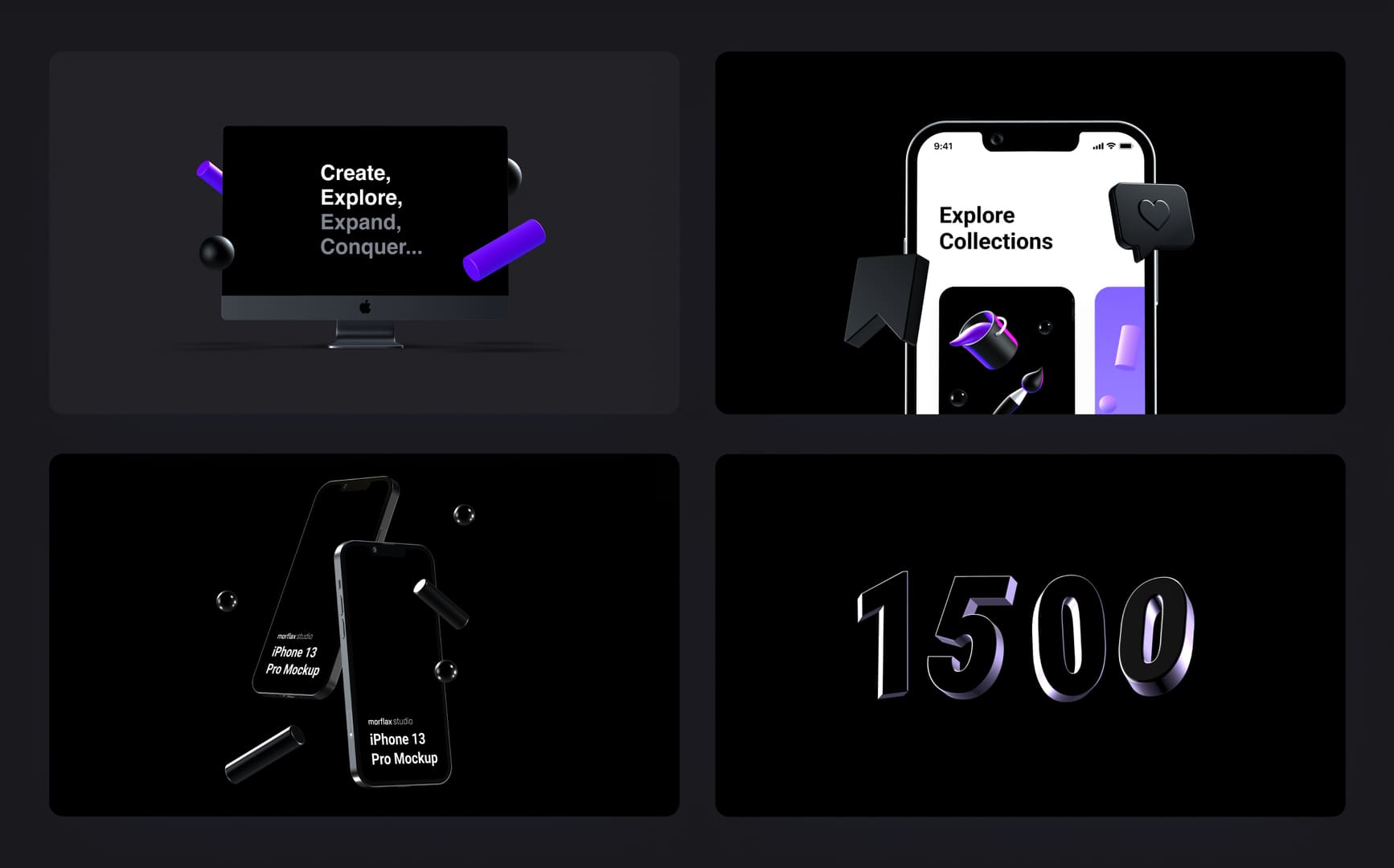
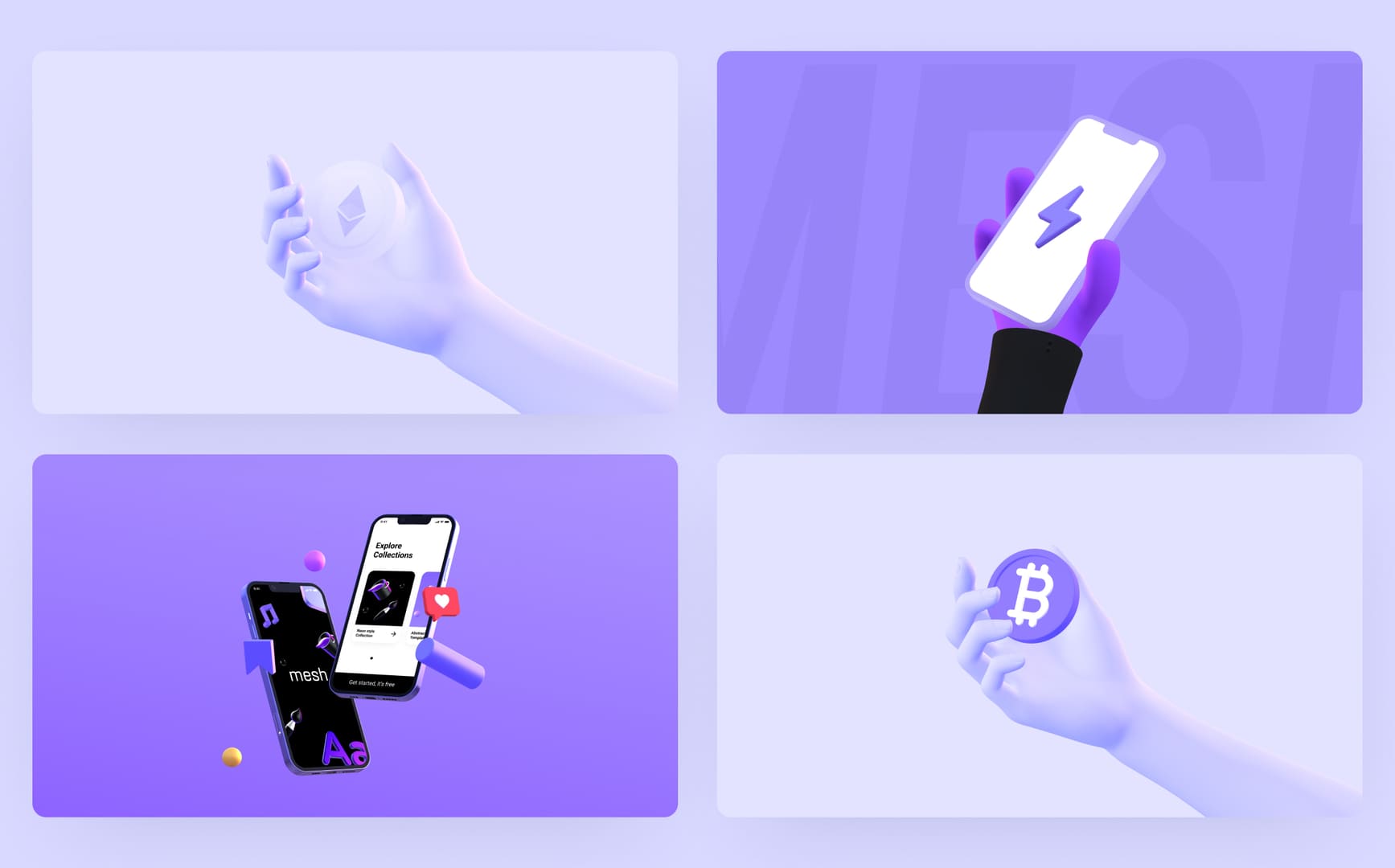
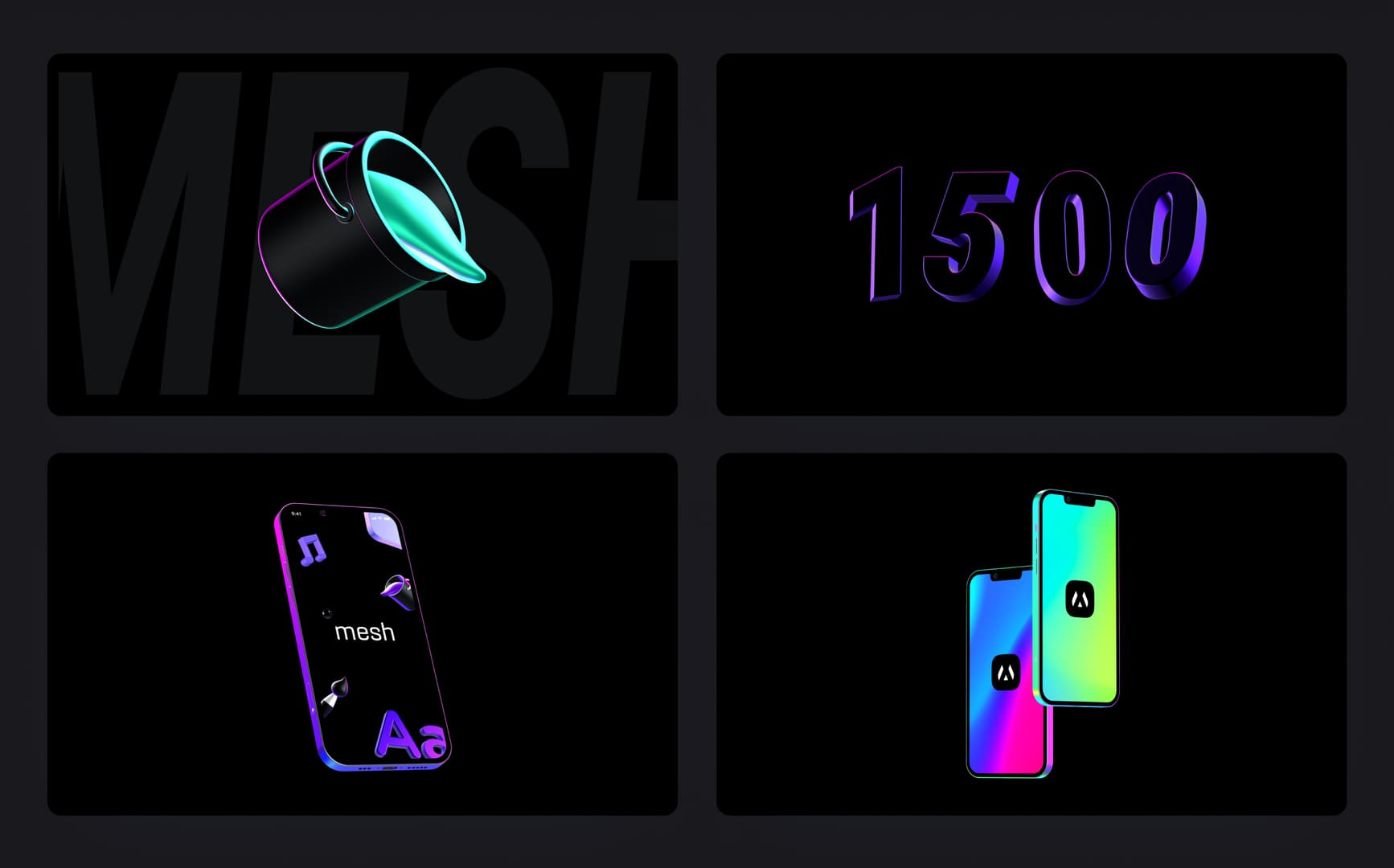
- Updated Black, Colorful and Neon style templates
- New templates collection: Basic
- Filter templates by: Latest, Mockups, Illustrations
Black Templates
Colorful Templates
Neon Templates
Basic Templates
Brand new studio, mini tools & SVG import
Finally, we’re shipping brand new Morflax studio website along with a few mini-tools, an SVG to 3D feature and much more cool stuff.
What's new:
- New Morflax studio website
- SVG to 3D feature. Right in Morflax mesh
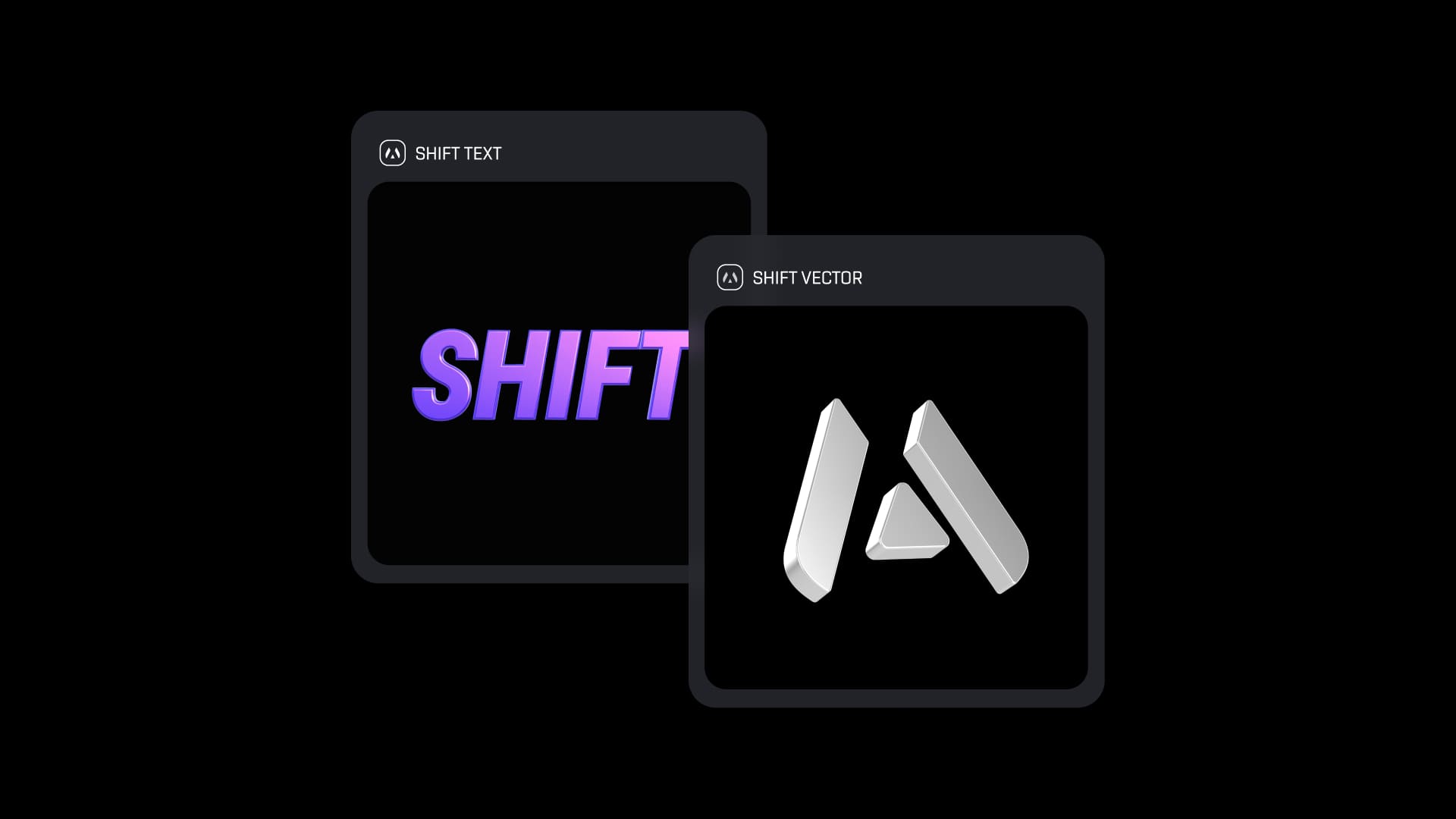
- New 3D design tool - Shift vector to the new dimension
- New 3D design tool - Shift text to the new dimension
- Copy final image to clipboard
- Improved object bevel adjustment
- Migrated all the content from morflax.com to studio.morflax.com
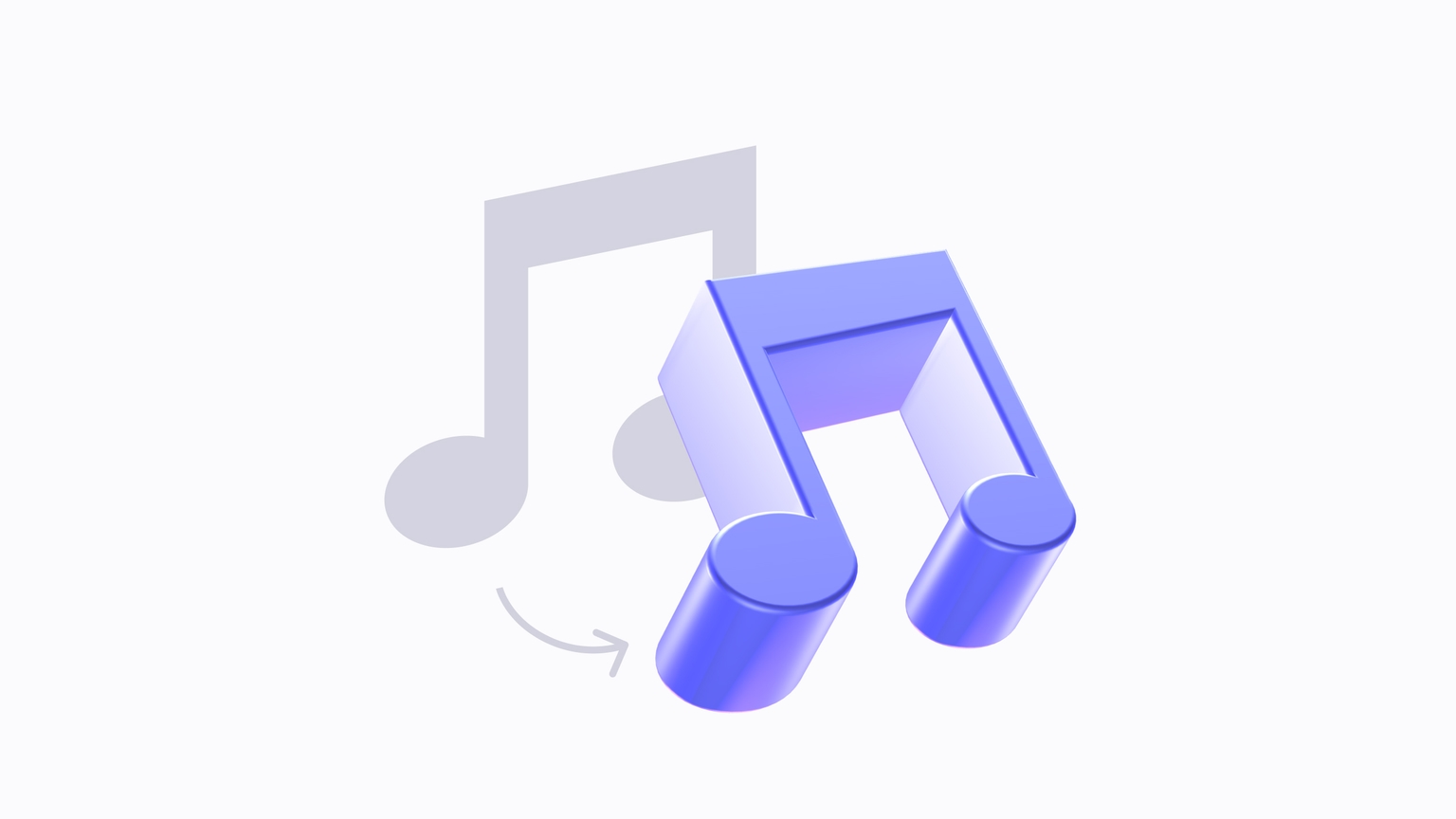
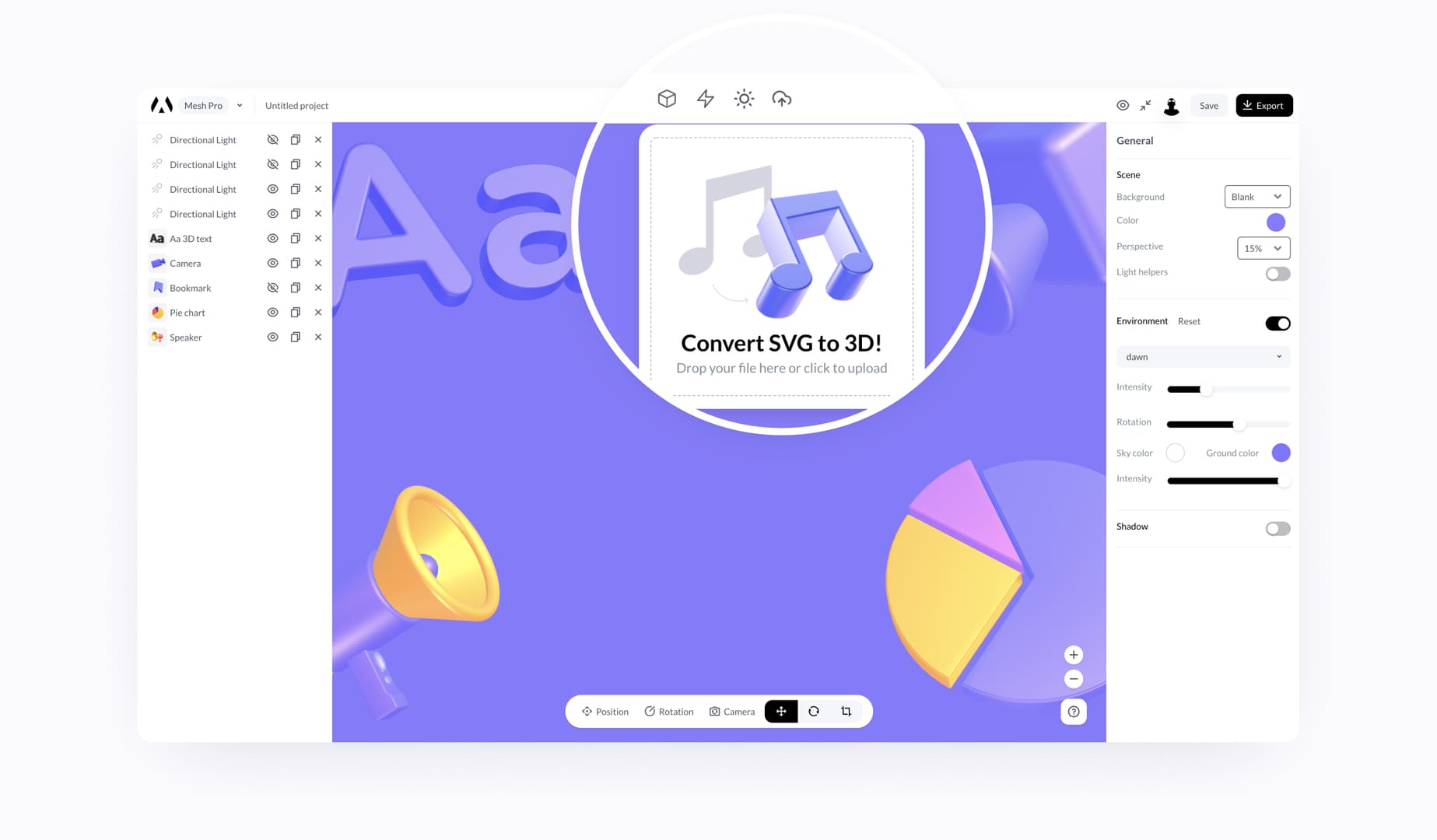
Convert any vector from SVG to 3D
Probably one of our most anticipated features is vector conversion to 3D, and here it is. You can now easily convert your logo or any other design to 3D. It's still in beta, so let us know your feedback.
Available as a new design tool and Morflax mesh feature.
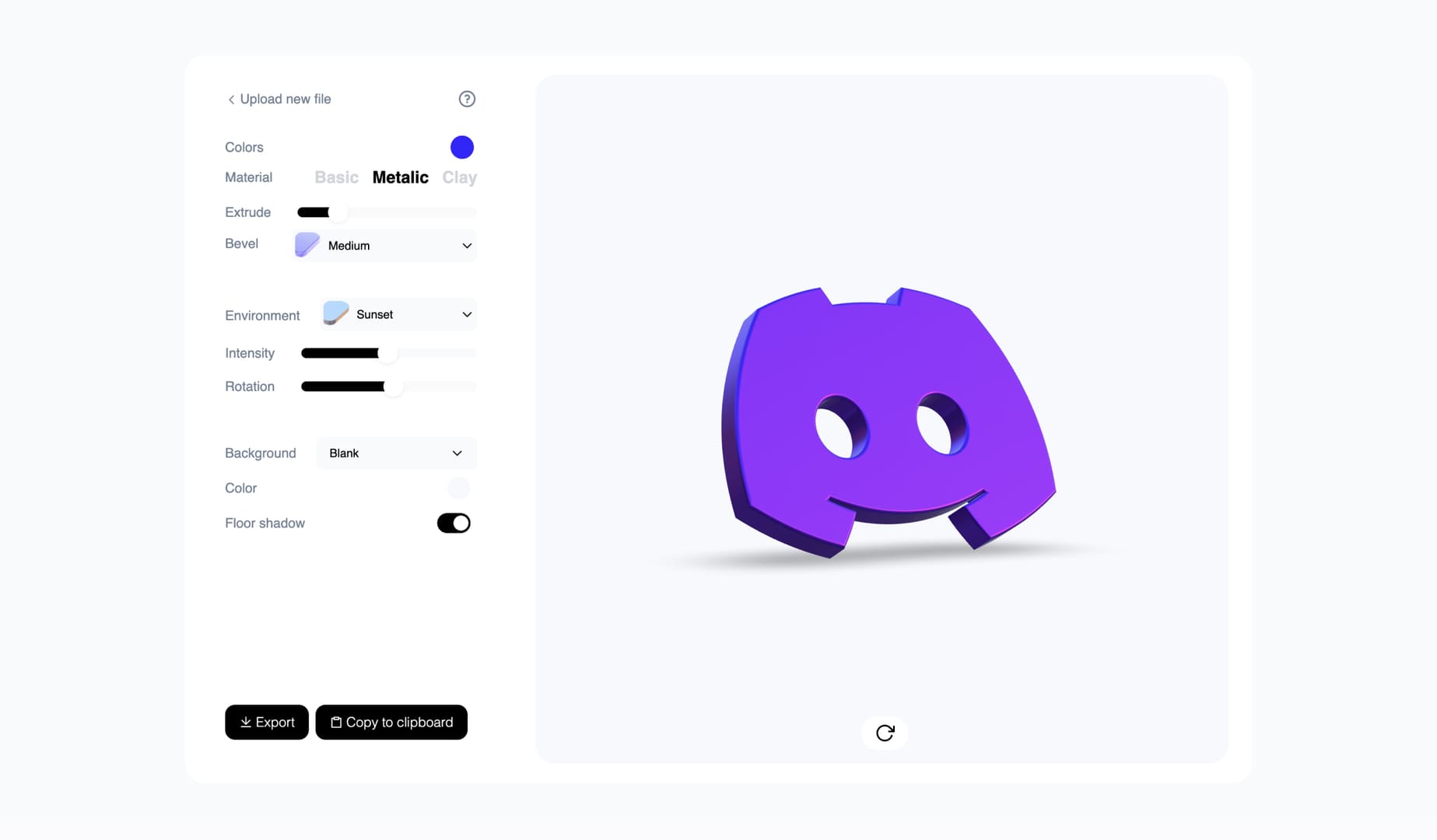
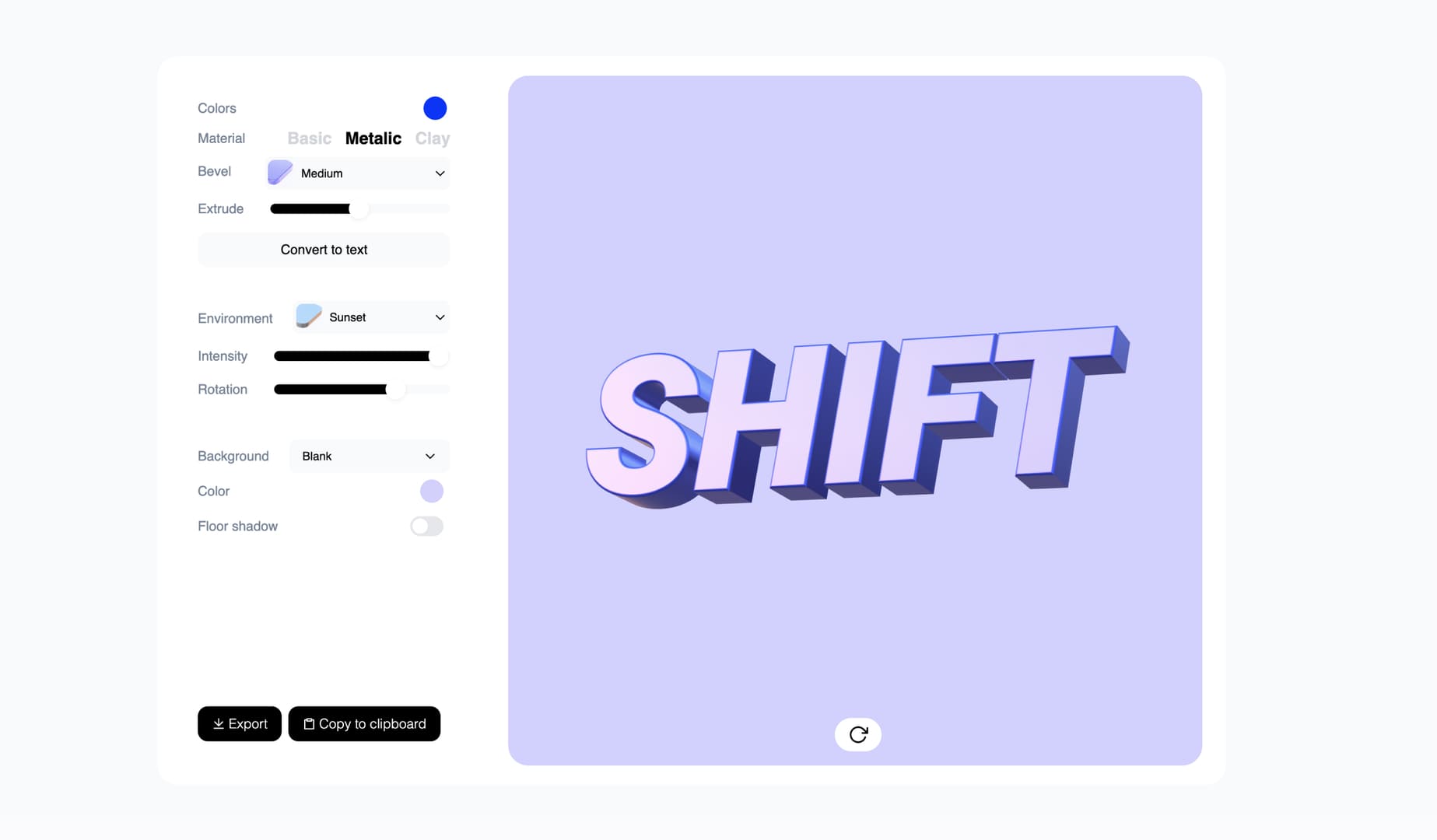
Convert text to 3D with our new design tool
This feature was previously available in the Morflax mesh design tool. However, it is now available as a standalone mini design tool.
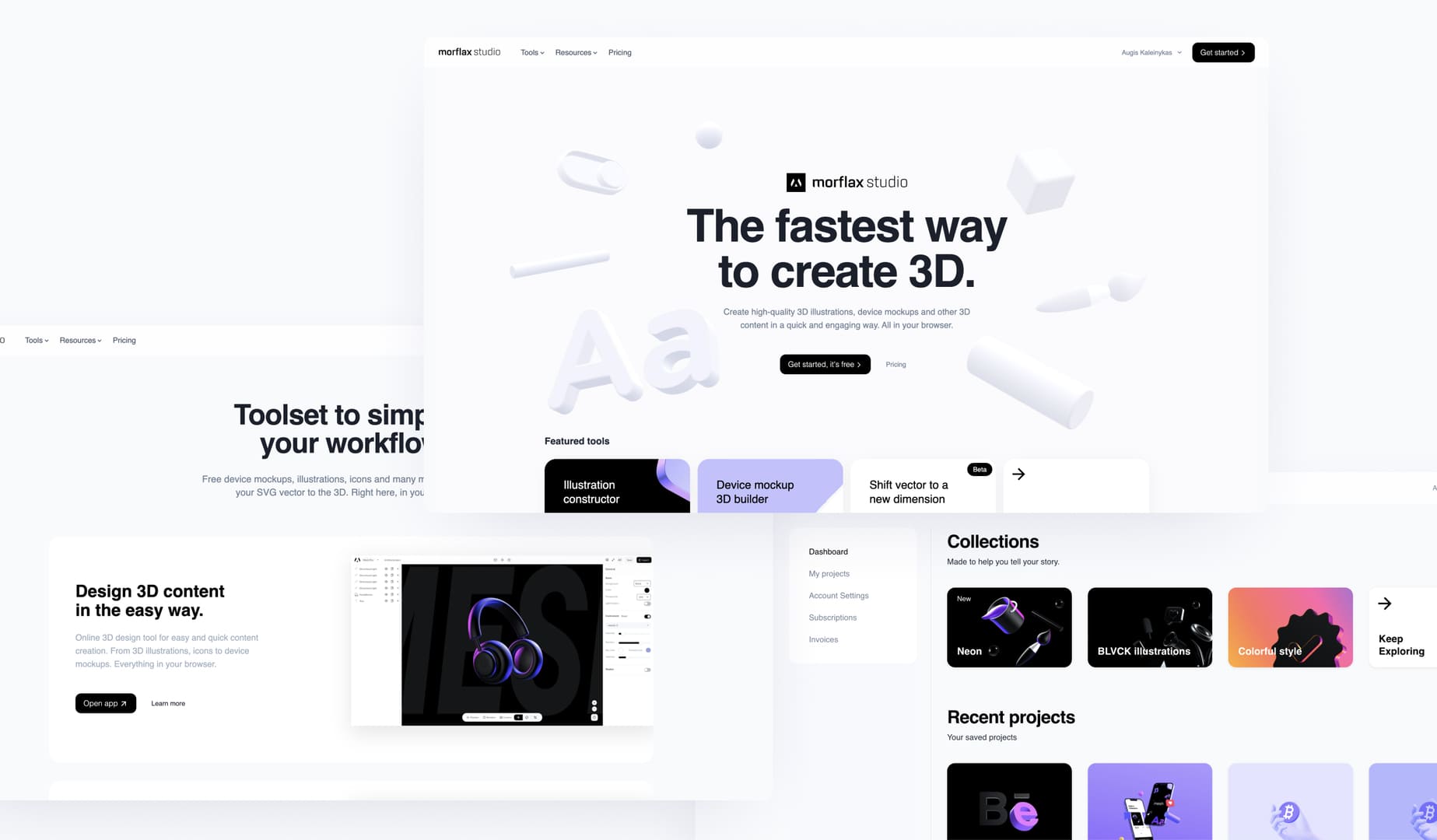
Brand new Morflax studio
Made to simplify projects management and user experience. Now you can access all the tools, projects, and templates right from one place - Morflax studio.
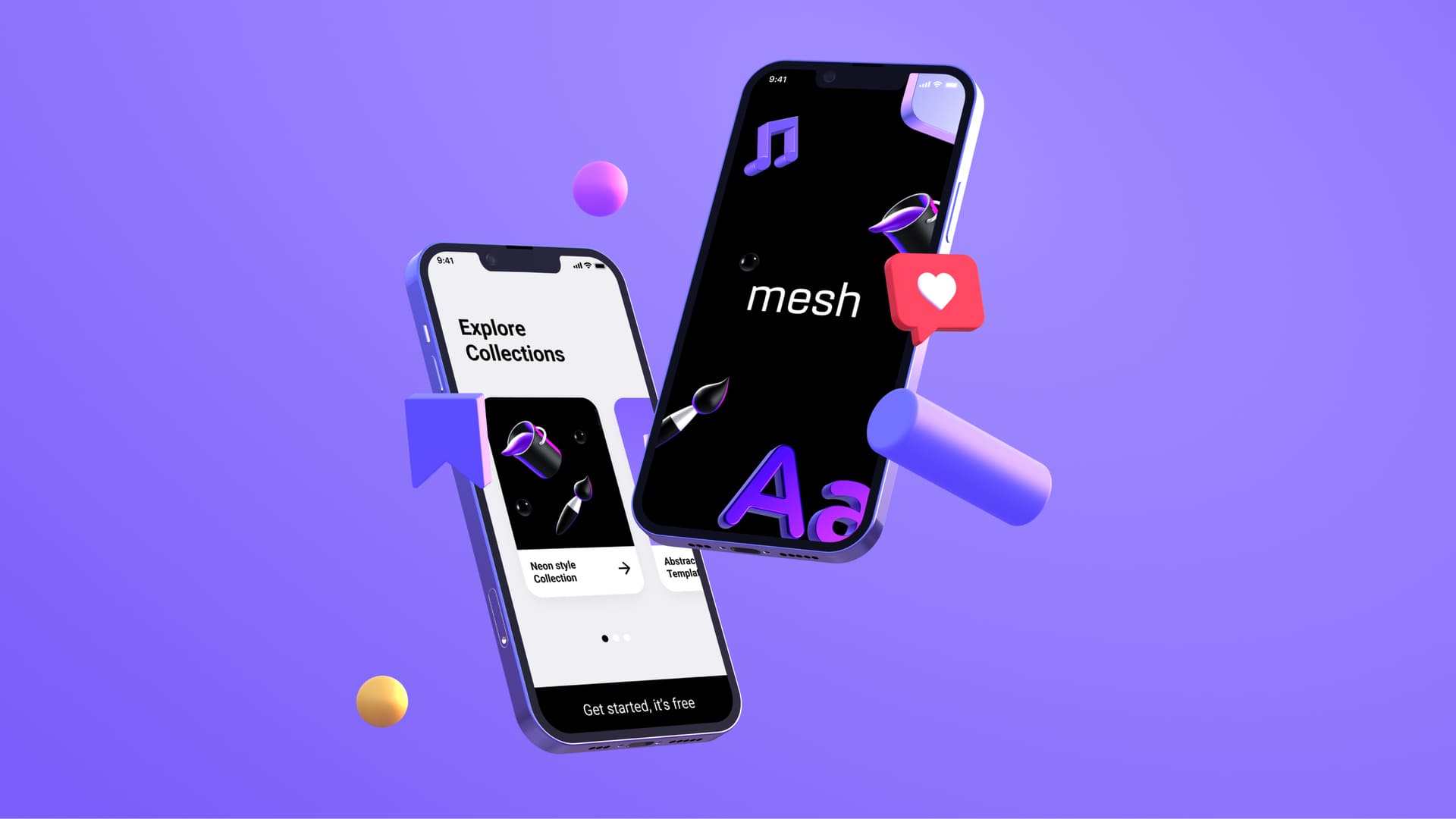
Device mockups together with illustrations
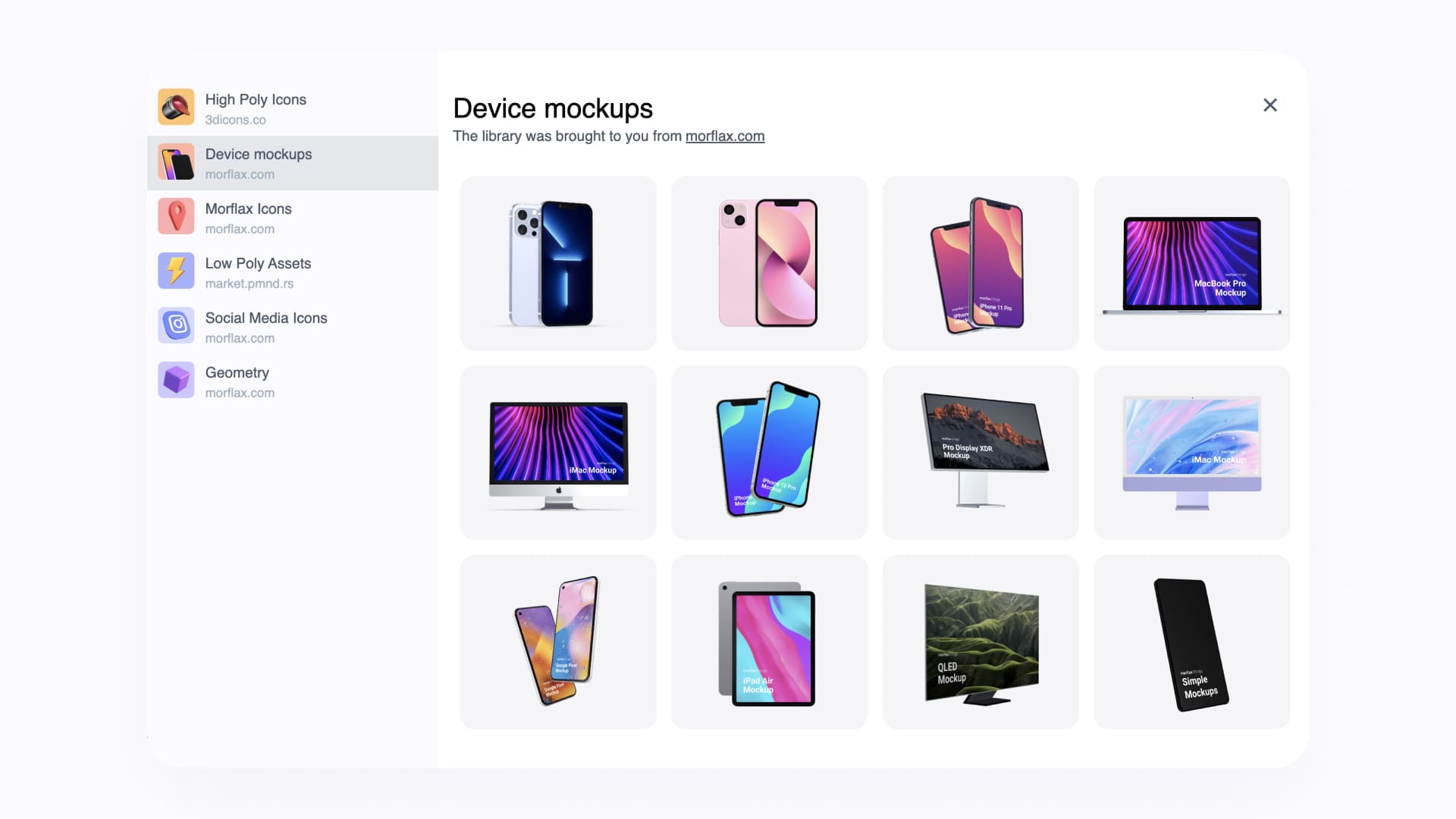
Take full advantage of the new design tool now by creating not only 3D illustrations but also 3D device mockups.
What's new:
- All 3D devices are integrated into our main design tool
- Emoji and clay hands are integrated into our main design tool
- Ground shadow position control
- Glass material for all devices and elements (beta)
Device mockups right in our main design tool
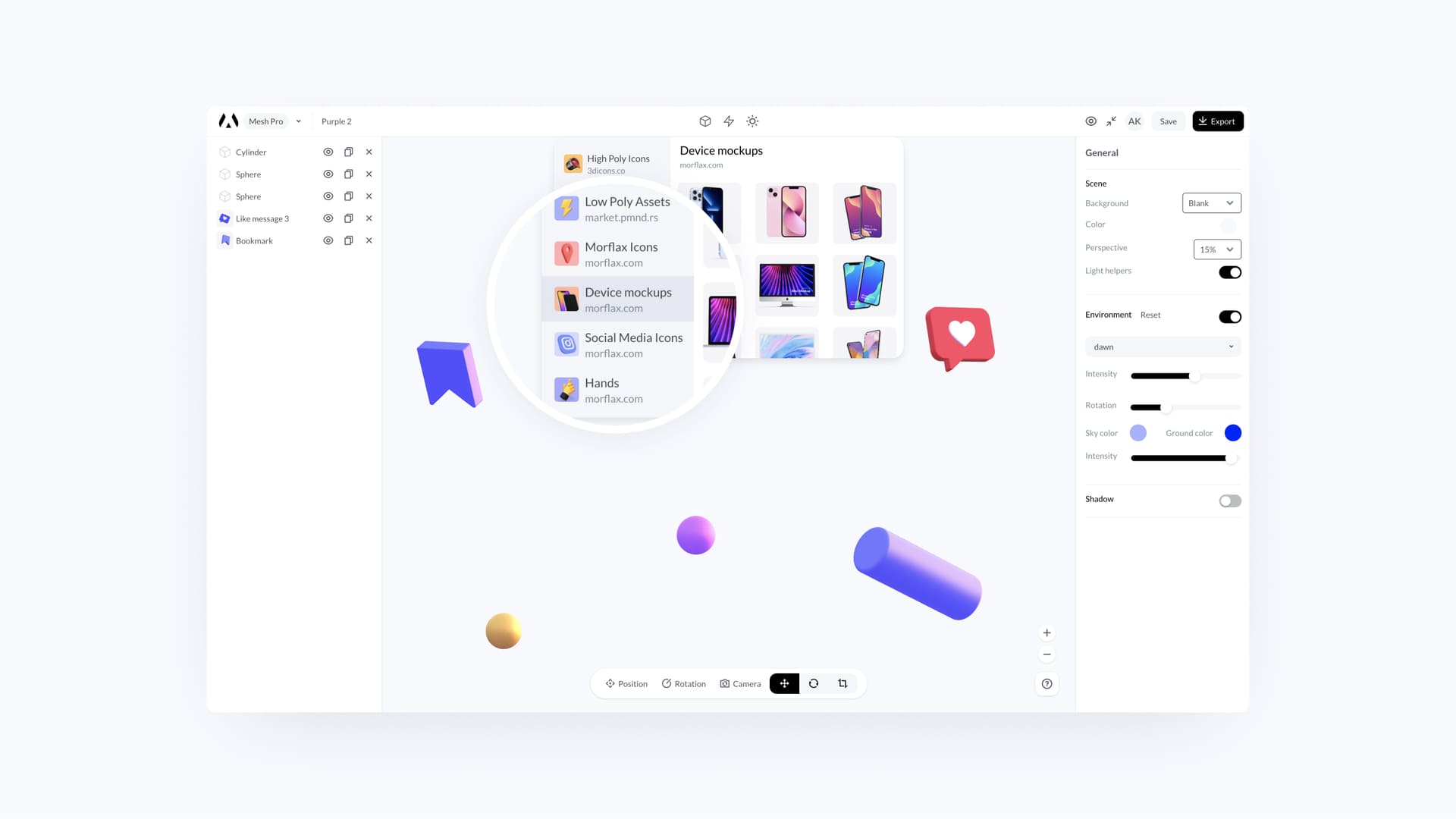
We have added all the devices from our mockup tool (Morflax things) to our main design tool (Morflax mesh). Take full advantage of the new tool now by creating not only illustrations but also device mockups.
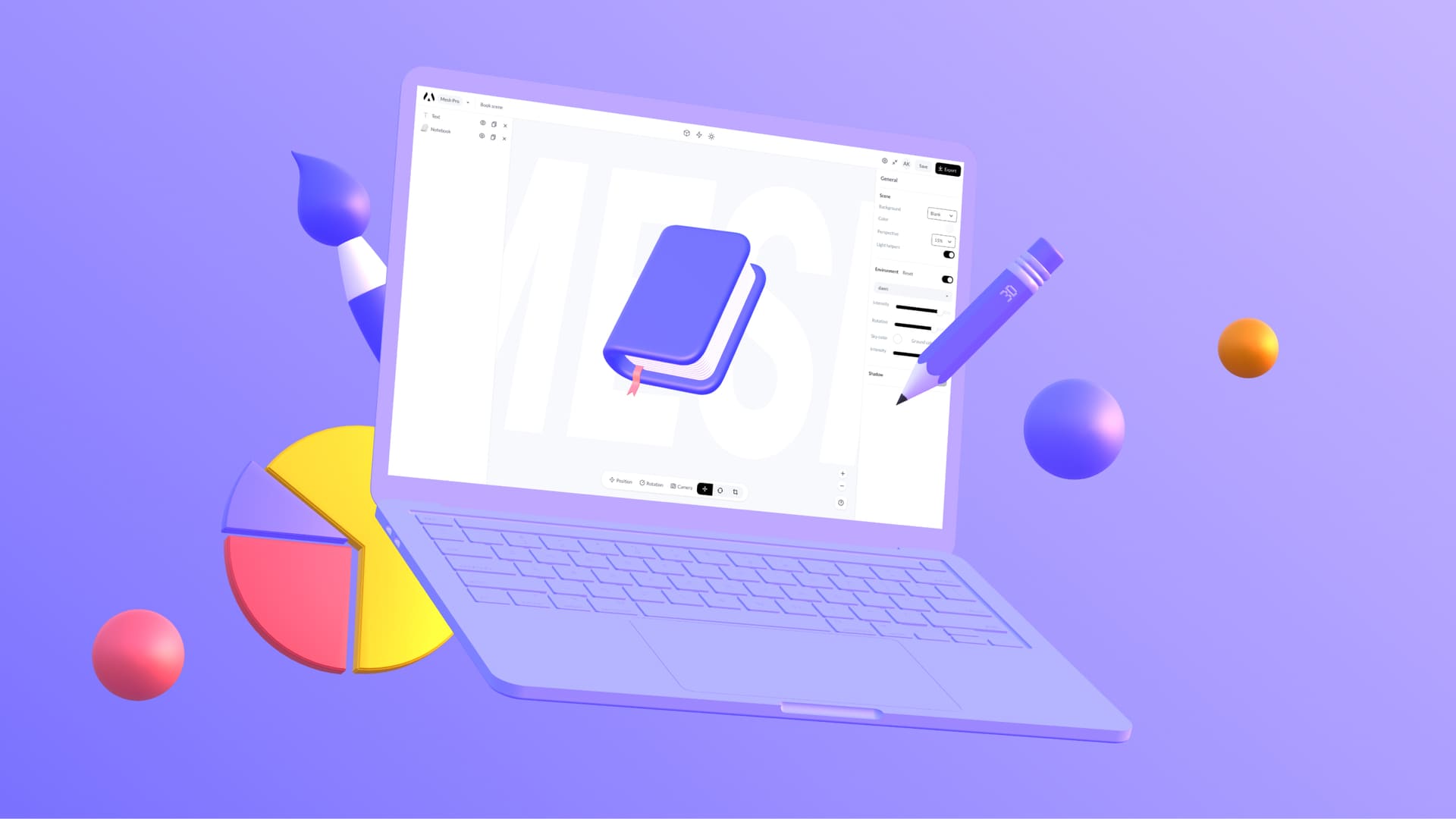
Emoji and clay hands
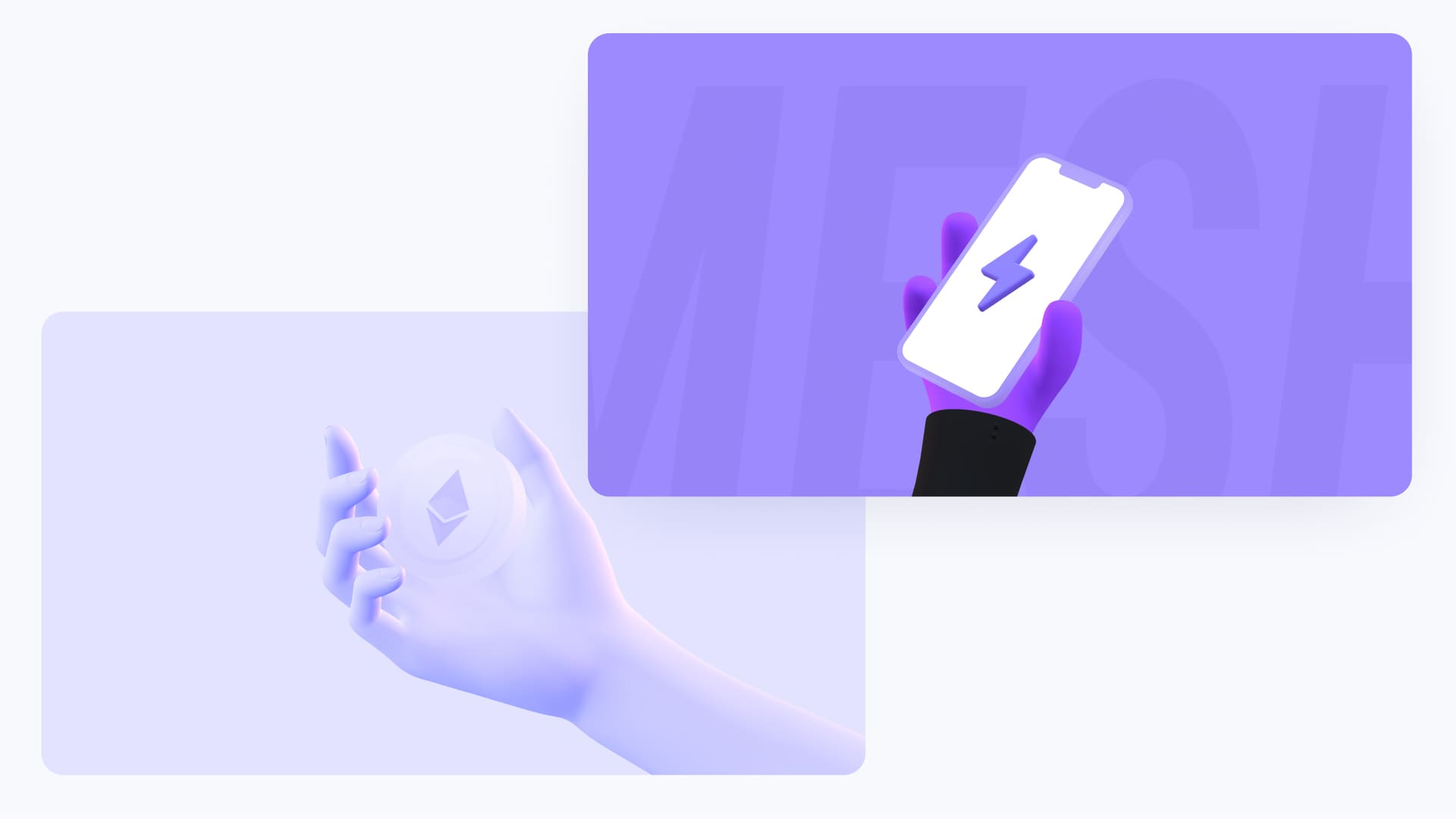
We have added 3D emoji and clay hands from our mockup tool. Now you can combine it with beautiful Morflax mesh illustrations and icons.
Huge library of 3D icons & possibility to add text
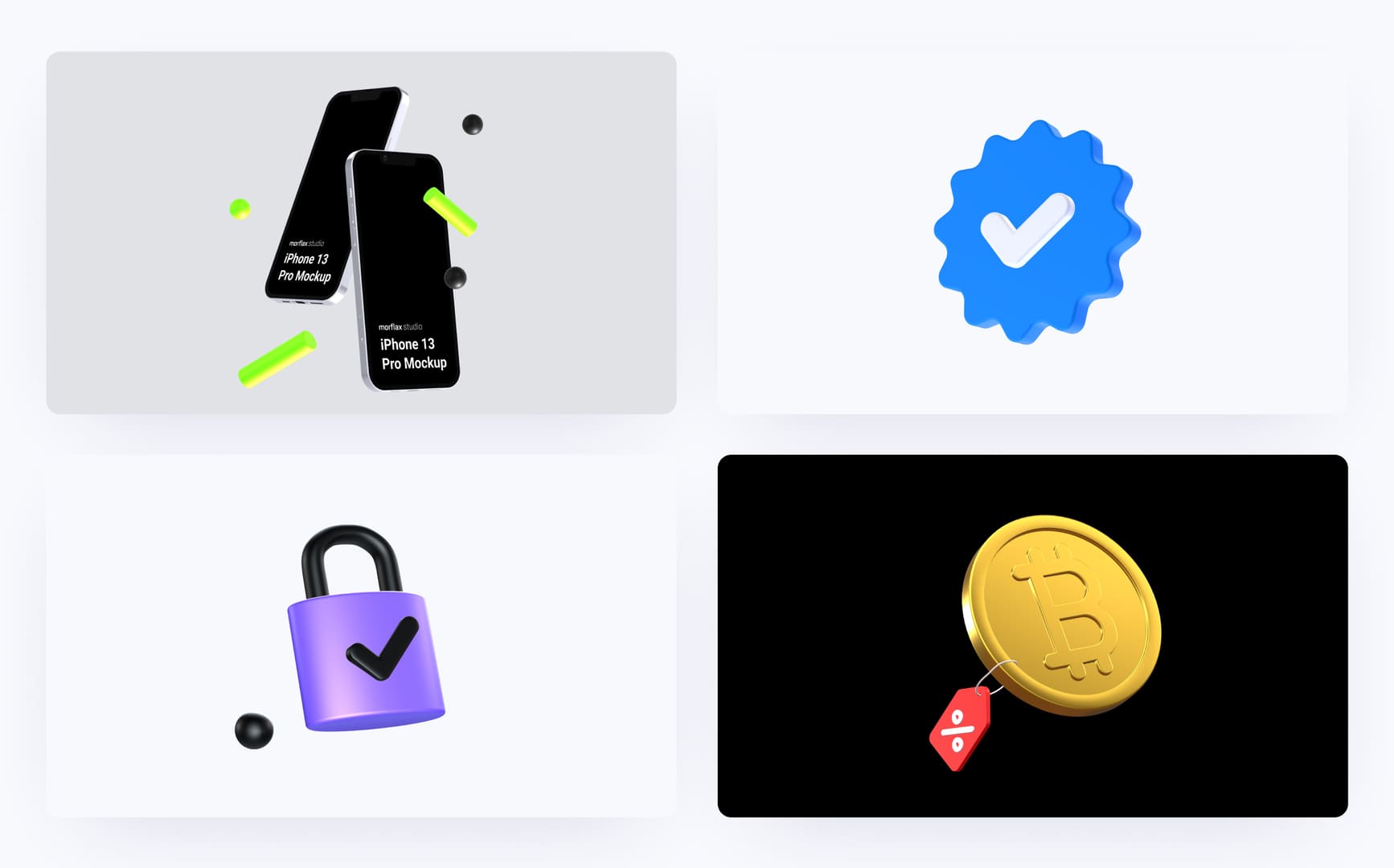
We’re glad we’ve been able to build a lot of new stuff this month, so here’s another release. Huge library of 3D icons, 3D text, iPhone 13 and 13 Pro.
What's new:
- Text integration and conversion to the 3D (beta)
- 100+ icons from open-source library
- iPhone 13 & iPhone 13 Pro mockups
Add text and convert it to the 3D
Finally, you can add and convert text to the 3D right in your browser. Just hit the text button, edit, convert it to 3D and customize as you want.
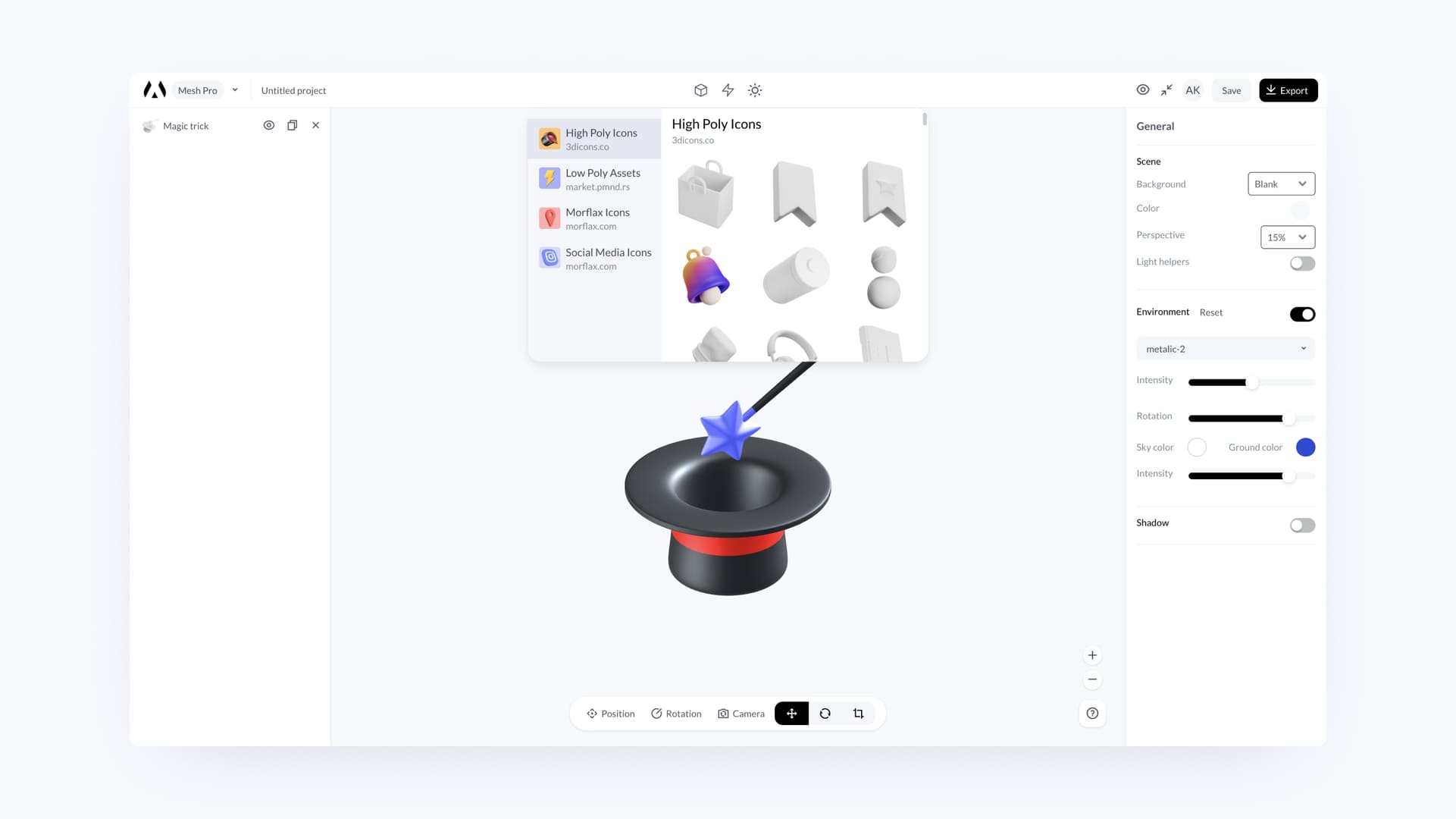
New library of 3D icons
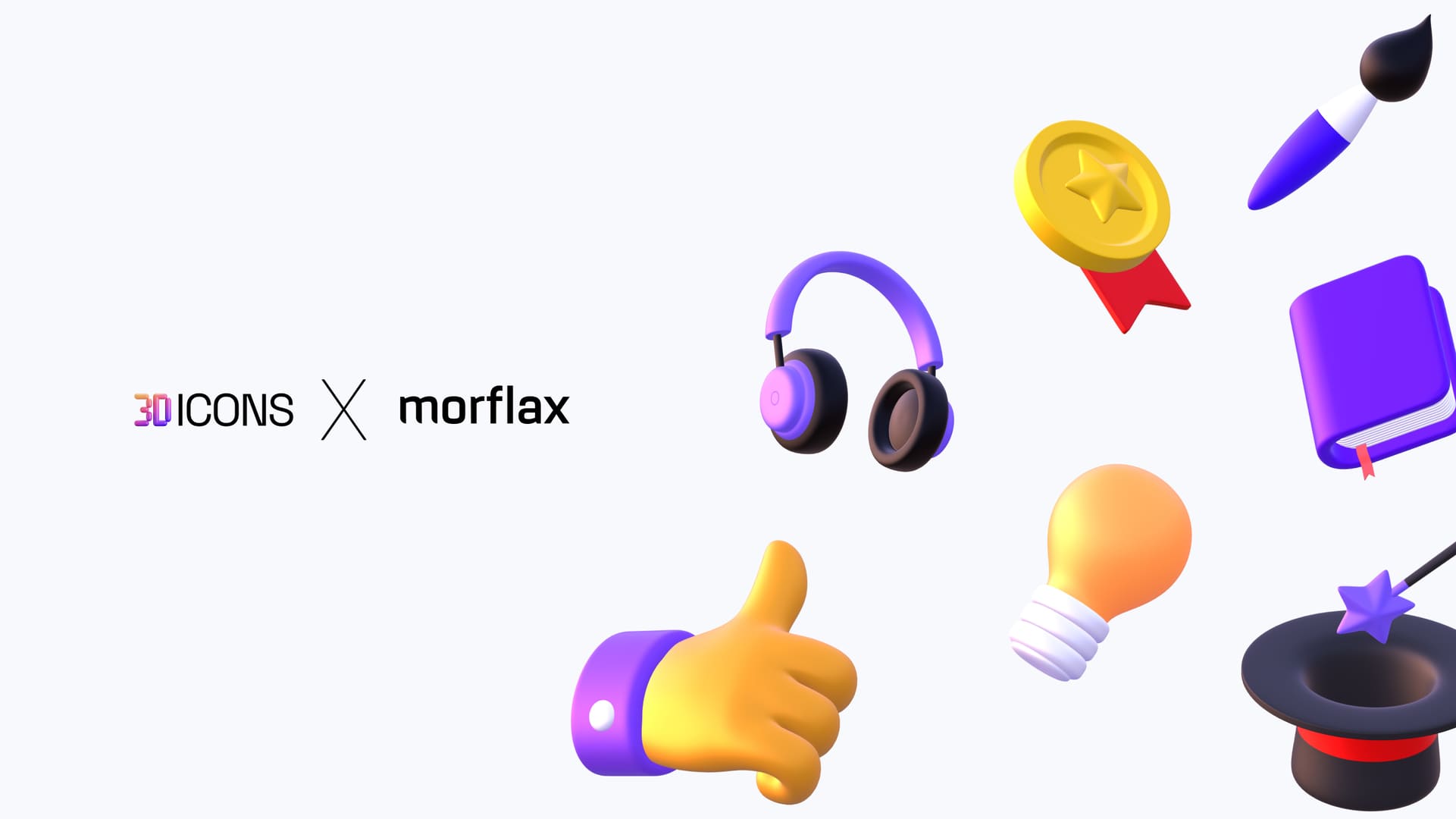
We have added huge library of 3D icons from 3Dicons.co. Business, design and other resources, everything in one place.
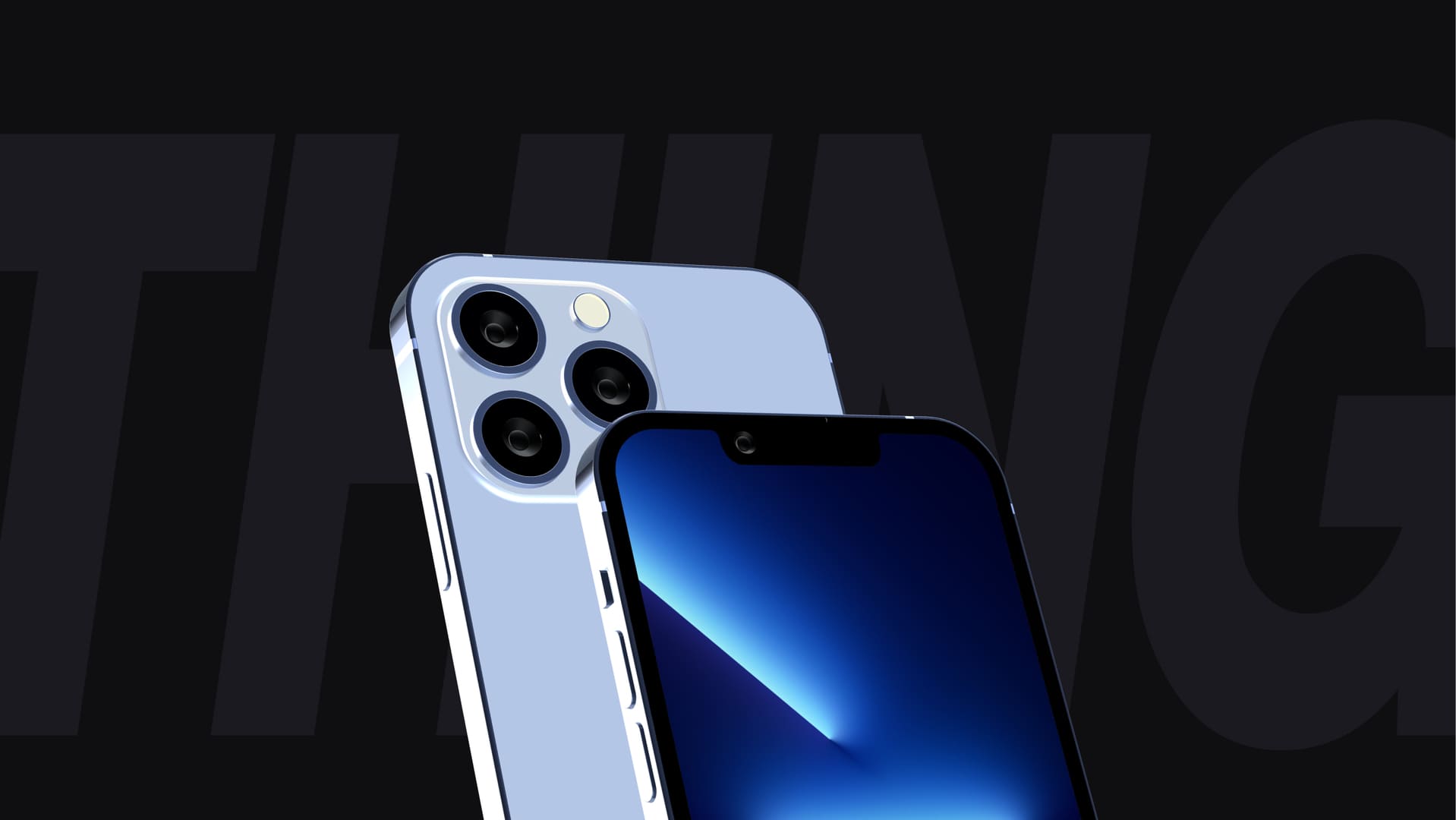
iPhone 13 & iPhone 13 Pro mockups
We have added new device models to Morflax things app: iPhone 13 & iPhone 13 Pro.
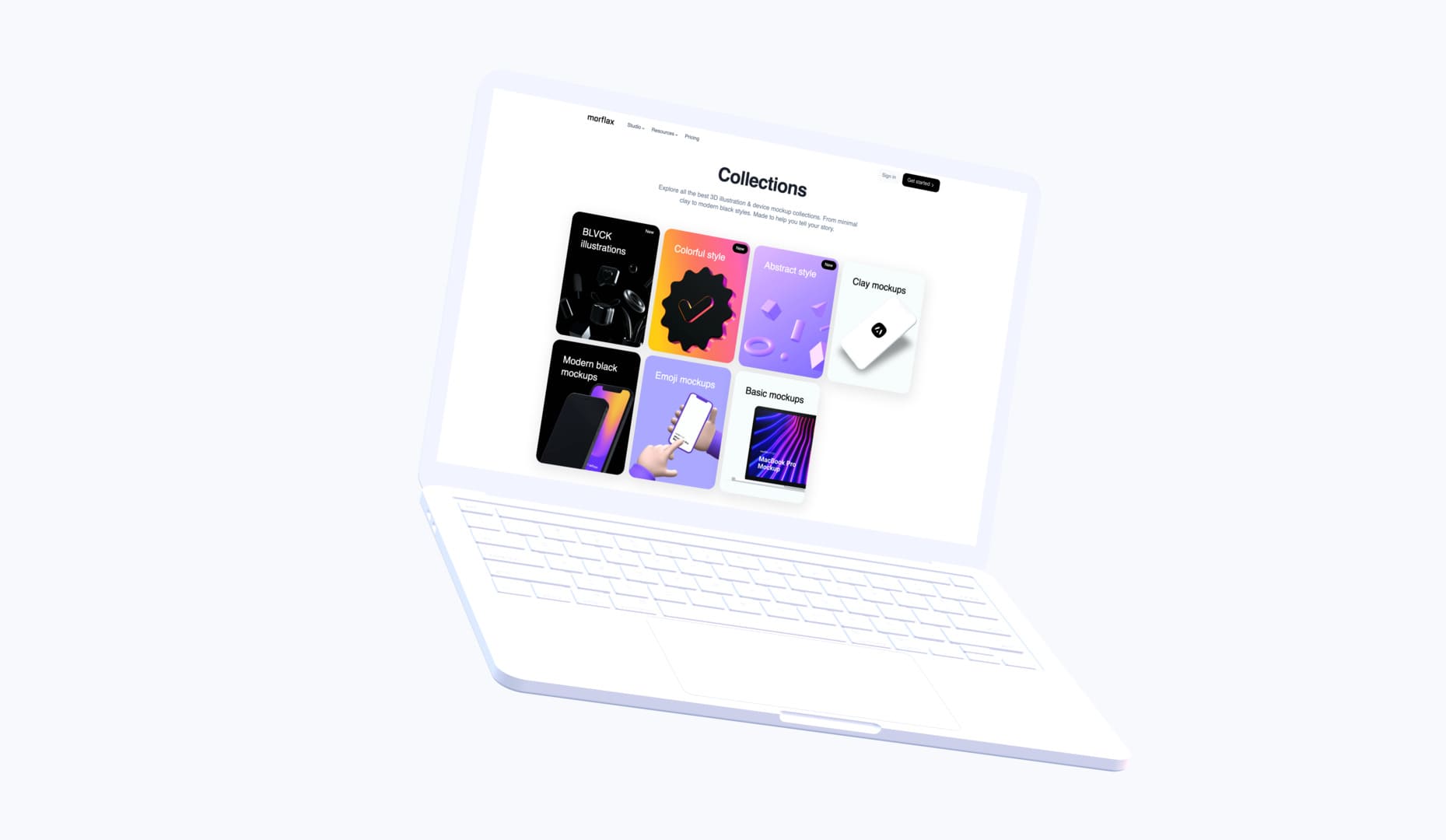
New collections & 100+ templates
This month, we're releasing 3 new collections with 100+ pre-made templates, to help you make your design faster.
What's new:
- 100+ pre-made templates
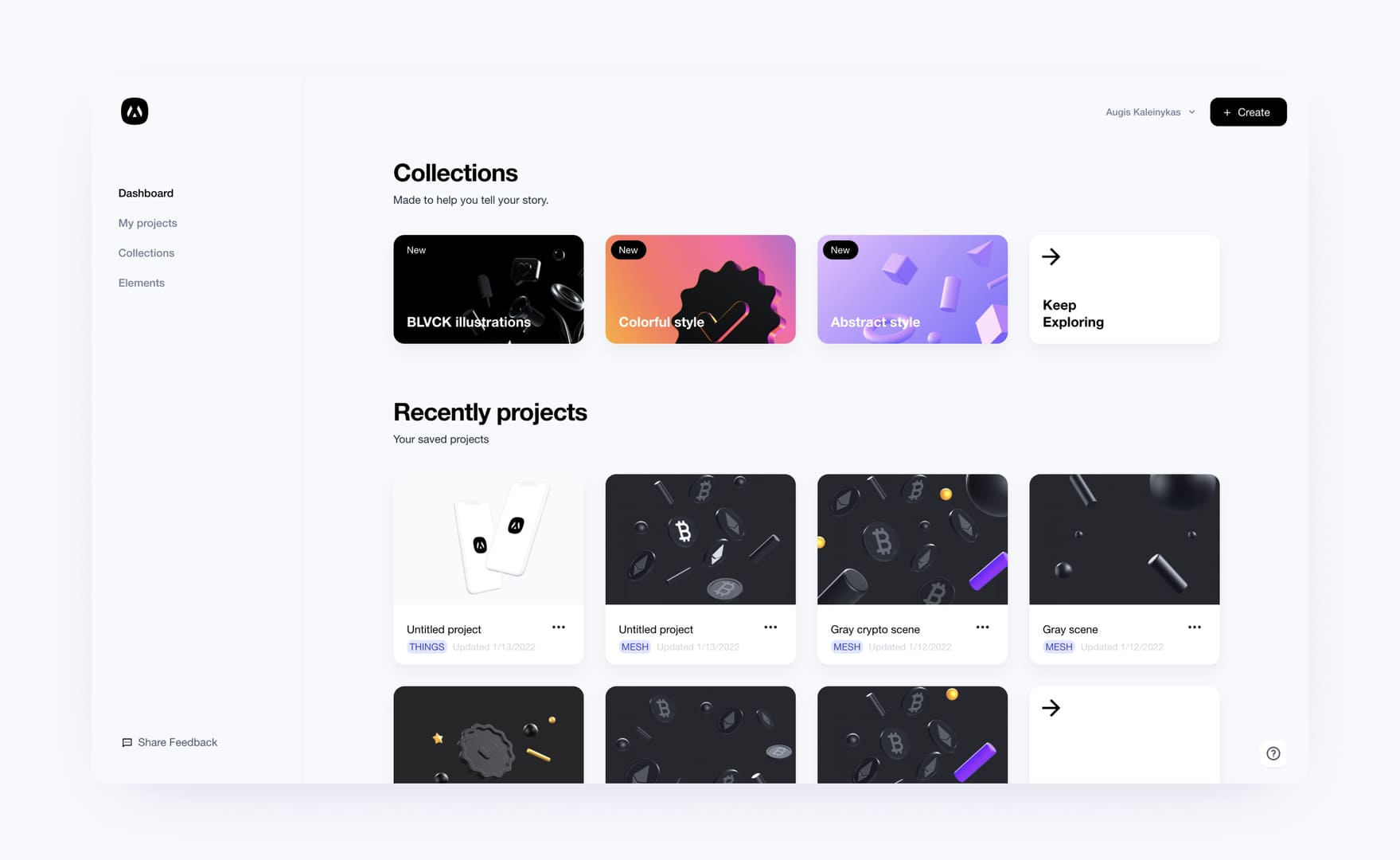
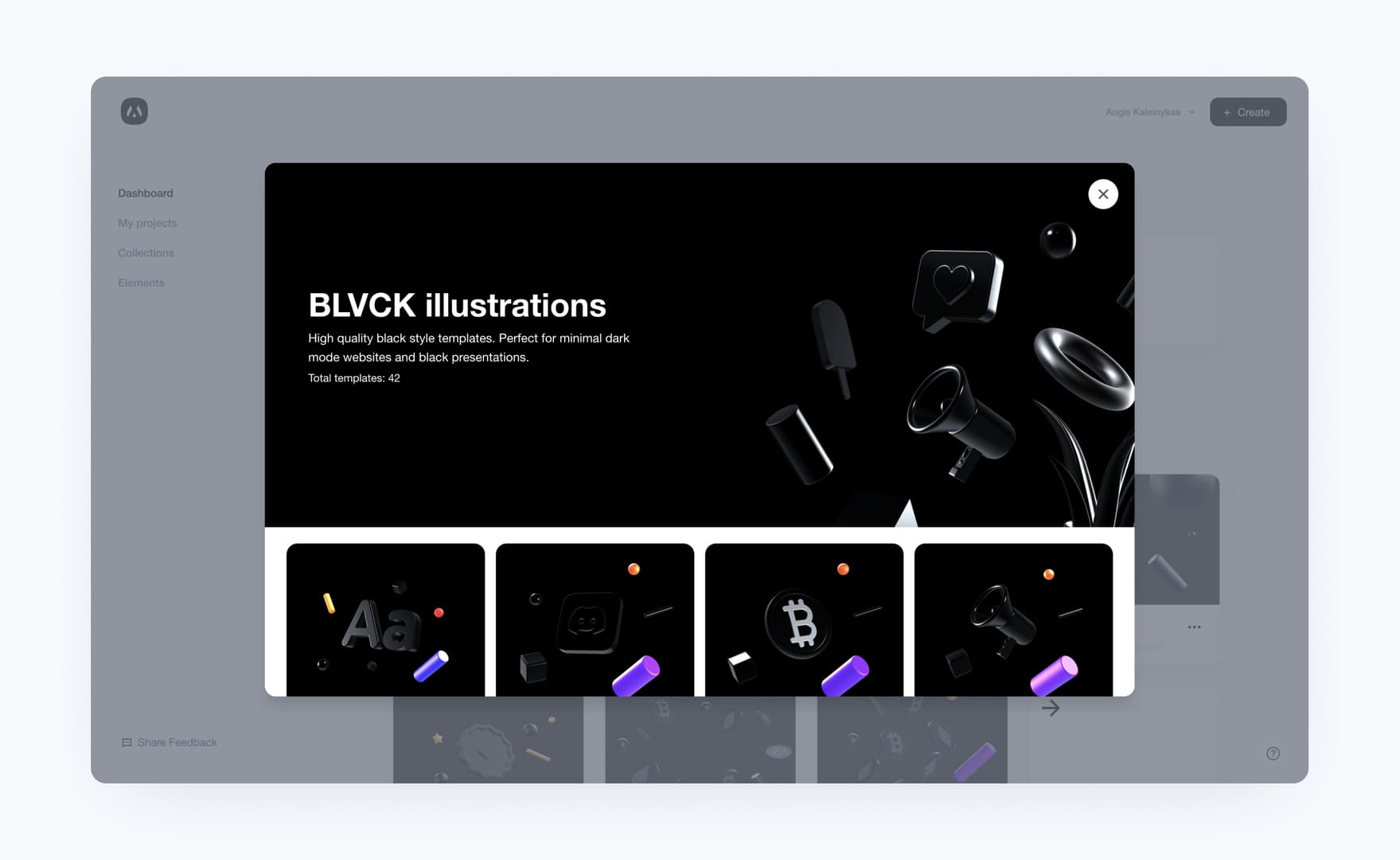
- 3 new illustration collections: Colorful, Blvck, and Abstract
- Updated collections section on our dashboard
- Updated landing page with much easier collections and templates control
- Each template will have its own page on our main website
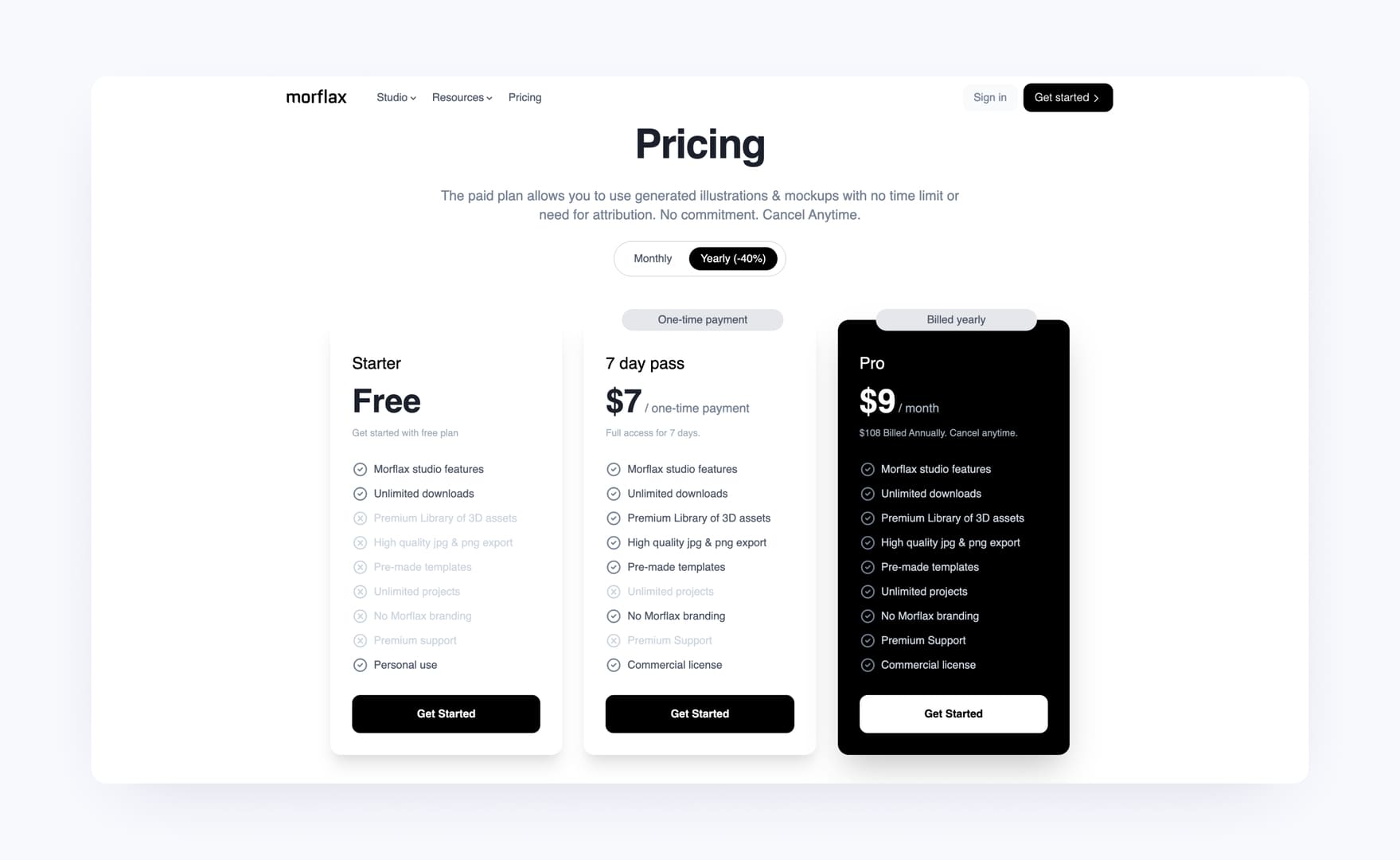
- Added new 7 days access price plan
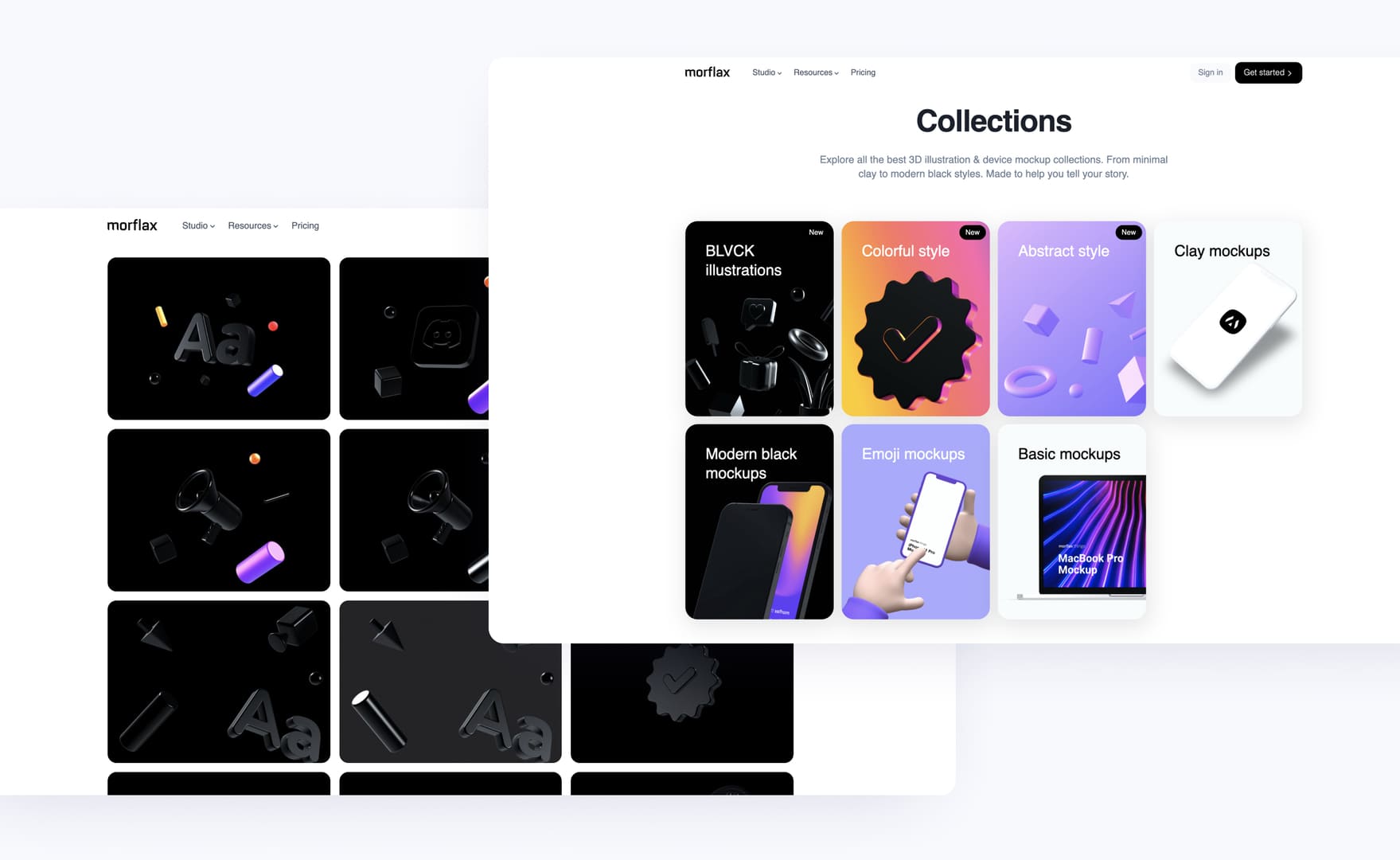
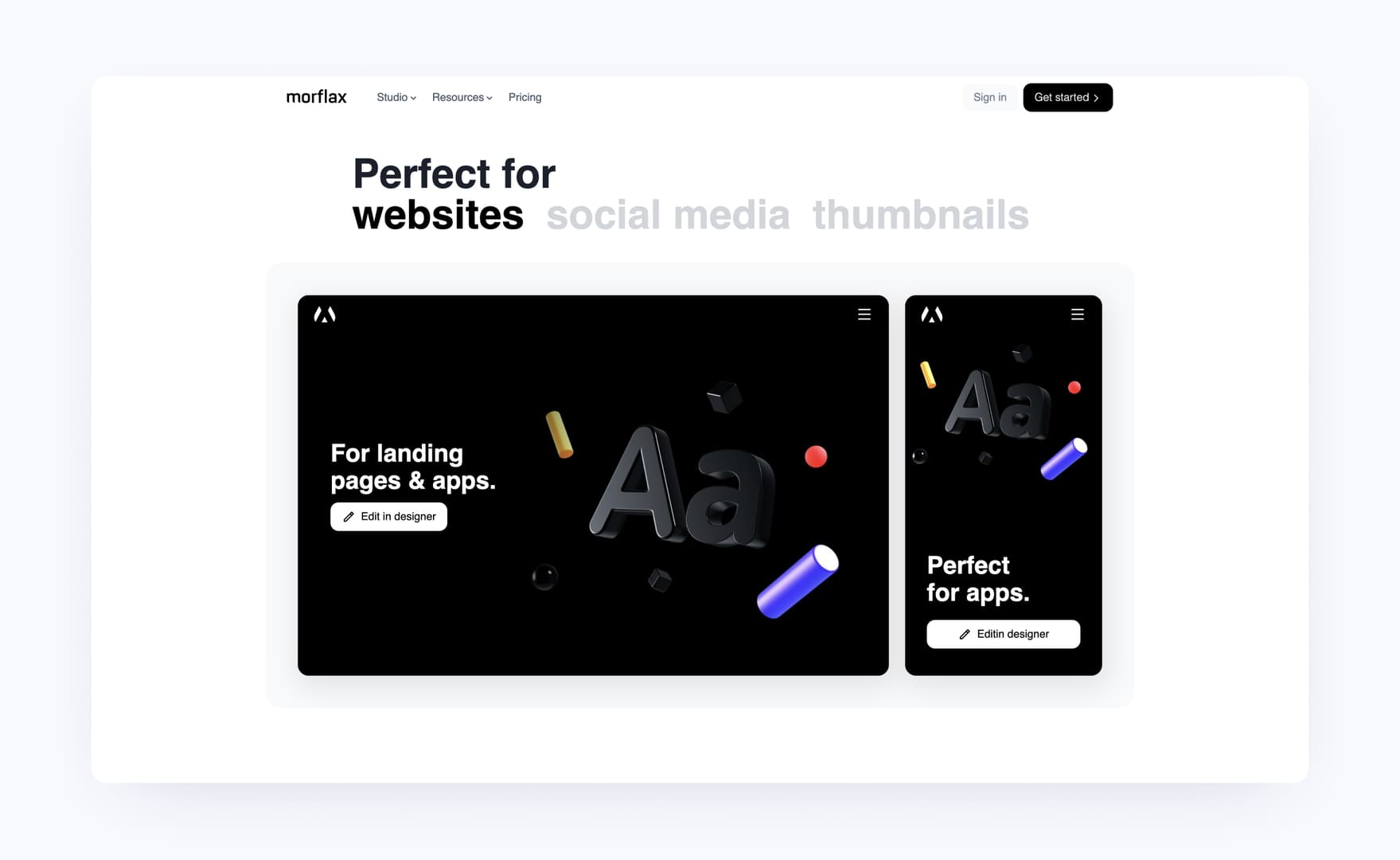
Explore templates right in landing page
You can now explore all collections and templates right on our landing page. Check all individual templates, information and use cases. It's easy as it should be.
You can see it here: Morflax collections
Explore templates right in your dashboard
You'll find 3 new collections of templates in studio dashboard too. You can see it here: Morflax studio dashboard
7 days access price plan
You can now access all features by purchasing a 7-day pass. It's a one-time payment, with no subscriptions or other recurring payments. The only limitation is that you can't save projects, this feature is available only for pro users.
New 3D icons
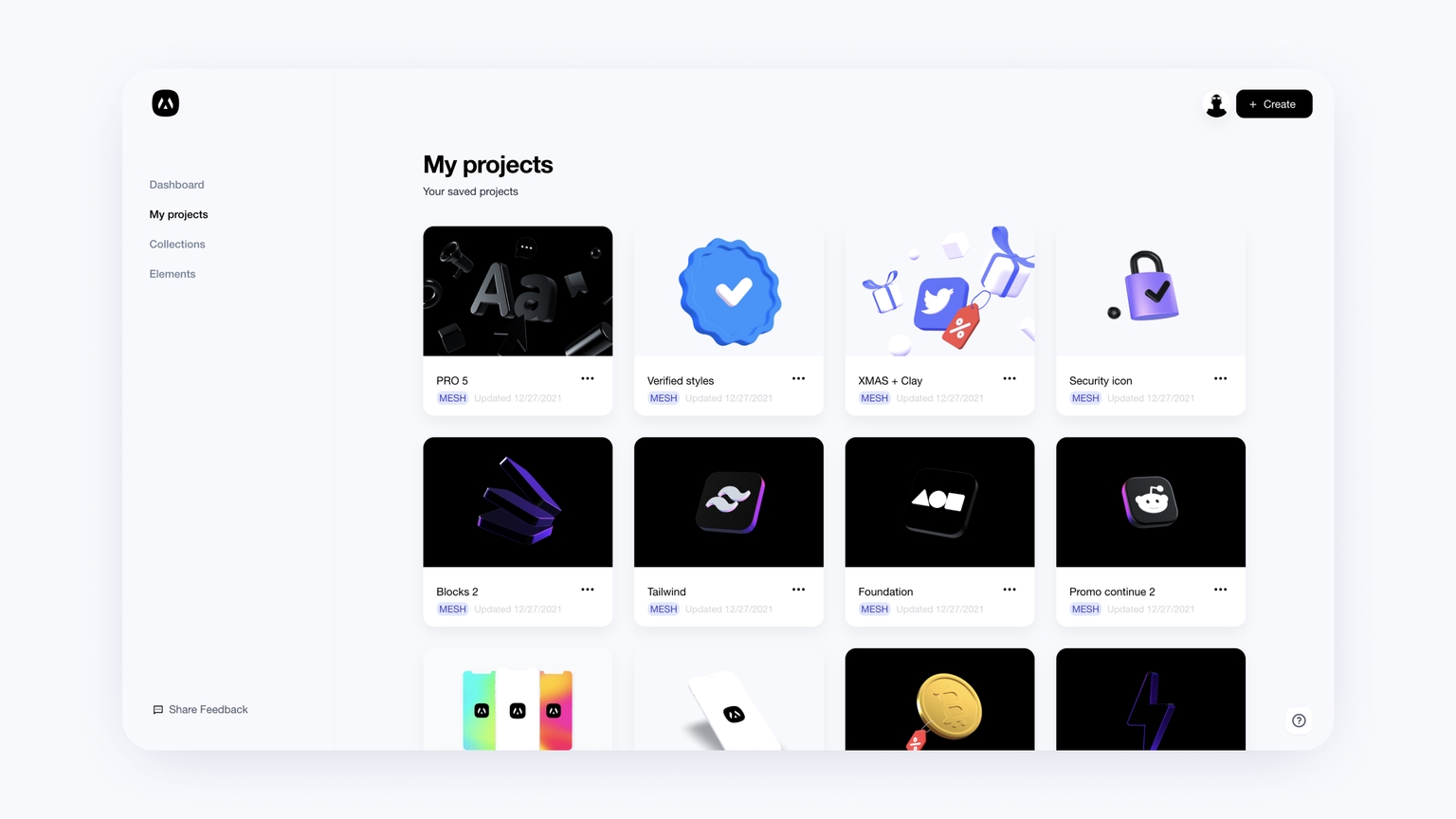
Dashboard thumbnails and other improvements
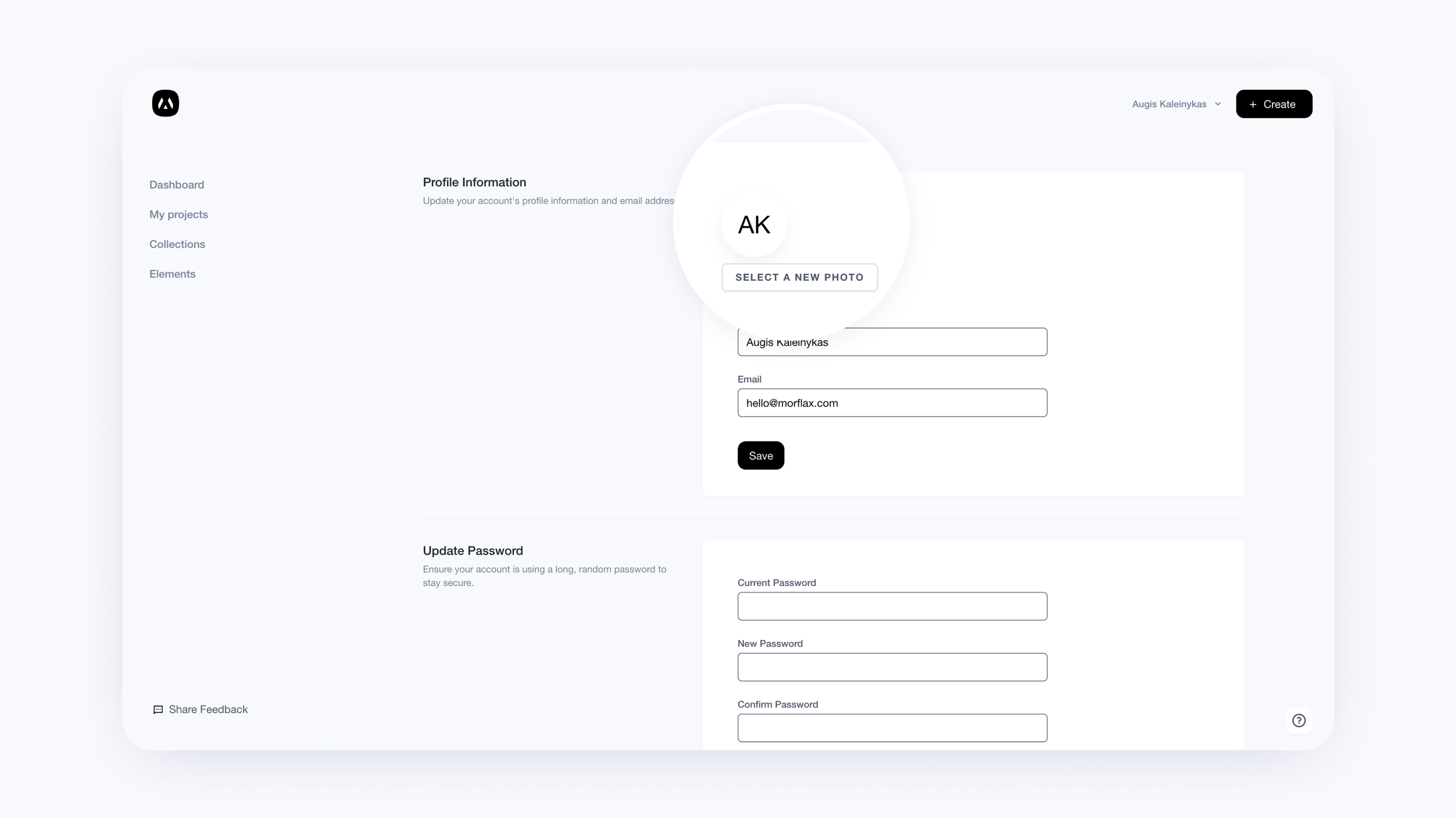
In our last release of 2021, we’re delivering some new dashboard and Morflax things app improvements. Profile avatar, thumbnails and shortcuts.
What's new:
- Project thumbnails will now be added to all newly saved projects
- You can now change your profile avatar
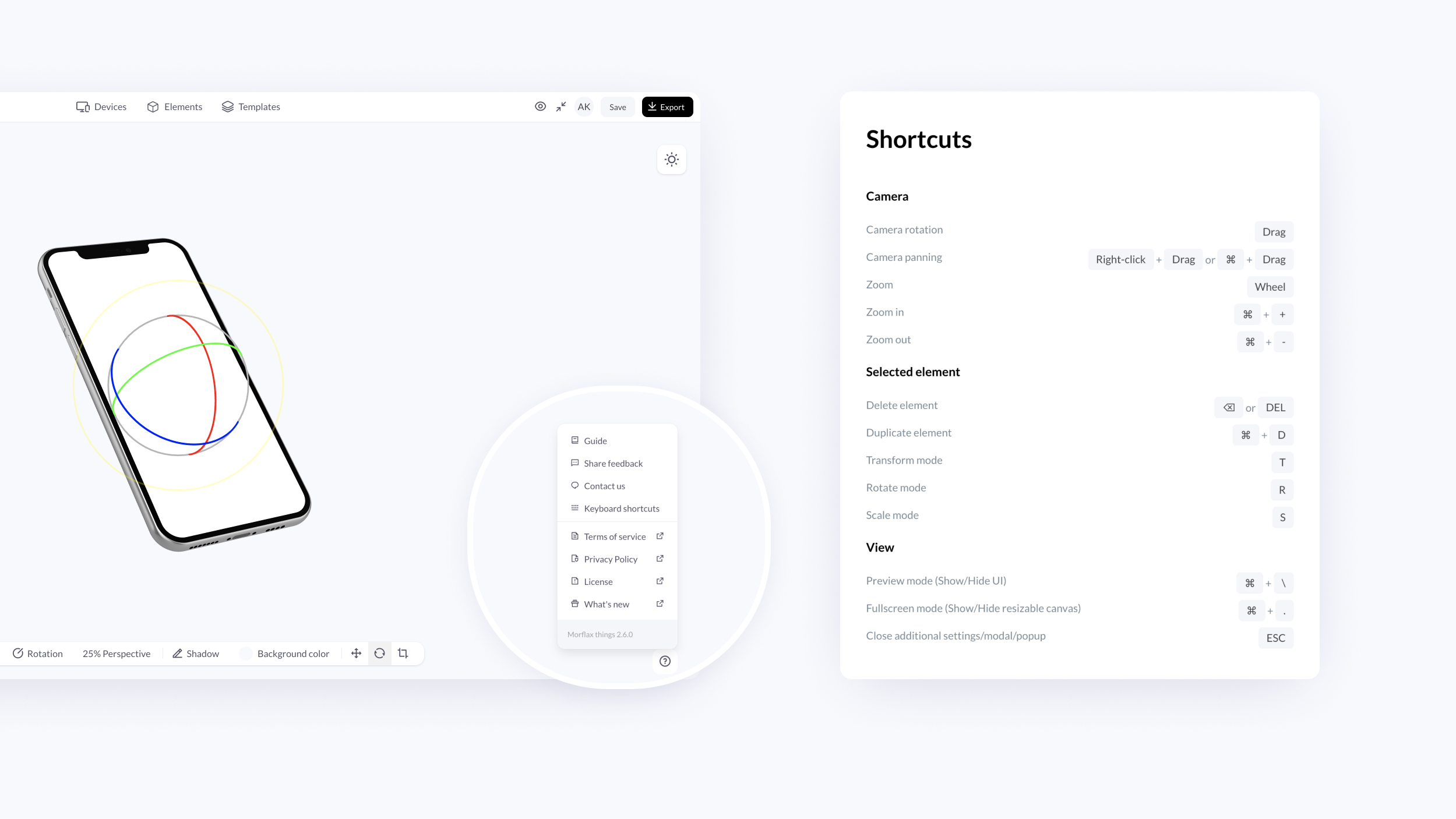
- Morflax things app now have shortcuts
Morflax mesh update - New design, features and elements
After months of building and testing, we’re finally releasing new version of Morflax mesh design tool - 3D illustration and icon designer.
Check out our updated app here and let us know what you think!
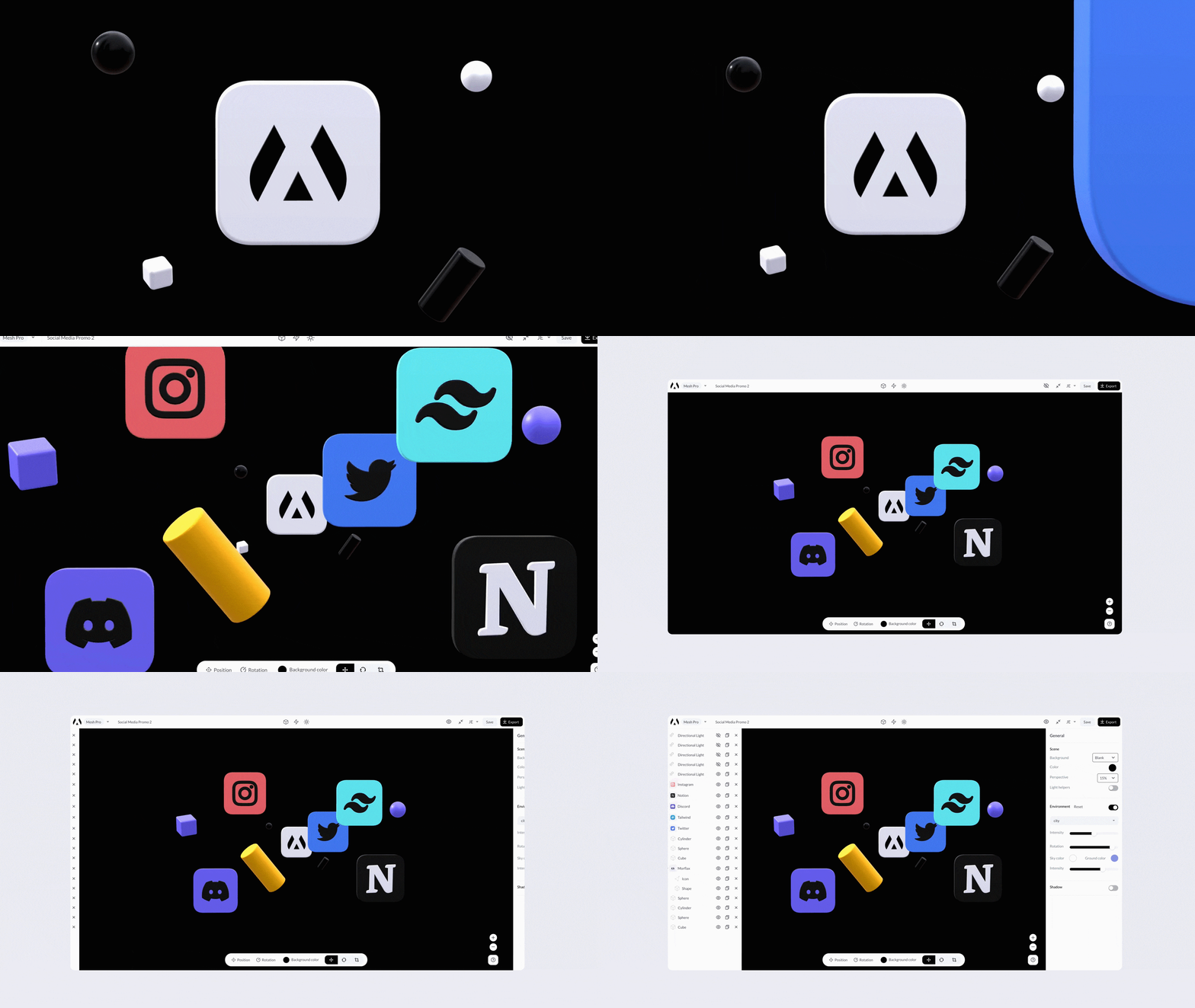
What's new:
This week we shipped a lot of new features, improvements, and a new design to enable you work faster.
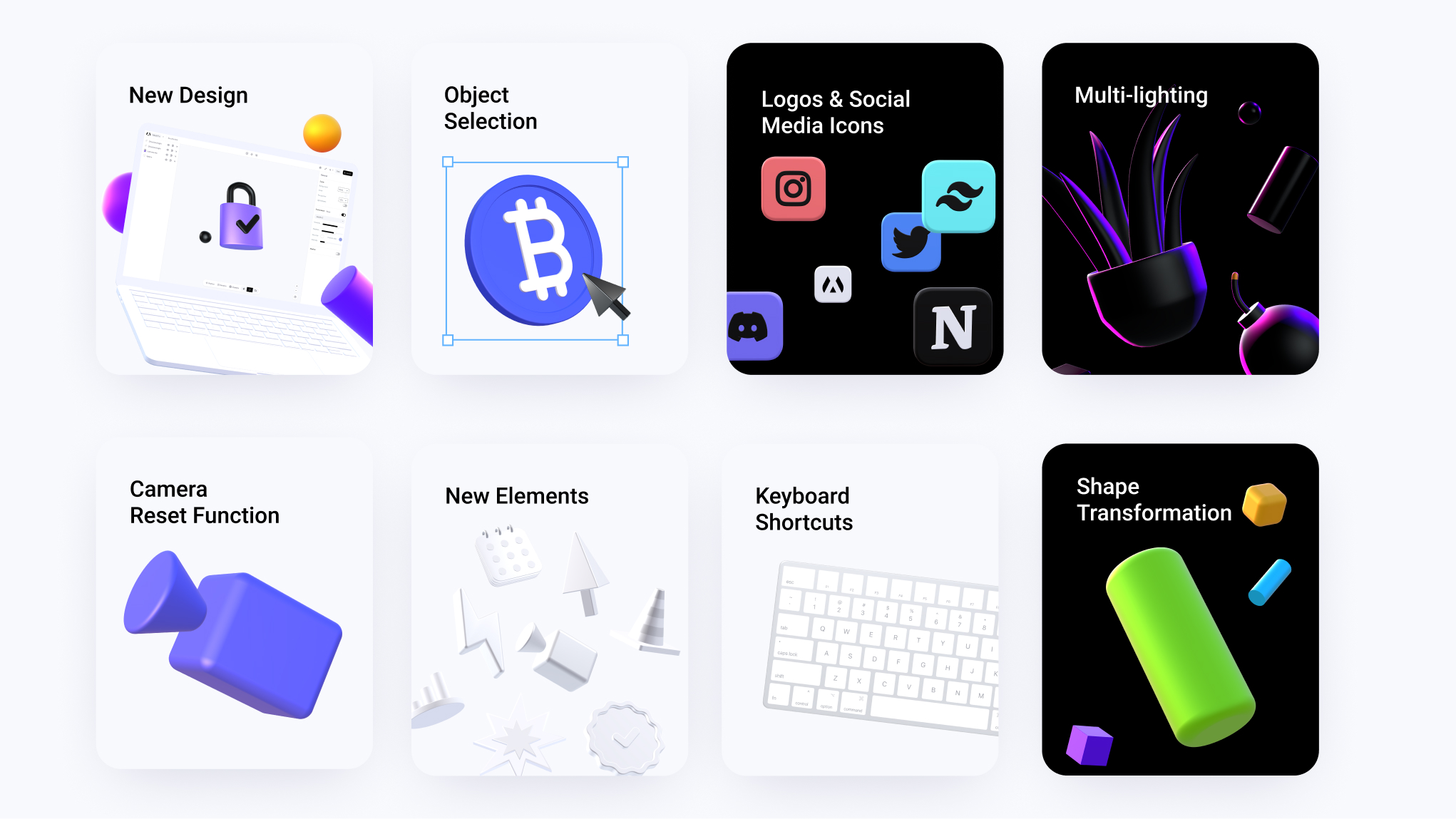
- New UI design, more features and better user experience
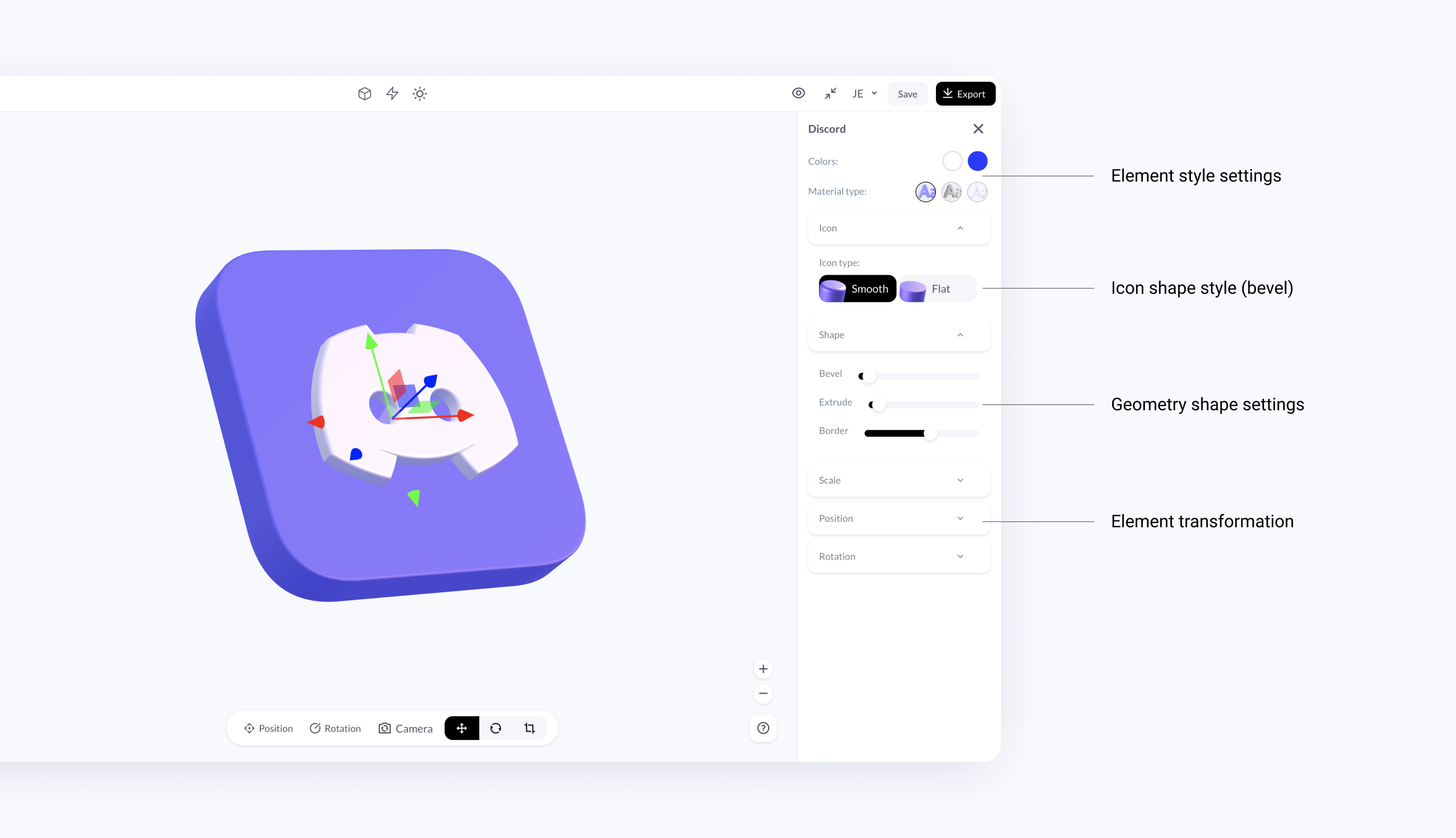
- Geometry shape transformation - extrude, bevel, and roundness
- 10+ new 3D elements
- 10+ new 3D Logos & social media elements
- Better objects selection - you can now select objects by clicking directly on them
- Multi-lighting & helpers - control, transform and move individual lights
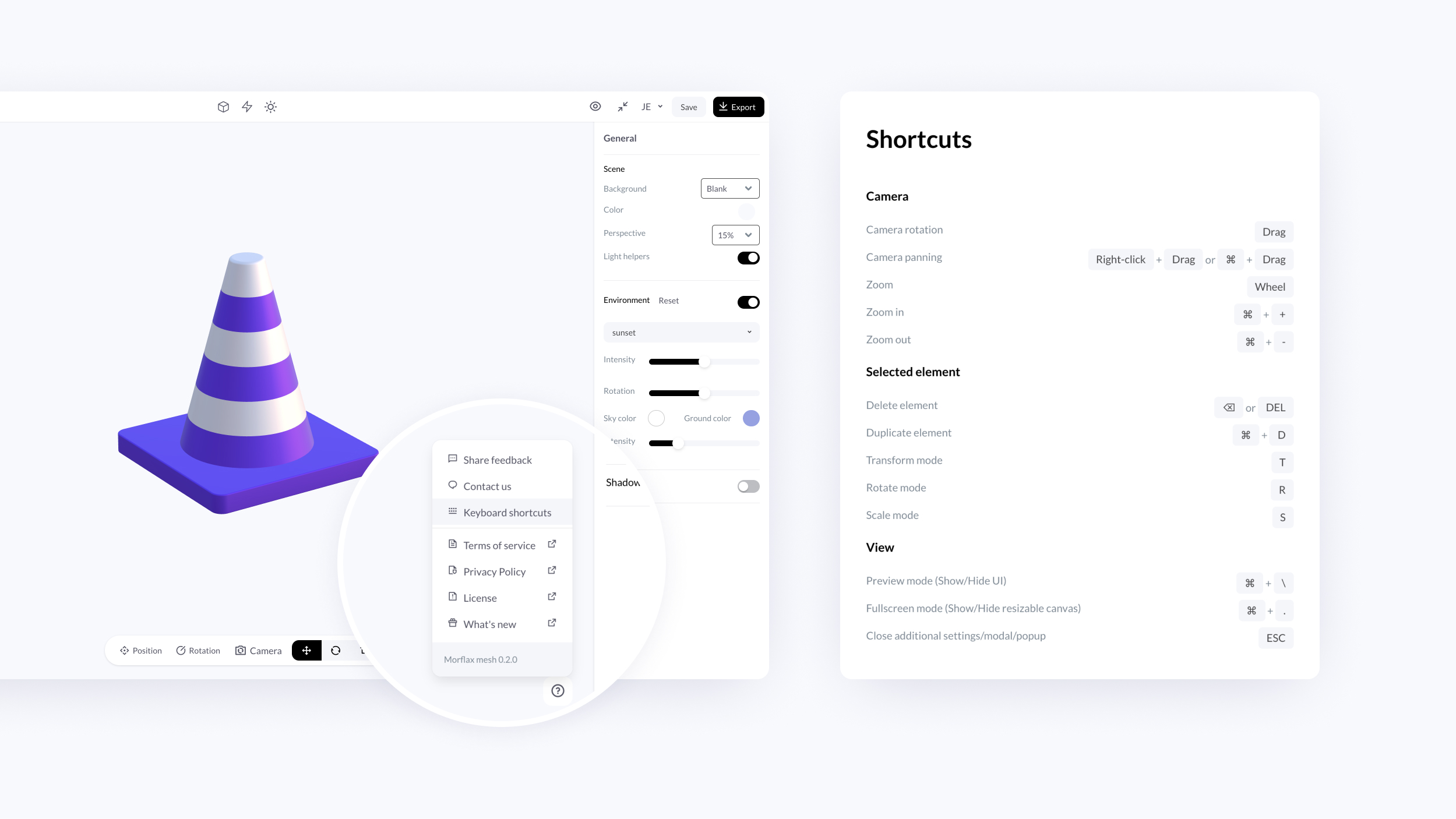
- Keyboard shortcuts for better user experience
Basics of new design:
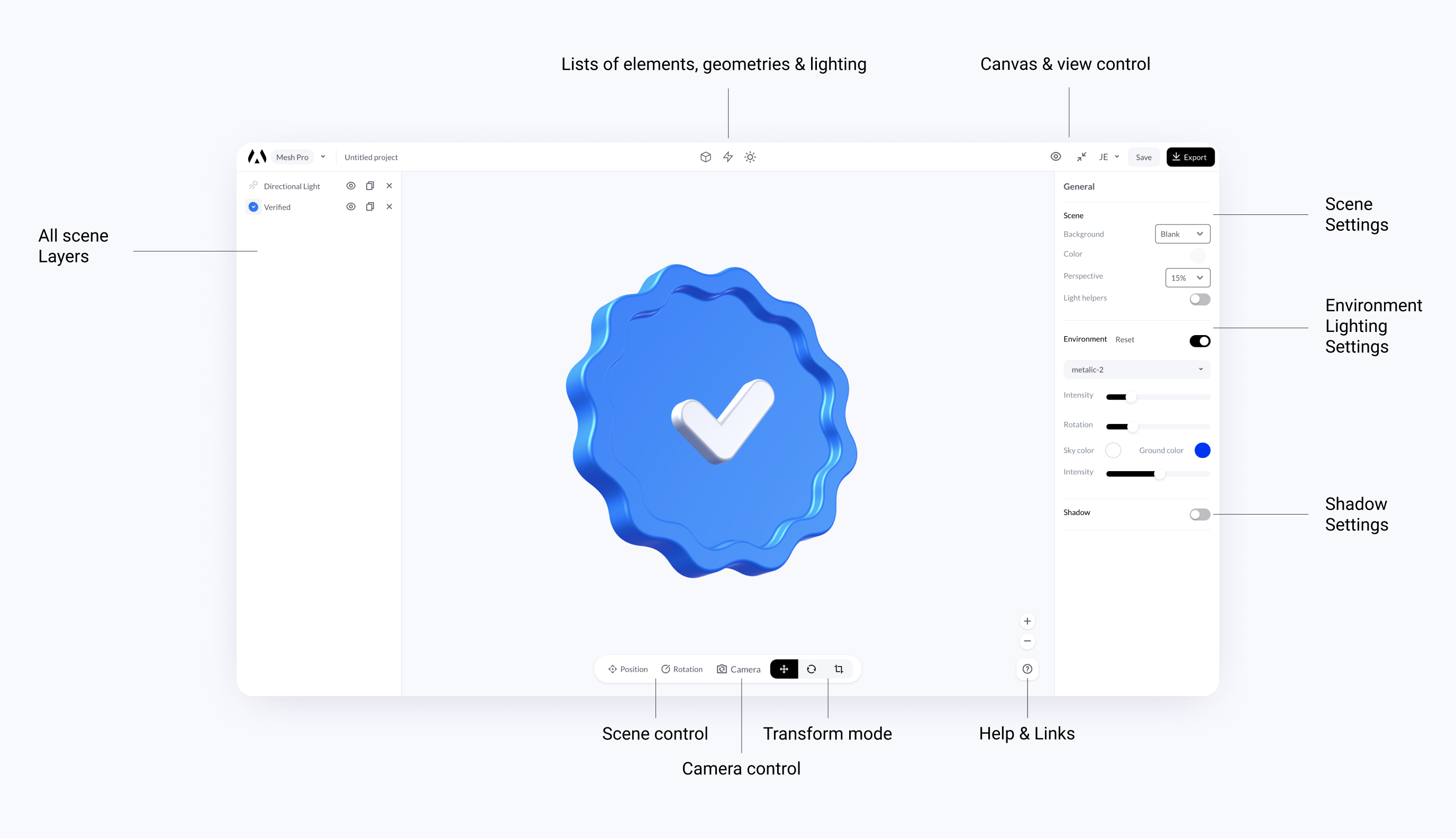
Keyboard shortcuts:
Morflax mesh beta - 3D illustration designer
Here it's, our new project. Design 3D illustrations and icons for your next project. Create awesome 3D scenes with a huge library of illustrations, everything in your browser.
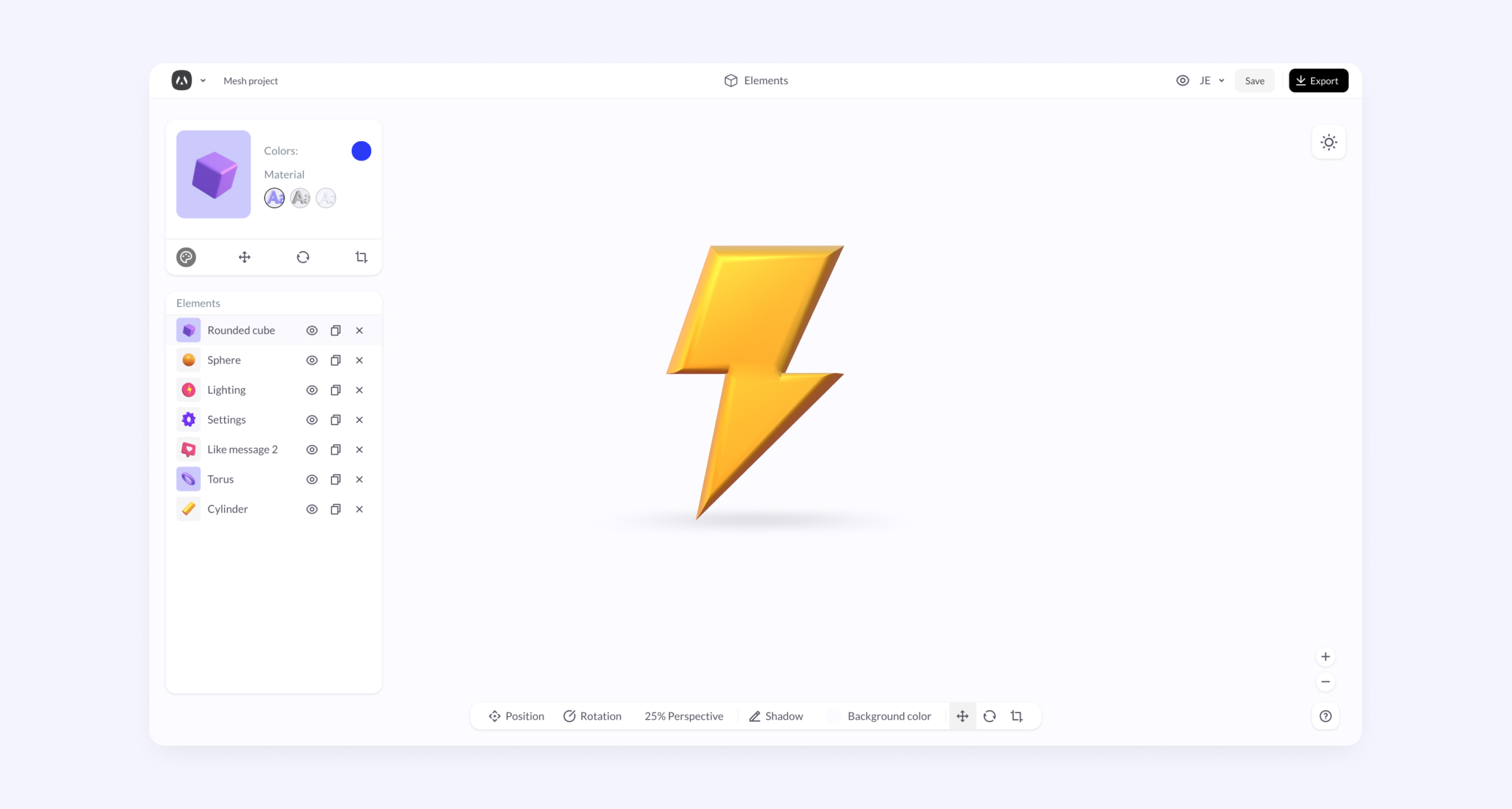
Features:
- Free 3D elements from open-source projects
- Morflax premium 3D elements
- 3 prepared materials
- Drag & drop functionality
- Lighting & color control
You can check Morflax mesh presentation page for more information.
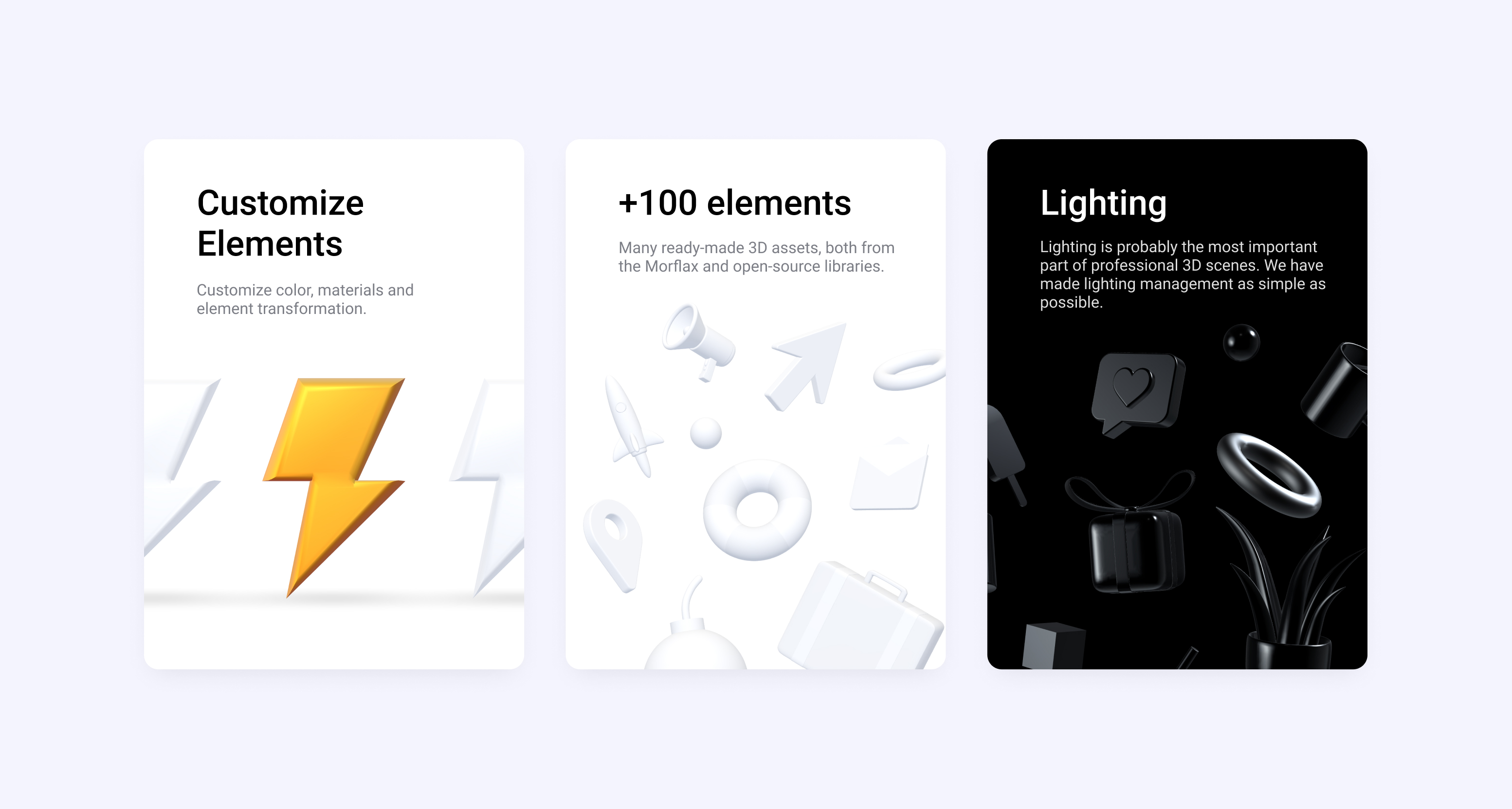
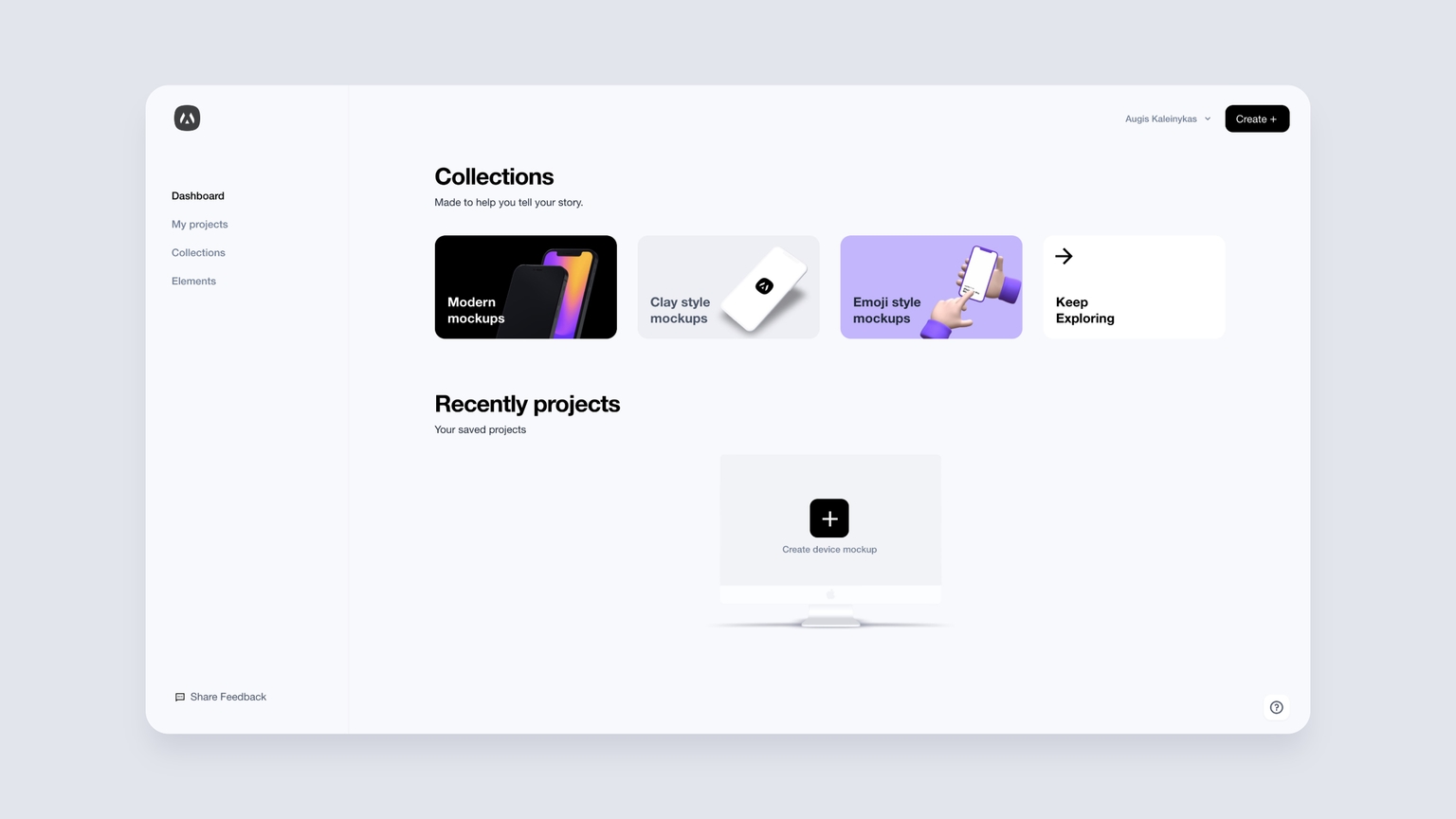
Introducing Morflax studio dashboard
Morflax studio - dashboard for all our 3D design tools. Manage all your projects, subscriptions, and account details in one place. Video presentation & showcase are available below.
What’s new:
From now on Morflax things web app available on https://studio.morflax.com/things/.
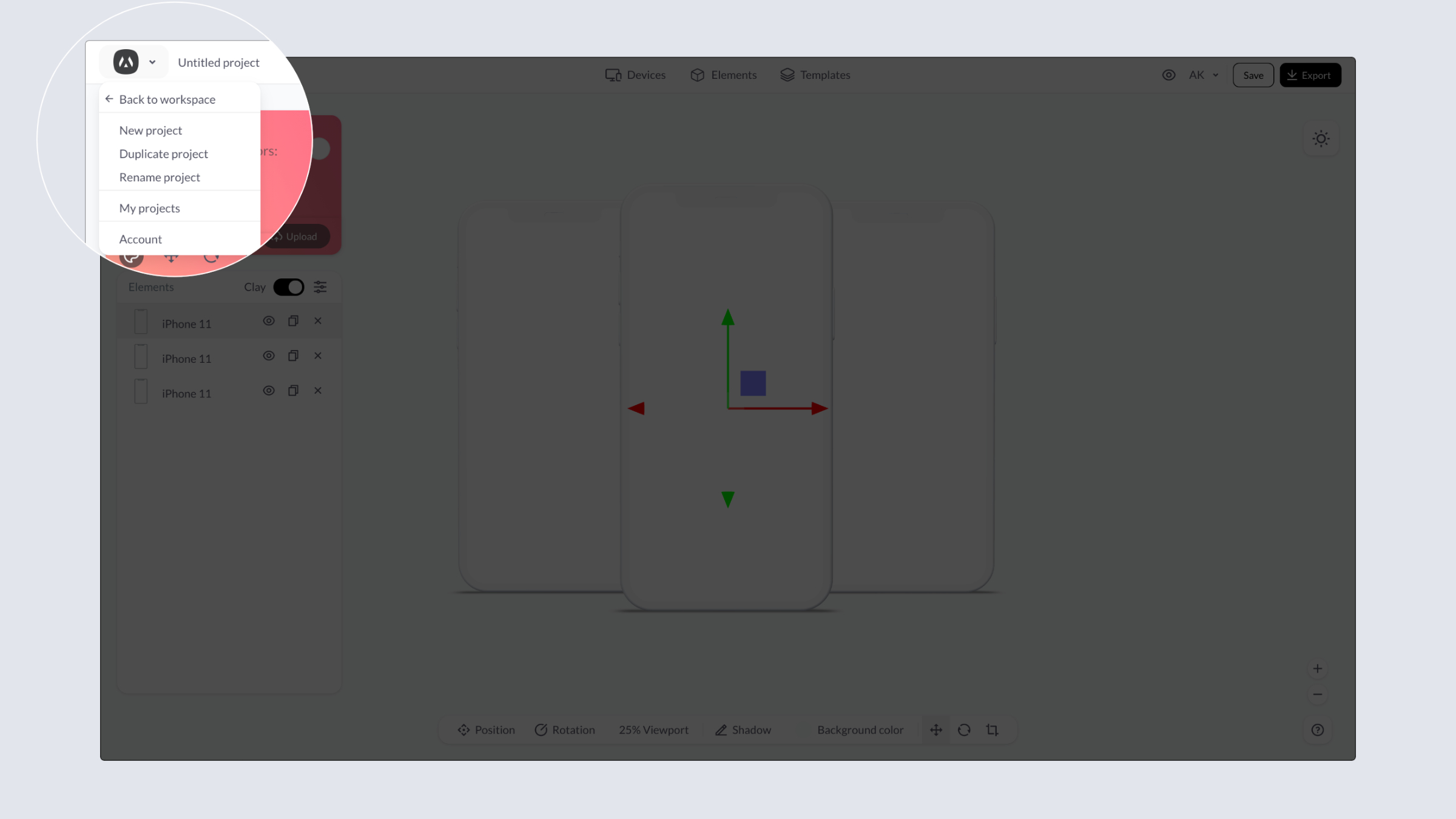
Save, edit, or make a copy of the current project directly in the web app.
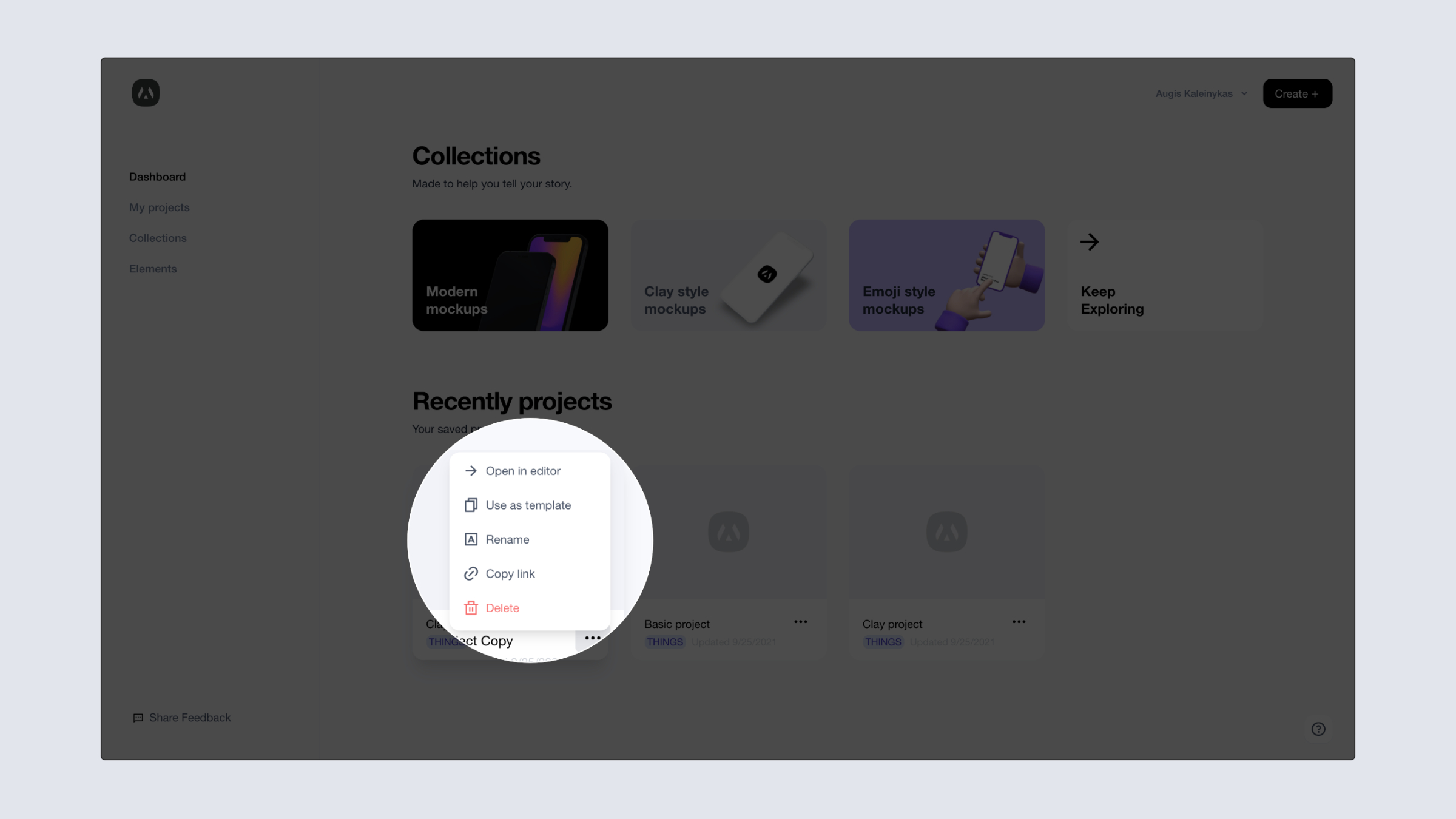
Manage all Morflax projects in one place - Morflax studio dashboard. Open, rename, delete or use it as template.
Manage your profile details, subscriptions and invoices right here, in our dashboard.