Effects and post-processing
June 1, 2026

Effects and post-processing are now available in Morflax Studio. Create more expressive visuals, refine the final look of your scene, and export polished images or videos directly from the browser.
What's new
- Effects: Halftone, Dither, ASCII, Pixelate, and more
- Post-processing: Blur, Bloom, Film Grain, Vignette, and more
- Adjustments: Exposure, Contrast, Saturation, Hue, and more
- Redesigned settings sidebar for cleaner controls
Effects
Effects let you create more expressive visuals from your scenes, objects and vectors. Apply a style across the whole scene and turn clean 3D renders into something more graphic, textured, or experimental.
Create looks inspired by print, retro screens, posters, digital art, and abstract graphics with Halftone, Dither, ASCII, Pixelate, Mosaic, Pointillism, Duotone, Threshold, and Heatmap.

Post-processing
Post-processing helps you refine the final image before export. Add depth, glow, grain, softness, and subtle lens-style details directly inside Morflax Studio.
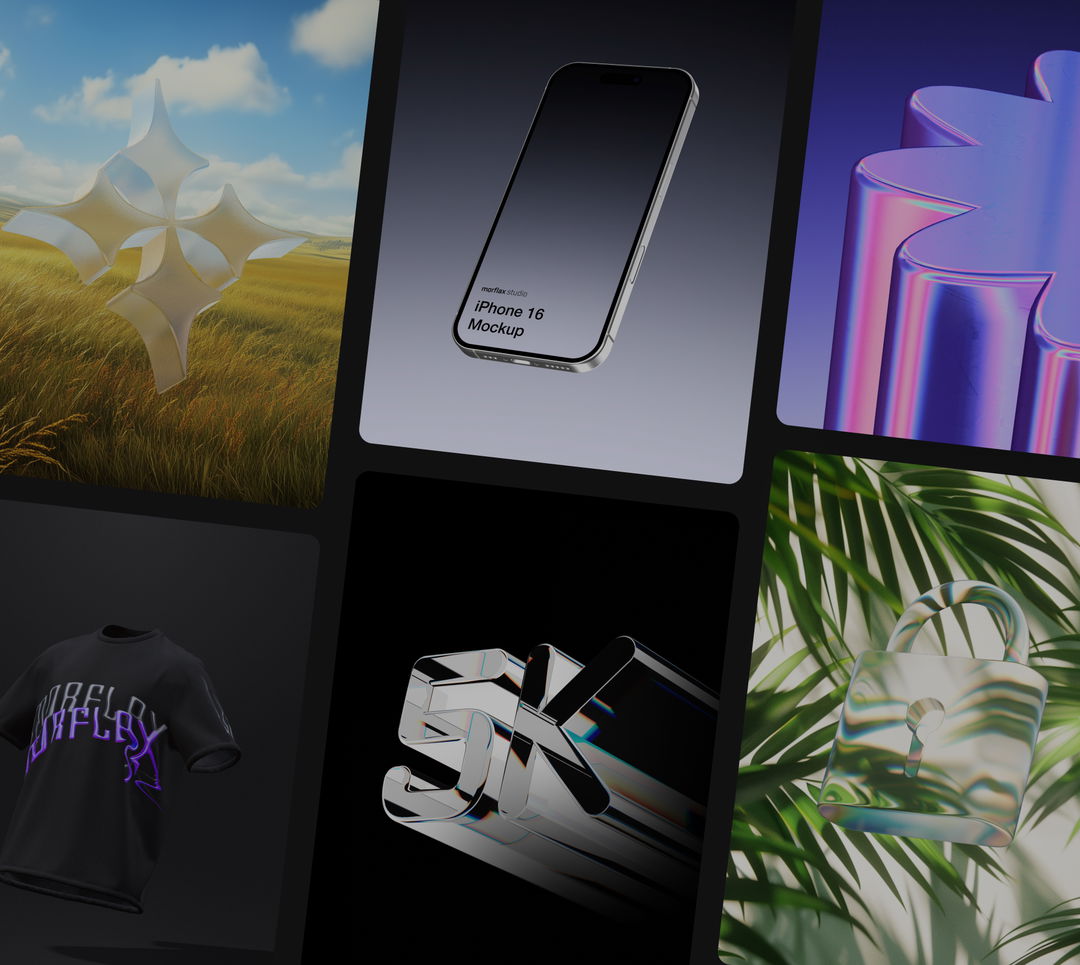
It works especially well for device mockups, product showcases, icons, or uploaded 3D models. A simple iPhone mockup with blur, bloom and film grain can feel much closer to a finished campaign visual than a raw viewport render.
Available controls include Blur, Bloom, Film Grain, Vignette, Chromatic Shift, and Gradient Overlay.

Adjustments
Adjustments give you more control over color, light, and the overall balance of the render.
Fine-tune tone mapping, exposure, brightness, contrast, saturation, hue, temperature, and tint before exporting your image or video.
Use effects to shape the style. Use post-processing and adjustments to finish the render.
If anything feels off, let us know - we're actively improving.
We would love to hear your feedback! Leave it
here
or just let us know via:
Email hello@morflax.com
, Twitter
@morflax_com