New materials and improved settings
April 10, 2026

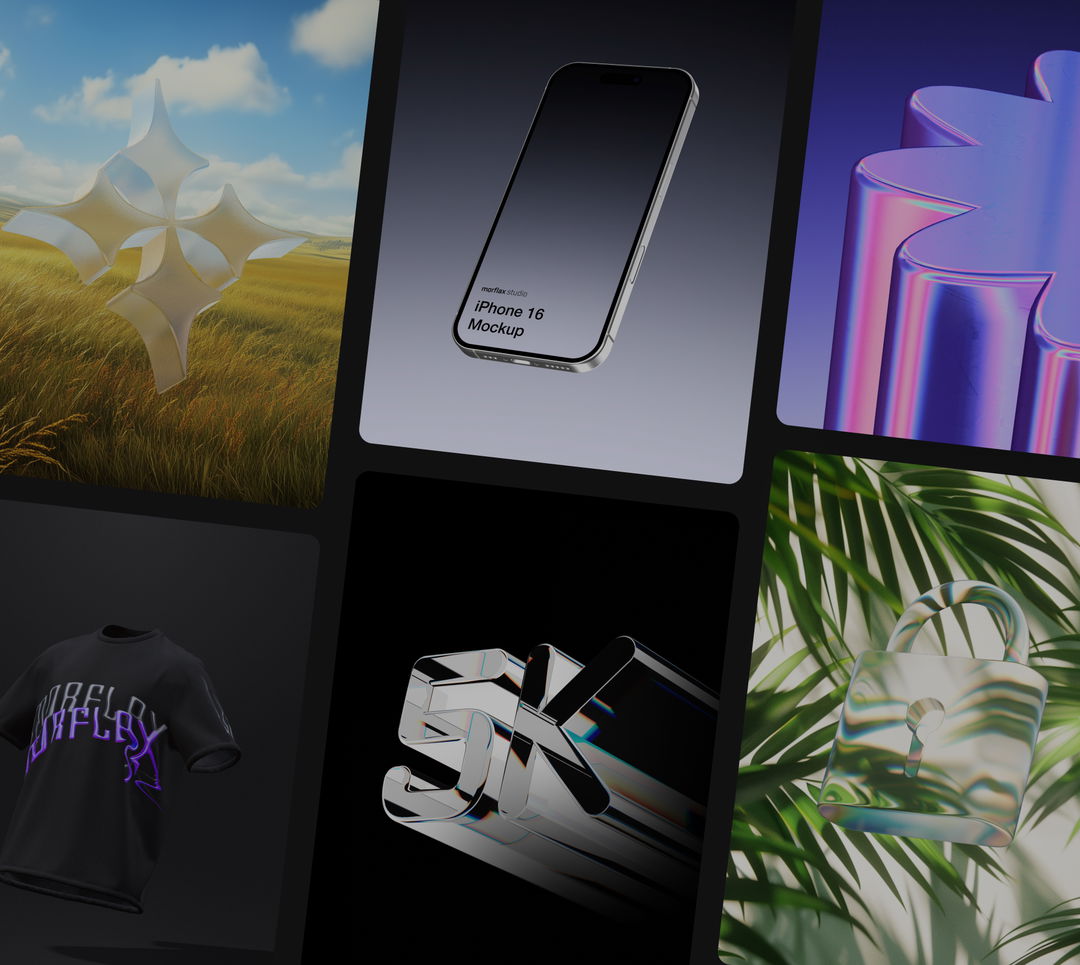
The materials library just got a major upgrade - 20+ new presets, improved settings, and new emissive controls. Pick a material, apply it in one click, and achieve great results without touching a single setting.
What's new
New material presets The library now includes 20+ solid and plastic presets across a wide range of colors and finishes - from matte clay to high-gloss plastic. Each preset is designed to look great out of the box without any manual tweaking.
Emissive material settings Materials can now emit light, giving objects a glowing, neon, or backlit appearance. Useful for product renders, abstract scenes, and motion graphics.
Improved material settings The material settings panel has been reorganized for faster access to the most common controls - roughness, metalness, and color are now front and center.
How it works
Open any scene in Morflax Studio, select an object, and open the Materials panel. Switch to the Library tab to browse all presets - click any material to apply it instantly.
We would love to hear your feedback! Leave it
here
or just let us know via:
Email hello@morflax.com
, Twitter
@morflax_com