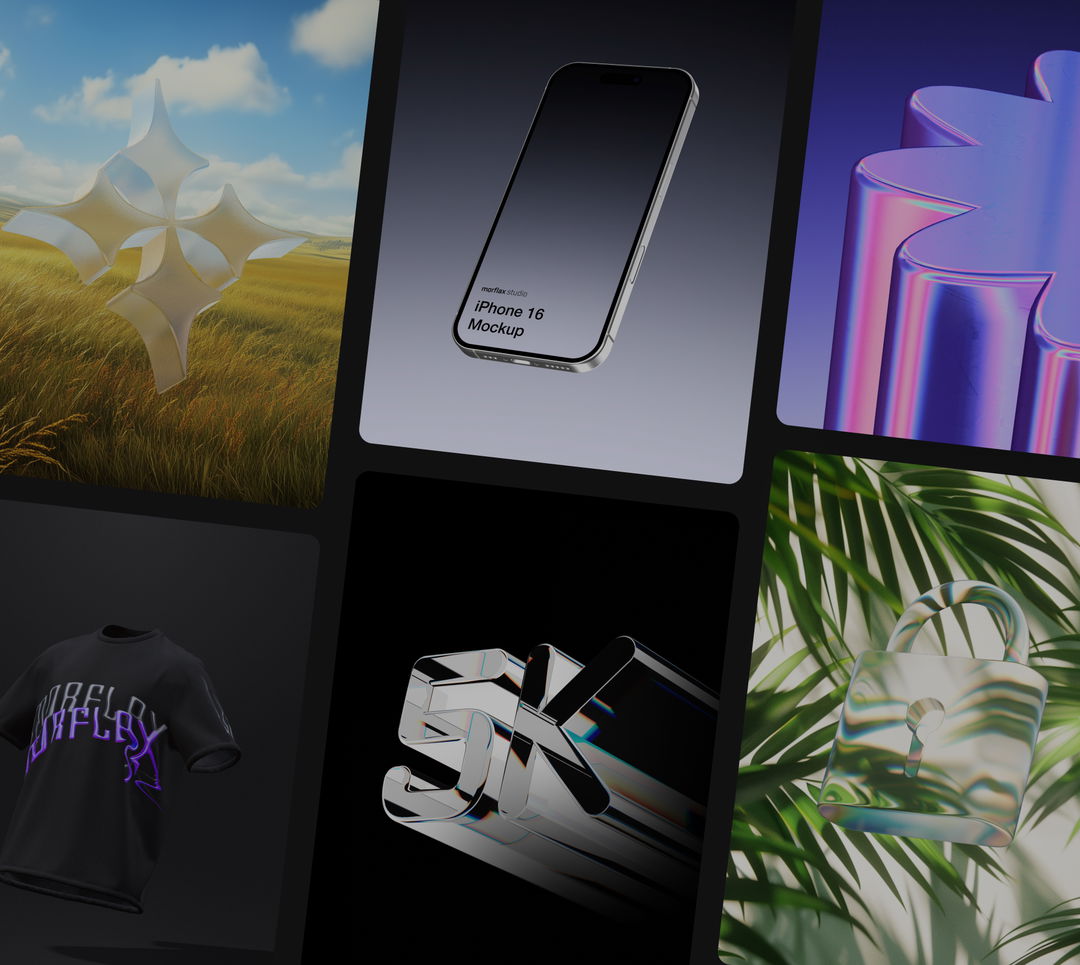
Cinematic device mockups
August 16, 2026
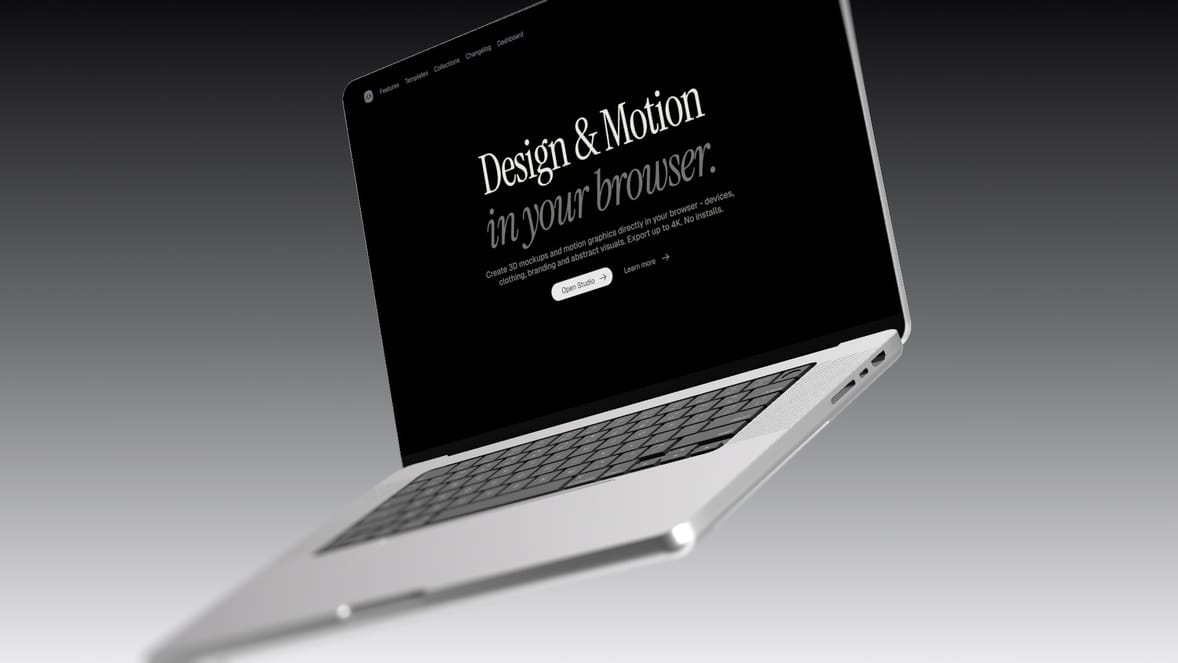
Turn a screenshot or screen recording into a cinematic device shot. This new collection combines animated scenes and the new Screen glass control with blur, film grain, bloom, and other post-processing controls in ways we haven't used in templates before.
What's new
- New Cinematic Device Mockups collection with iPhone, MacBook, and screen scenes
- New Screen glass control on device mockups: None, Matte, and Glossy
- New templates designed around blur, film grain, bloom, and nice animations
New cinematic templates
The collection includes iPhone, MacBook, and screen scenes that combine object animation, lighting, screen materials, and post-processing for a cinematic look.
Every template is fully editable. Add your own screenshot or video, then adjust the device, environment, camera, animation, and effects before exporting an image or video up to 4K.
Screen glass and post-processing
The new Screen glass control lets you choose how the display surface looks:
- None keeps the screen clean and clear, making it ideal for UI presentations
- Matte adds a soft, anti-glare layer over the display
- Glossy adds a glass-like surface that picks up the environment and surrounding light
Glossy works especially well with an HDRI environment. Pair it with post-processing controls like Blur, Film Grain, Bloom, and Vignette for a more realistic, cinematic look.
We would love to hear your feedback! Leave it
here
or just let us know via:
Email hello@morflax.com
, Twitter
@morflax_com