Gradient Map & multi-color palettes
October 13, 2026
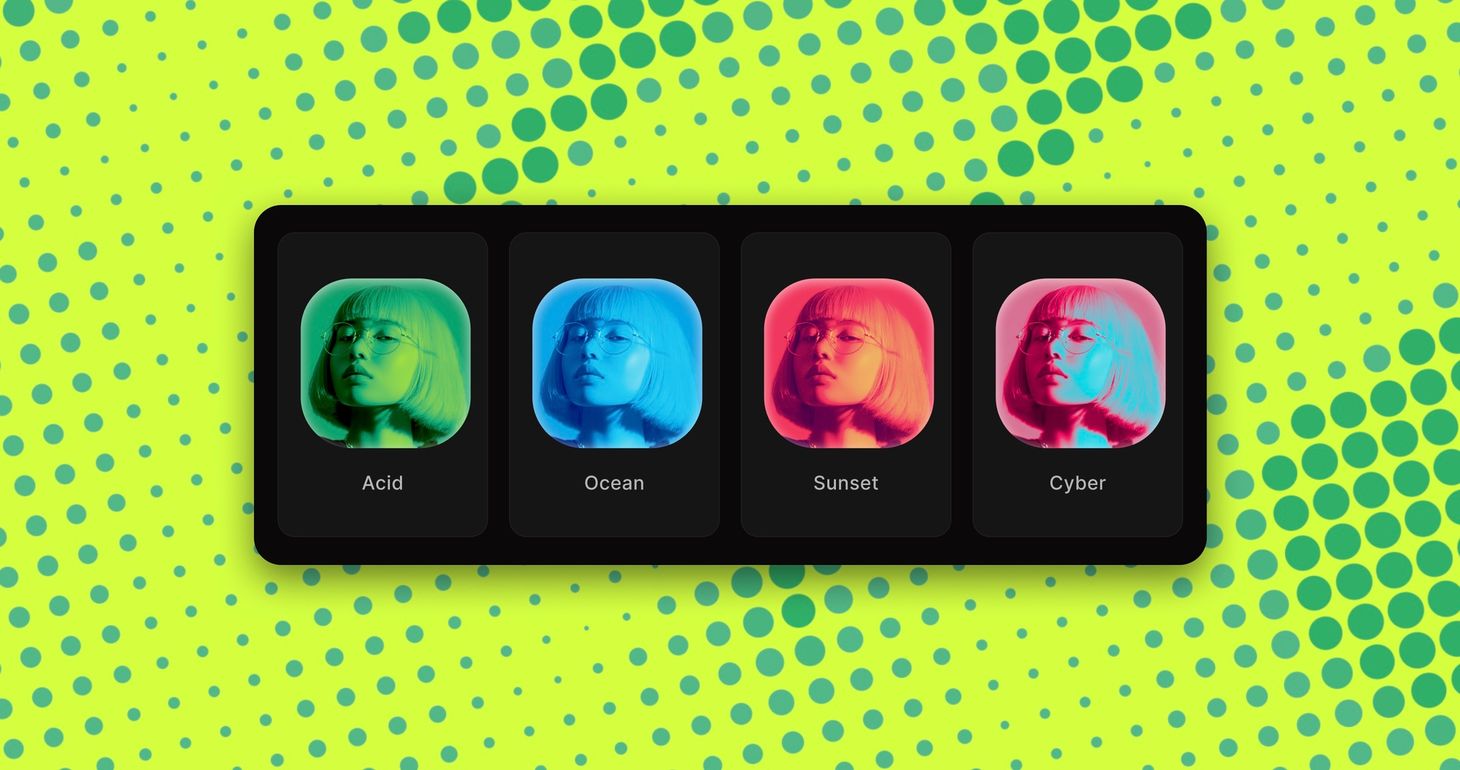
Color palettes now go beyond two colors. Use them in ten effects, from Dither and Halftone to ASCII and Pixelate, or recolor your whole scene with the new Gradient Map effect.
What's new
- Multi-color palettes for print and pattern effects
- New Gradient Map effect
- RGB mode for Dither
- Smooth slider for ASCII
- Rebuilt Bloom with a smoother, rounder glow
Multi-color palettes and Gradient Map
Palettes used to have two colors, an ink and a paper. Now they take up to five, from a preset or your own, and the colors run from the darkest areas to the lightest for a multi-color print look.
Palettes work in every Print & Pattern effect (Dither, Halftone, Risograph, CMYK, ASCII, Dot Matrix, Pointillism and Bricks), and in Pixelate and Mosaic.
The new Gradient Map uses the same palettes on your whole scene, so a 3D render, mockup or photo takes on your brand colors in one step. Duotone stays the simple two-color option.
Dither also gets an RGB mode that rebuilds the image's colors from red, green and blue pixels, like a screen up close.
Improvements
- Dot Matrix Invert draws dark dots on a light background that grow in the shadows, like a print
- ASCII Smooth is a new slider that softens the characters: blend palette colors into each other, or let your image show through behind them.
- Bloom is rebuilt for a softer, rounder glow that flickers less and matches your exports more closely.
- Halftone Shadow fills the darkest areas with solid ink in the Print style
- Match BG sets the paper of Dither and Halftone to your background color, so the background stays clean
- More presets, and changing one effect for another keeps your colors
We would love to hear your feedback! Leave it
here
or just let us know via:
Email hello@morflax.com
, Twitter
@morflax_com