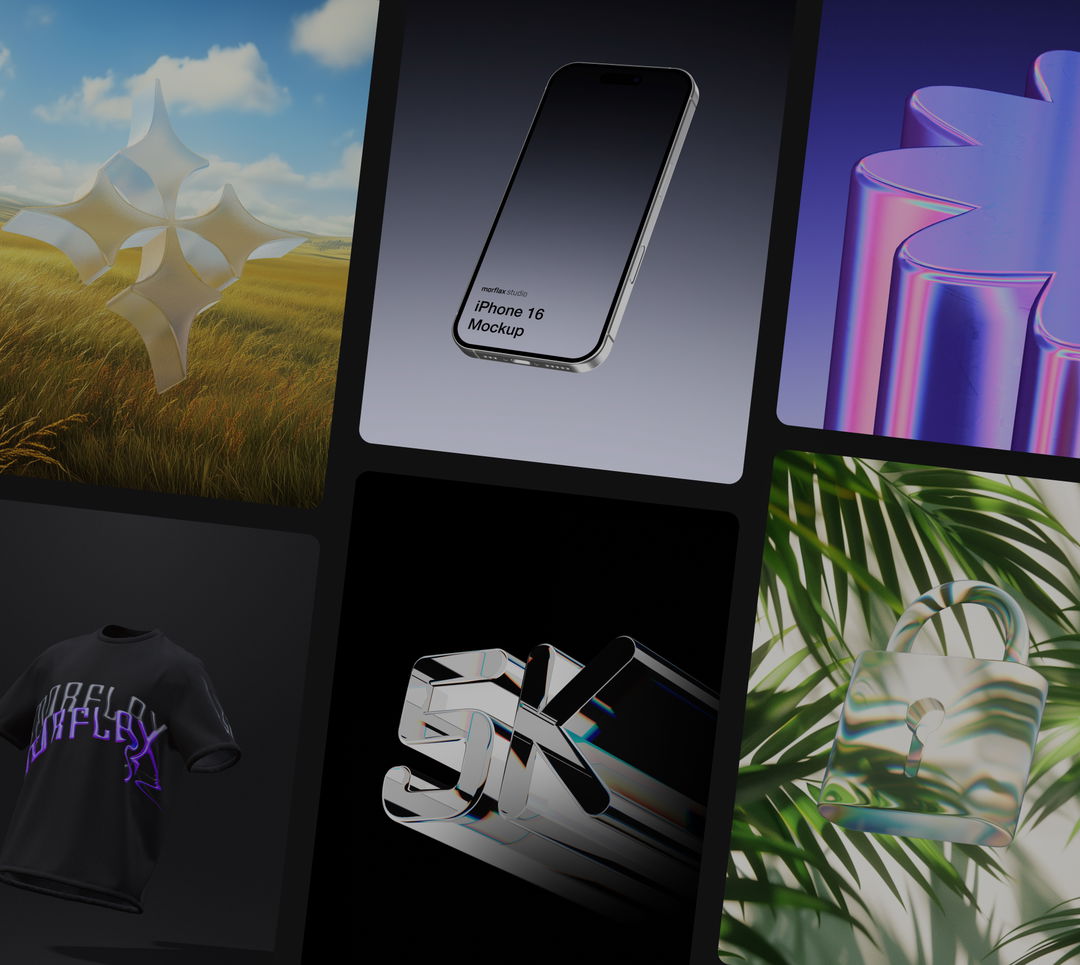
Realistic scenes with reflections & soft shadows
November 22, 2026

Give your mockups and 3D objects a more realistic scene, with reflections and soft, natural shadows. Plus a new Studio scene: one seamless curve from floor to wall, like in a photo studio.
Shape the scene
- Reflections. Glossy, mirror-like reflections on the floor, wall or studio, with controls for strength, blur and falloff.
- Soft floor shadow. Ground your mockups and objects with a soft, natural shadow for a more realistic look. It's on for new projects and can be toggled in Shadow settings.
- Surfaces. Pick a solid surface in any color, or keep it transparent to show just the shadows and reflections over your background.
- Fade out. Blend the surface, shadows and reflections into your background.
- Grid. Add a grid to any scene, including the curved Studio backdrop, now in your own color and size.
- Fit to mockup. Move the floor, wall or studio right up to your mockup or object in one click.
A mockup or object on a glossy Studio floor with a soft shadow looks much closer to a studio product shot than one floating on a flat background.
We would love to hear your feedback! Leave it
here
or just let us know via:
Email hello@morflax.com
, Twitter
@morflax_com